
March 4, 2026
At 2.30 p.m on a Tuesday, your labor cost is 45% because four servers are working in an empty dining room. Two hours later, a large group arrives just as two servers finish their shifts. Now, your kitchen is slow, your staff is stressed, and your guests are frustrated. This happens because your restaurant staffing schedule is based on guessing instead of actual data.
For restaurant owners and managers, scheduling is a balance between payroll costs and service speed. If you have too many people working, you lose profit. If you have few, you lose customers.
In 2026, an effective restaurant staffing schedule goes beyond filling shifts. It aligns labor costs with forecasted demand, controls payroll percentages, and ensures the right coverage at the right time. This guide will show you how to build a schedule that protects profitability while keeping service consistent and your team organized.
Scheduling for a restaurant is different than an office or a retail store. Each shift has a different pace, and every role has different timing needs. If your schedule does not account for these patterns, your staff will be stressed during rushes and bored during slow hours. This hurts your service quality and your profit.
Here are the key factors that make restaurant scheduling unique:
Managing these factors ensures your shifts are fair and match the actual flow of your business. This reduces last-minute changes and helps you plan based on real demand.
Recommended: Top Restaurant Employee Management Software.

A repeatable workflow makes scheduling easier. It helps you cover busy periods, respect staff availability, and avoid last-minute stress. Use these steps to build a reliable schedule every week.
1. Collect Staff Availability Early
Ask your team to submit availability at least two weeks before the schedule is finalized. Early input makes it easier to accommodate requests, prevent gaps, and plan around vacations or recurring commitments. Clear communication at this stage reduces last-minute shift swaps and ensures coverage.
2. Match Shifts to Sales Data
Check your POS data to find your busiest hours. Look at lunch peaks, dinner rushes, and weekend surges. Assign your most experienced staff to these high-volume times.
Pro Tip: If your POS is integrated with iOrders, you can see exactly when orders spike across your dining room and online channels. Use this data to prevent overstaffing during slow hours and understaffing during rushes.
3. Schedule Core Roles First
Start by filling essential positions for every shift, such as lead cooks and head servers. Once these core roles are set, fill the remaining spots with the rest of your team. This ensures that every shift has the necessary leadership to run smoothly.
4. Build Fair Rotation Rules
Set clear rules for how you distribute busy shifts or weekend work. Rotating these shifts fairly prevents burnout and keeps morale high. When the process is transparent, it reduces complaints and scheduling disputes among the team.
5. Review and Release
Check the final draft for any errors, such as one person scheduled for two roles or a "clopening" (working a late night followed by an early morning). Once verified, release the schedule at the same time every week so the team knows when to expect it.
Keeping shifts consistent is a challenge. Last-minute call-outs and unpredictable busy periods can throw your service off balance. Follow these practices to keep your schedule reliable and your team satisfied:
Adopting these habits creates a predictable environment for your team and improves the quality of service for your guests. Even with these practices, it is important to watch for common errors that can still cause issues.
Also Check: Guide to Digital Receipt Systems for Faster Orders and Smarter Workflows.

Small errors in your restaurant staffing schedule can quickly increase labor costs and frustrate your team. Watch for these common mistakes to protect your profit margins and staff morale:
Avoiding these errors keeps your schedule practical and cost-effective. It ensures your restaurant stays organized and ready for every shift without overspending.
Also Read: How Food Delivery Robots Are Helping Restaurants Cut Costs.
A restaurant staffing schedule is never finished. It requires a weekly review to stay effective. Regular evaluation helps you spot gaps and adjust for recurring issues before they become expensive.
Follow these steps to improve your scheduling process each week:
Using a simple weekly review helps you build schedules that are based on real-world demand rather than habit. This leads to more efficient shifts and a more satisfied team.
Recommended Read: 10 Best Apps for Restaurant Management in 2026.
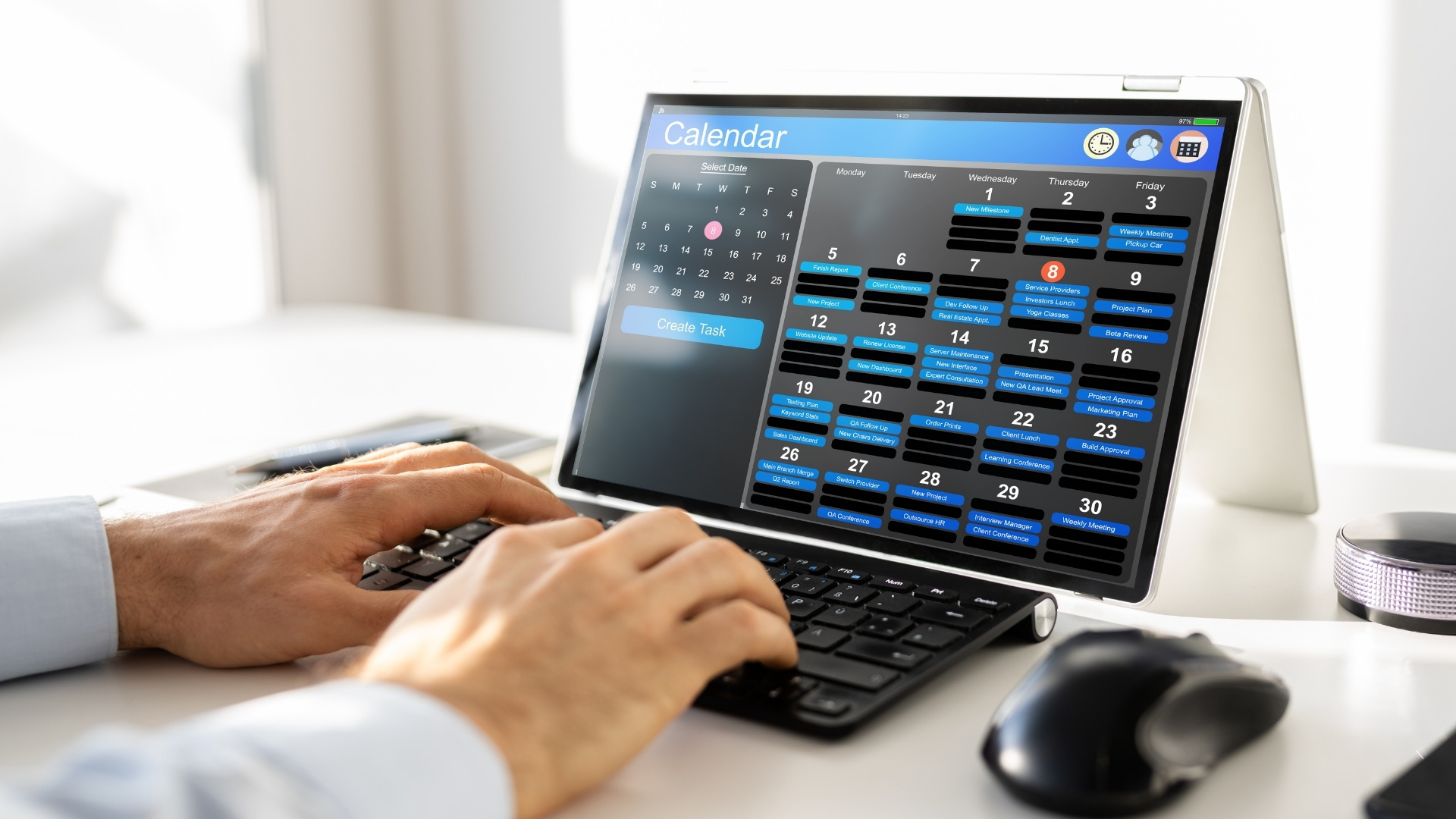
Manual scheduling can take hours and still leave gaps in coverage. The right tools help you track availability, manage shift swaps, and monitor labor costs without extra stress.
Here are the key features to look for in scheduling tools:
Scheduling is most effective when your order data and labor data are connected. When your system integrates POS and direct ordering, you can see exactly when traffic peaks and plan shifts around real demand.
iOrders helps restaurants combine these insights in one place. By seeing when your online and in-house orders are highest, you can create accurate schedules with less guesswork. This saves time, reduces errors, and makes the workday more predictable for both your staff and your management team.
A reliable restaurant staffing schedule requires a clear understanding of your peak hours and a balance of roles across the kitchen and dining room. By reviewing past sales, honoring staff availability, and using the right tools, you can reduce confusion and prevent coverage gaps.
Restaurants that plan shifts around real order patterns gain clarity on when they need staff the most. With iOrders, you can connect your POS and direct ordering data to see actual traffic trends across every channel. This insight helps you make informed decisions so you can schedule your team exactly where they are needed.
Stop guessing and start planning with data. Book a demo with iOrders today to simplify your scheduling and keep every shift running smoothly.
1. How can I handle last-minute staff call-outs without disrupting service?
Maintaining an on-call pool of part-time or cross-trained employees helps cover sudden absences. Clear communication and pre-established rules for shift swaps also reduce stress and keep service running smoothly.
2. What’s the best way to manage part-time and full-time staff together?
Plan core shifts for full-time employees first, then fill remaining hours with part-time staff based on availability. Rotating high-demand shifts fairly ensures workload balance and prevents burnout.
3. How often should I revisit my staffing schedule?
Weekly review is ideal. Compare scheduled vs. actual coverage, note recurring gaps, and adjust future schedules. Monthly staff feedback helps refine policies and improve fairness.
4. Can scheduling tools integrate with my POS or ordering data?
Yes. While scheduling tools don’t replace labor management, connecting them with POS or direct order data lets you see traffic patterns and schedule staff around peak periods. This improves coverage accuracy.
5. How do I avoid conflicts when multiple staff members request the same shifts?
Establish fair rotation rules and a transparent policy for shift assignment. Document requests in advance, honor seniority or availability where appropriate, and encourage swaps within the team to resolve conflicts.


