
Book a free demo
Oops! Something went wrong while submitting the form.
February 3, 2026
A good shift often comes down to how smoothly information moves, from the counter to the kitchen, from the kitchen to the guest, and back again. Receipts might seem like a small part of that flow, but they play a bigger role than most teams give them credit for.
A digital receipt system keeps that information clean and easy to revisit, without adding new steps for your staff or changing the way guests interact with you. It’s simply a cleaner, quicker way to handle the details that support every order.
This guide walks you through how digital receipts fit into the rhythm of a restaurant and help your team work with fewer interruptions.
A digital receipt system stores and delivers receipts in electronic form rather than printing them on paper. Each receipt is created automatically inside your ordering or billing system and sent to the guest through SMS, email, or a link on their phone.
Instead of filing paper copies or reprinting lost slips, all receipt details stay organized in one place. Restaurants can quickly look up past transactions, and guests always have access to their records.
Before exploring the benefits, it’s useful to see how a digital receipt system functions in a restaurant setting.
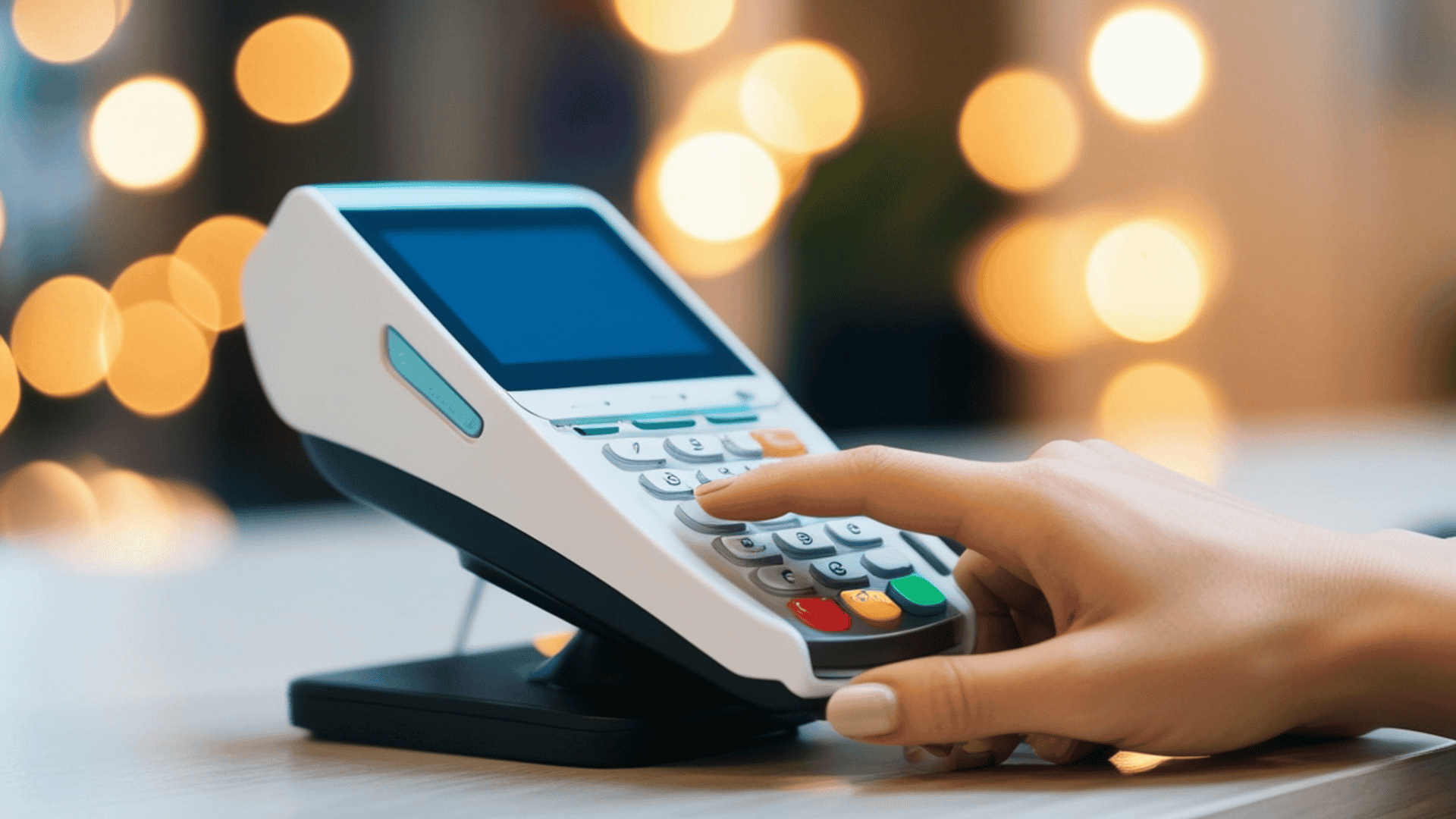
A digital receipt system works in the background, capturing every order without changing how your team or guests place them. From the moment an order is confirmed, the system records all the details and stores them in a centralized, accessible format. Guests receive a copy instantly, while your staff can reference the same record anytime.
Key steps in the workflow include:
With the flow in mind, the next question is simple: what difference does this actually make during a shift?
Recommended: Online Ordering System vs Marketplace Apps: Complete Guide for 2026.
Receipts are part of every shift, shaping how staff move, how orders flow, and how guests experience your restaurant. A digital receipt system keeps that information clean, easy to reference, and automatically organized. It touches everything from order accuracy to loyalty tracking, helping your team spend less time on paperwork and more time serving.
Every shift, paper receipts add hidden costs, rolls of paper, ink, and printer jams that interrupt service. With digital receipts, these small expenses disappear. Imagine a server during the lunch rush: instead of waiting for a printer to finish or reprinting a lost slip, they can move orders through the system without pause.
Paper receipts are easy to misplace or accidentally leave behind, creating privacy risks. Digital receipts store payment and order details securely, letting your team reference transactions without exposing sensitive information. A manager can check yesterday’s transactions without rifling through stacks of paper or worrying about lost customer data.
Shifts move faster when staff aren’t juggling paper slips, chasing lost orders, or double-checking handwritten tickets. With digital receipts, every order is recorded automatically. On a busy night, servers and kitchen staff can focus on timing and plating rather than clarifying a missing modifier, letting the floor run more smoothly without extra stress.
Small errors on paper receipts, a missed modifier, an extra side, or a discount forgotten can create big headaches. Digital receipts capture every detail as entered by the guest or staff. During peak hours, the kitchen sees “extra sauce, no onions” exactly as intended, avoiding misfires that slow service and frustrate diners.
Paper slips often get lost, fade, or get crumpled, making end-of-month reporting a chore. Digital receipts provide a complete, timestamped record that simplifies accounting and tax preparation. Owners can pull daily, weekly, or monthly reports in seconds instead of sorting through stacks of receipts after a long shift.
Every receipt is a small window into guest behavior. Over time, this data shows trends in repeat orders, popular dishes, and peak hours. A small café owner can see that breakfast combos sell fastest on weekends, letting them prep accordingly and reduce wait times for guests.
Stacks of paper can get lost, damaged, or buried in a drawer. Digital receipts live in the cloud, so staff can access past transactions anytime. Whether it’s checking a refund request or reviewing yesterday’s lunch rush, all receipts are a few clicks away, keeping back-of-house work stress-free.
Guests often need copies of receipts for refunds, exchanges, or reimbursement. Instead of rifling through paper piles, staff can pull up the exact transaction instantly. During a busy weekend, this saves valuable minutes and keeps guests satisfied without slowing down the rest of the floor.
For takeout or delivery orders, digital receipts reach guests immediately via SMS, email, or app. Customers can confirm their order or payment on the spot, reducing calls and confusion. A delivery driver doesn’t have to handle paper slips, and the guest knows exactly what they ordered before it arrives.
Digital receipts can reinforce loyalty programs without extra work. Points earned, rewards applied, or referral offers can all appear alongside the receipt. A regular guest sees their rewards instantly and is more likely to return, turning routine transactions into opportunities for engagement.
After seeing what digital receipts can do, the question becomes: which restaurants should actually adopt them?
Recommended: How to Make a Digital Restaurant Menu That Drives More Direct Sales.
Digital receipts aren’t just a tech upgrade — they fit naturally into the daily workflow of restaurants that deal with high volumes, repeat guests, or multiple ordering channels. They’re most useful for teams looking to reduce small headaches while keeping staff and guests happy.
After identifying who benefits most, it helps to know how to introduce digital receipts the right way.
Also Check: AI Menu Recommendations for Smarter, Personalized Restaurant Menus.
Introducing digital receipts works best when it fits smoothly into your team’s existing workflow. A few simple dos and don’ts can make the transition easier and keep service running without interruptions.
Digital receipts are just one part of keeping your order flow and guest interactions organized. To support the rest of that system, iOrders offers tools that help restaurants manage ordering, delivery, and customer engagement in a more structured way.
As restaurants refine how they manage receipts and order records, the next challenge is keeping all guest interactions aligned across channels. That’s where a unified workflow becomes valuable, one place to track what’s happening, without pieces getting lost between systems.
iOrders supports this continuity by connecting everyday tasks in a clear, organized flow. This helps restaurants maintain consistency as they scale their digital processes.
Key Features Include:
For a deeper look into how iOrders aligns with your restaurant’s needs, connect with our team get a clearer picture of its capabilities.
Receipts touch every part of a shift, from the kitchen to the counter to takeout orders. Handling them digitally keeps details accurate, frees staff from chasing paper, and gives you clear insights into every transaction. When every order is tracked and accessible, the day runs smoother and guests leave satisfied.
If you're looking for a system that keeps orders, receipts, and guest interactions under one roof without adding extra work to the shift, iOrders fits naturally into that flow. Book a demo today and see how iOrders can support your team and create a smoother experience for your guests.
1. Do digital receipts work for both dine-in and delivery customers?
Yes. Digital receipts can be sent after dine-in payments, online orders, QR-based orders, and even phone orders. As long as the guest provides an email or phone number, the system can deliver the receipt instantly.
2. Do guests need to download an app to receive a digital receipt?
No. Most systems send receipts through email or SMS, so guests don’t need to install anything. If your restaurant uses a branded mobile app, the receipt can also appear inside the app, but it’s optional, not required.
3. How long should restaurants store digital receipts?
Most restaurants keep receipts for 3–7 years, depending on local tax rules. Because storage is cloud-based, you don’t need to manage files manually. The system archives them automatically for audits or future reference.
4. Will switching to digital receipts slow down checkout?
Not at all. Sending a digital receipt usually takes the same amount of time as printing one, sometimes faster, because there’s no printer jam, no re-prints, and no searching for paper rolls during busy hours.
5. Can guests still request a paper receipt if they prefer one?
Yes. A digital receipt system doesn’t remove paper entirely. It simply adds an easier default option. If a guest wants a printed copy, your staff can generate one instantly from the POS.
.png)


