
April 16, 2026
Running multiple restaurant locations may signal growth, but it often introduces a hidden challenge: inventory chaos across outlets. In fact, 62% of restaurant operators report inventory inaccuracy as a major operational challenge. When each location tracks stock differently, you lose visibility and struggle to maintain control across your operations.
This operational gap quickly turns into a financial problem. Without a structured restaurant multi-outlet inventory system, stock mismatches, overordering, and shortages become common. As you scale, these inefficiencies impact margins, disrupt consistency, and make it harder to deliver a reliable customer experience.
In this blog, you’ll learn how to manage restaurant multi-outlet inventory efficiently, improve control, and build a scalable system for consistent growth across locations.
Restaurant multi-outlet inventory management is the process of tracking and managing stock across multiple locations through a single, unified system. It enables you to monitor inventory levels, stock movement, and usage patterns across outlets without relying on separate tools or manual coordination.
This approach helps you standardize how inventory is recorded, replenished, and analyzed across locations. By bringing all inventory data into a single system, you create a structured framework that supports better planning and more accurate reporting. This also enables smoother day-to-day operations as your business expands.
As your restaurant grows, managing inventory becomes less about tracking stock and more about making informed decisions. This is where its broader business impact becomes clear.

As you scale across locations, inventory directly influences how efficiently your business runs and how well you protect your margins. Without a structured approach, small inefficiencies at each outlet can quickly add up and affect overall performance.
Here’s why it becomes critical:
A strong inventory system supports better decisions and smoother execution at scale. However, as operations expand, many restaurants encounter recurring challenges that make consistent inventory control difficult.
As restaurants expand across locations, inventory management often becomes harder to control rather than easier to scale. For independent brands, QSRs, and growing chains, these challenges don’t just slow operations; they directly impact margins, visibility, and decision-making.
Here are the most common challenges operators face:
Addressing these challenges requires more than visibility; it demands the right system capabilities. Let’s look at the features that enable consistent and scalable inventory management across locations.
Not all inventory tools are built to handle the complexity of managing multiple restaurant locations. You need capabilities that go beyond basic tracking and support real-time coordination across your entire operation.
Here are the key features to look for:
These capabilities ensure your inventory system supports both day-to-day execution and long-term growth.
Also Read: How Predictive Ordering Analytics Enhances Inventory Management
Scaling inventory is where many restaurants lose control. Let’s now explore how you can manage it across locations without adding complexity.

Managing inventory across multiple locations needs a clear, repeatable approach that aligns your team, systems, and daily operations. For independent restaurants, QSRs, and growing chains, the goal is to simplify control and reduce dependence on fragmented processes.
Here’s how you can manage inventory effectively across all your locations:
A fragmented setup makes it difficult to track stock accurately across outlets. Centralizing your inventory ensures that every location operates from the same data.
Inconsistent workflows across locations often lead to errors and confusion. Standardization helps your team follow the same process everywhere.
Inventory gaps often occur when systems do not communicate with each other. Integration ensures that stock updates happen automatically with every order.
Delivery operations can disrupt inventory accuracy if not properly connected. A structured approach helps maintain consistency across all order channels.
Managing multiple outlets gives you access to valuable data. Using this data effectively helps you plan better and reduce waste.
Inventory management is an ongoing process. Regular monitoring helps you identify gaps and improve efficiency over time.
A structured approach like this helps you stay in control as you scale, but many restaurants still struggle with common operational challenges that slow them down.
A comprehensive digital platform like iOrders can further simplify this process by connecting your ordering and POS into a single ecosystem. With commission-free ordering and real-time menu control, it helps ensure that incoming orders are accurately reflected in your system, improving operational visibility across locations.
Also Read: How to Calculate PAR Level in Inventory Management
With the right processes in place, the impact becomes visible quickly, so let’s explore the key benefits of multi-outlet inventory management.
Once your inventory is managed through a structured system, it begins to influence how smoothly your operations run and how effectively you control costs. A well-managed setup helps you maintain accuracy while supporting sustainable growth across locations.
Here are the key benefits you can expect:
While these benefits highlight what effective inventory management can achieve, the real challenge lies in bringing your systems, ordering channels, and operations together to make it work seamlessly. Let’s see how iOrders helps you simplify and unify these processes across locations.
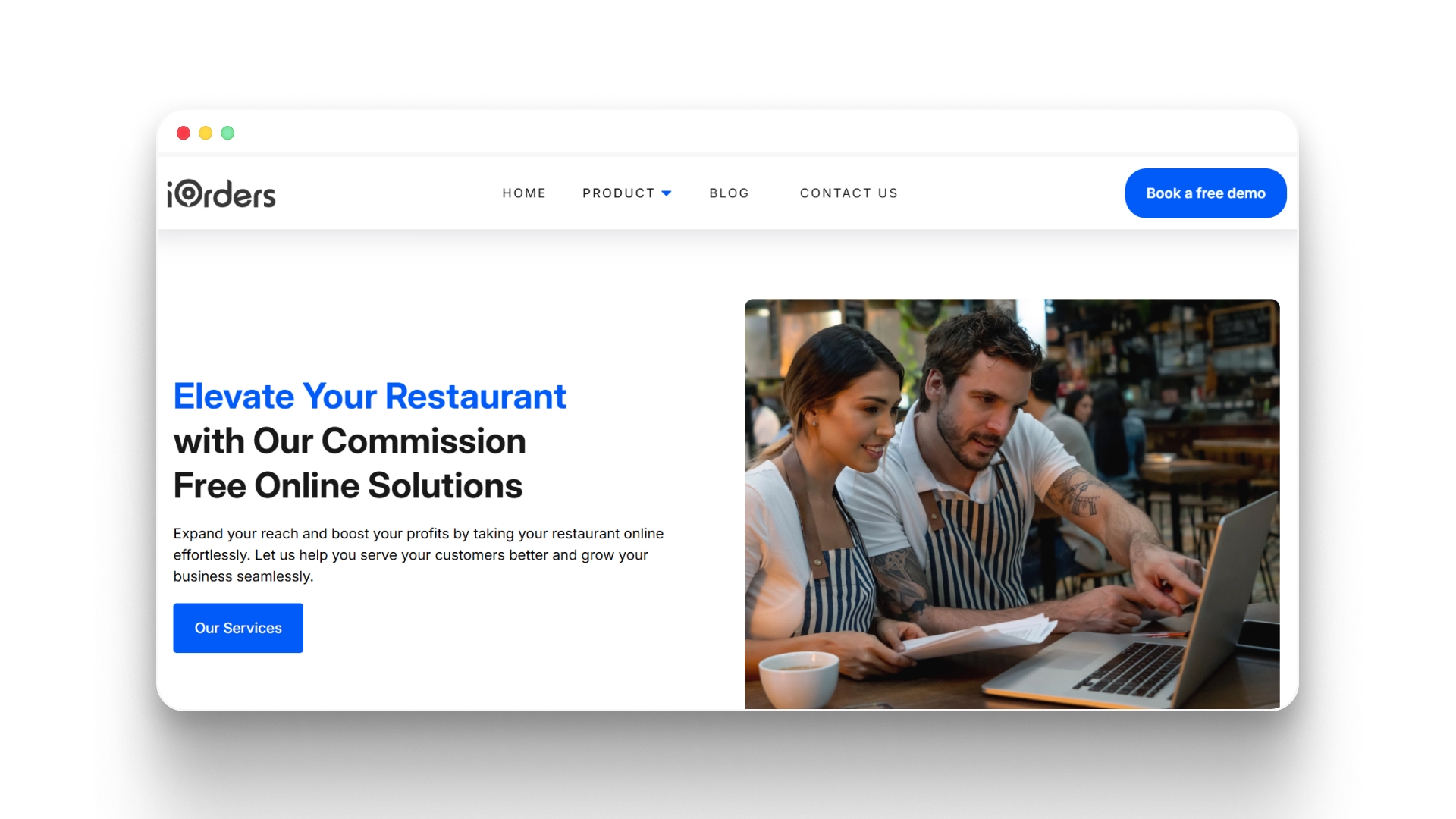
Relying on third-party platforms often means high commission fees, limited control over customer data, and restricted branding opportunities for restaurants. iOrders helps you overcome these challenges by giving you a unified platform to manage ordering, delivery, and customer engagement while maintaining full control over your operations and revenue.
Key Features:
When your ordering, delivery, and customer engagement systems work together, you reduce operational friction and gain better control over revenue, data, and overall restaurant performance.
Managing restaurant multi-outlet inventory is about maintaining control as your operations scale. Without the right structure, small inefficiencies across locations can quickly impact costs, consistency, and overall performance.
To truly scale without added friction, you need systems that connect your ordering, operations, and customer data. Platforms like iOrders help you take that step by giving you control over orders, reducing dependence on third parties, and improving operational visibility across locations.
If you're looking to simplify operations and build a more scalable restaurant system, request a demo and see how iOrders can help you take full control of your restaurant operations.
1. How can restaurants reduce dependency on third-party platforms while managing inventory?
Restaurants can adopt direct ordering systems integrated with POS to maintain control over orders and data. This reduces reliance on third-party platforms and ensures better alignment between sales activity and inventory planning.
2. What role does customer data play in inventory management?
Customer data helps identify ordering patterns, peak demand times, and popular menu items. These insights allow restaurants to plan inventory more strategically and reduce both stockouts and excess inventory.
3. How can multi-location restaurants maintain consistency in inventory reporting?
Using standardized formats and centralized reporting systems ensures that all locations track and report inventory consistently, making it easier to compare performance and identify discrepancies.
4. Why is system integration important for multi-outlet inventory control?
Integration ensures that orders, stock updates, and reporting happen in real time across systems. This eliminates manual intervention and reduces the risk of mismatched data between sales and inventory.
5. How can restaurants prepare their inventory systems for future expansion?
They should invest in scalable tools that support multiple locations, automate workflows, and provide centralized visibility. This ensures new outlets can be added without disrupting existing operations.


