
Book a free demo
Oops! Something went wrong while submitting the form.
February 27, 2026
When the dinner rush hits, one staff member is taking phone orders, another is keying them into the POS, while the third clarifies a “no pickles, extra sauce” request that the kitchen barely heard. Small delays stack up, causing tickets to get reprinted, and guests have to wait longer than they should.
This is where automation in the fast food industry becomes practical. The real impact shows up in how orders are captured, how modifiers reach the kitchen, and how delivery requests move without manual intervention.
When orders enter your system automatically, your team avoids duplicate entry and constant clarifications. Service stays steady during peak hours. In this blog, you will see how automation strengthens your counter, kitchen line, delivery flow, and margins, with practical steps you can apply immediately.
A busy kitchen rarely falls behind because of demand alone. It falls behind when unclear tickets, repeated clarifications, and rushed corrections interrupt the flow of the line. During peak hours, even a small mistake can delay several orders and create tension between the counter and the kitchen.
Automation reduces these friction points by tightening how information moves from guest to grill.
1. Ordering Accuracy Starts at the Source
Think about how phone orders typically move through your restaurant. A staff member answers the call, writes the order down, and then re-enters it into the POS. If a modifier is missed or misheard, the kitchen works from incomplete information. The mistake surfaces only after the food reaches the counter.
Common breakdowns include:
When orders are captured digitally and sent directly into your system, every customization appears clearly on the ticket. Cooks read structured instructions and begin prep immediately.
2. Consistency in Repetitive Prep Tasks
Repetitive tasks create most quality issues during long shifts. Fries stay in the fryer too long because someone stepped away to bag a delivery order. Timers are forgotten when multiple baskets drop at once. Small lapses affect consistency and slow the line.
Automation supports consistency through:
Instead of relying on verbal reminders, staff follow visible cues. Food quality remains stable even when your most experienced cook is not on shift.
3. Less Rework Means a Calmer Shift
Every remake forces your team to pause and restart. One incorrect burger can delay several tickets behind it. Over time, constant corrections increase stress and reduce morale.
Accurate order capture and structured prep reduce these interruptions. Your team completes more tickets the first time. Guests receive correct orders without delays. The kitchen moves with control rather than urgency, which improves both staff experience and guest satisfaction.
The next aspect that can be automated is the front-of-house processes, which are manual and delay service before the ticket reaches the line.
Also Check: Guide to Digital Receipt Systems for Faster Orders and Smarter Workflows.
The front counter is where service pressure builds first. When orders rely on manual entry and verbal instructions, delays and errors increase quickly. Front-of-house automation improves how orders are captured and routed, allowing your team to focus on guests instead of administrative tasks.
1. Digital Ordering Touchpoints Reduce Counter Congestion
When guests rely only on the counter to place orders, your team becomes the bottleneck. Digital ordering options distribute that load.
With tools like:
Orders move into your system without requiring staff to re-enter them. Instead of toggling between tablets and POS screens, your team can focus on greeting guests, answering menu questions, and managing traffic at the counter.
2. Written Modifiers Improve Accuracy
During peak hours, verbal modifiers create confusion. A cashier calls out “No onions,” but the kitchen misses “add bacon.” The plate returns for correction, and the line stalls.
Digital order capture eliminates that gap. Every customization appears clearly in writing on the ticket. Your kitchen reads precise instructions, which reduces remakes and shortens wait times.
3. Fewer Handoffs, Smoother Service
Multiple systems create unnecessary movement. Staff checks one device for delivery, another for online orders, and the POS for dine-in tickets. Each switch increases the risk of delay.
When orders route into a single integrated system, you reduce:
With fewer handoffs, your front-of-house team stays present with guests. Service feels controlled, and your staff can focus on hospitality instead of damage control.
Recommended: Build an Online Food Ordering System for Smoother, Faster Service.
When both the kitchen and counter run with fewer manual interruptions, the impact extends beyond daily service. It directly influences how you schedule, deploy, and manage your team.

Labor planning becomes harder when daily operations depend on manual processes. Small inefficiencies add up and affect how you schedule and allocate staff. Automation reduces task load and improves visibility, helping you plan shifts more accurately and deploy your team more effectively.
When orders enter your POS automatically, staff are no longer tied up with:
That same headcount can instead:
You shift labor toward revenue-generating activity rather than administrative work.
Consistent order data reveals demand patterns. Instead of reacting to sudden rushes, you can:
Fewer surprises mean fewer overtime payouts and less fatigue.
Manual order entry and modifier handling create most early-stage mistakes. Automation standardizes this process. Orders arrive structured, reducing confusion and speeding up onboarding. Training becomes faster, errors drop, and shifts run more predictably even with newer staff on the floor.
To understand whether automation is delivering real value, you need to look at the numbers that directly affect your margins and service speed.
The impact of automation in the fast food industry becomes clear when you track specific operational metrics.
Now, the next step is implementing it in a way that strengthens operations without interrupting daily service.
You do not need a full system overhaul to benefit from automation. Many improvements start with small adjustments that remove friction from daily tasks. When you introduce changes gradually, your team adapts faster, and service remains steady.
Here are practical ways to begin.
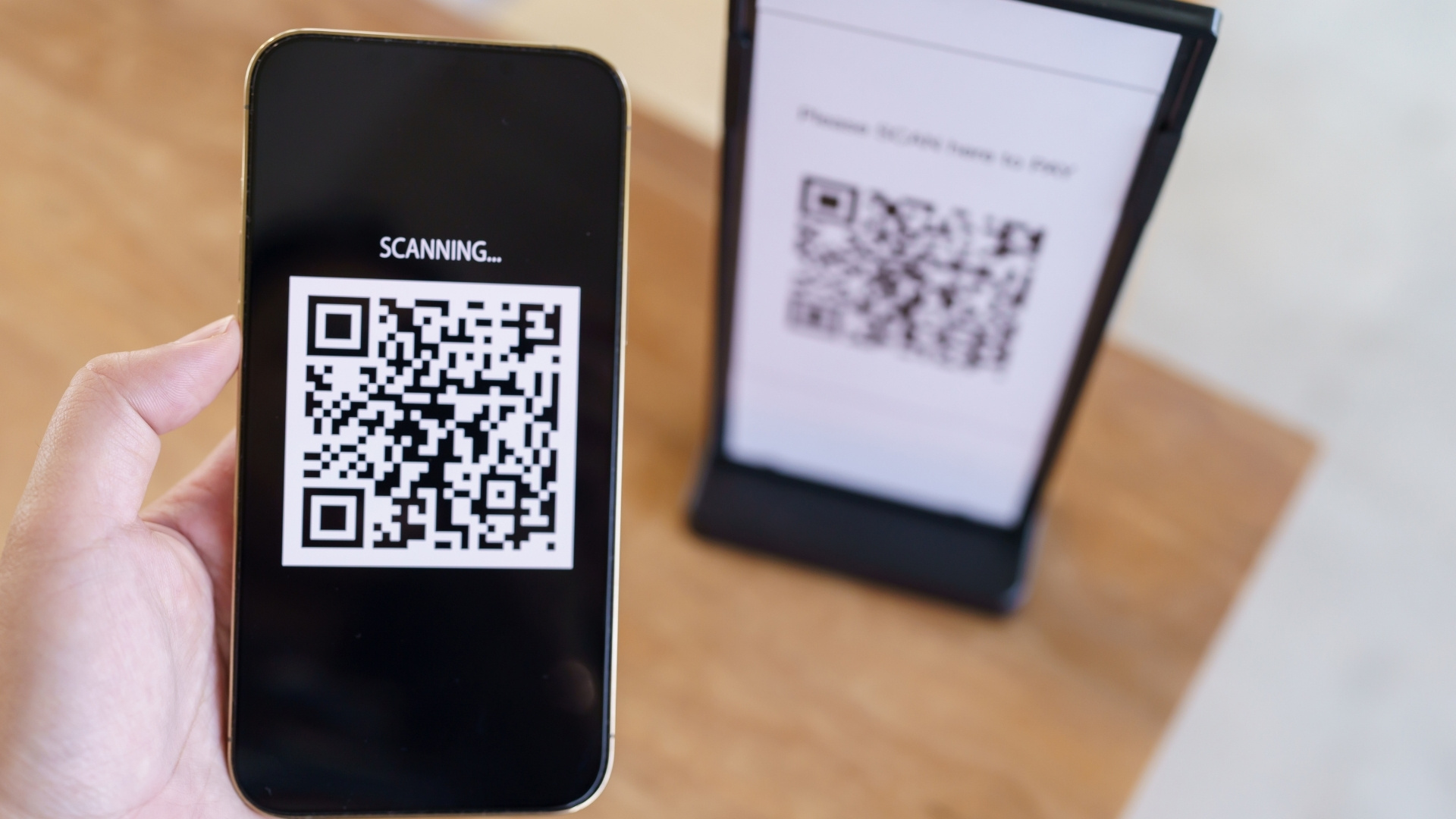
QR ordering reduces pressure at the counter during peak periods. For example, during a lunch rush, guests scan a code at the table and place orders directly. Instead of lining up to order and pay, their tickets move straight to the kitchen. Your cashier can then:
This reduces congestion and shortens wait times without adding staff.
Manual re-entry creates delays and mistakes. If online or pickup orders require staff to retype them, errors are likely.
When orders feed directly into your POS, the workflow changes. A guest places an order online. The ticket prints automatically in the kitchen with all modifiers included. No second step. No repeated typing. Your team focuses on preparation instead of data entry.
Responding to reviews and messages often falls to the end of the shift. Managers handle it after closing, which adds to the day's stress. Automated review management allows you to:
Instead of scrambling to reply days later, you stay engaged without adding hours to your schedule.
Loyalty programs work best when they react to guest behavior. For instance, if a customer orders every Friday evening but skips a week, an automated offer can prompt a return visit. If someone frequently adds sides, you can trigger a bundled promotion.
These automated triggers keep guests returning without requiring manual outreach from your team. Over time, small automation steps like these create measurable improvements in service speed, staff focus, and repeat revenue.
But what if you could bring all of these improvements together within one connected system? Instead of managing separate tools for ordering, delivery, and guest engagement, your workflow could run through a single structured platform designed to support daily service.
Adopting automation does not require replacing your systems or retraining your entire team. It requires connecting the tools you already use into one structured flow. iOrders is built specifically for restaurants that want more control over orders, guest data, and delivery without adding complexity to daily service.
Instead of layering multiple tablets and third-party apps onto your counter, it brings ordering, delivery, marketing, and guest engagement into one connected system. Your team continues using familiar workflows, but with fewer manual steps and fewer corrections.
Here is how that plays out inside your restaurant.
If you want to introduce automation in a way that supports your staff instead of overwhelming them, book a demo today and see how it fits into your daily service flow.
Automation in the fast food industry is no longer a future investment. It is a practical decision about how your restaurant handles orders, labor, and guest relationships today. The question is not whether automation exists. The real question is where friction still slows your team down.
Start by identifying one pressure point. It may be phone orders during lunch, repeated ticket corrections, or delivery commissions eating into margins. Introduce structured automation in that area first. Measure the change in ticket times, remakes, and staff workload. Then expand from there.
If you want a system that connects ordering, delivery, loyalty, and guest engagement without complicating your workflow, iOrders can help you put that structure in place.
Connect with our team today to get started!
1. Is automation affordable for a single-location fast food restaurant?
Yes, automation does not require large capital investment or advanced robotics. Many solutions focus on software improvements such as digital ordering, POS integration, and workflow automation. The key is choosing tools that directly reduce manual work or commission fees so the system pays for itself over time.
2. Will automation replace my staff?
In most fast food operations, automation supports staff rather than replaces them. It reduces repetitive tasks like order re-entry and manual reconciliation, allowing your team to focus on speed, accuracy, and guest interaction.
3. How long does it take to implement automation in a restaurant?
Basic automation tools such as QR ordering or integrated online ordering can be implemented within days, depending on your existing POS setup. More advanced workflow adjustments may take a few weeks of structured rollout and staff training.
4. Can automation integrate with my existing POS system?
Most modern automation platforms are designed to integrate with commonly used POS systems. Before adopting any tool, confirm compatibility to avoid manual syncing or duplicate data entry.
5. What is the first area I should automate in my fast food restaurant?
Start where friction is highest. For many operators, this is phone orders, third-party delivery reconciliation, or modifier-related errors. Automating the area that causes the most daily corrections typically delivers the fastest operational improvement.
.png)


