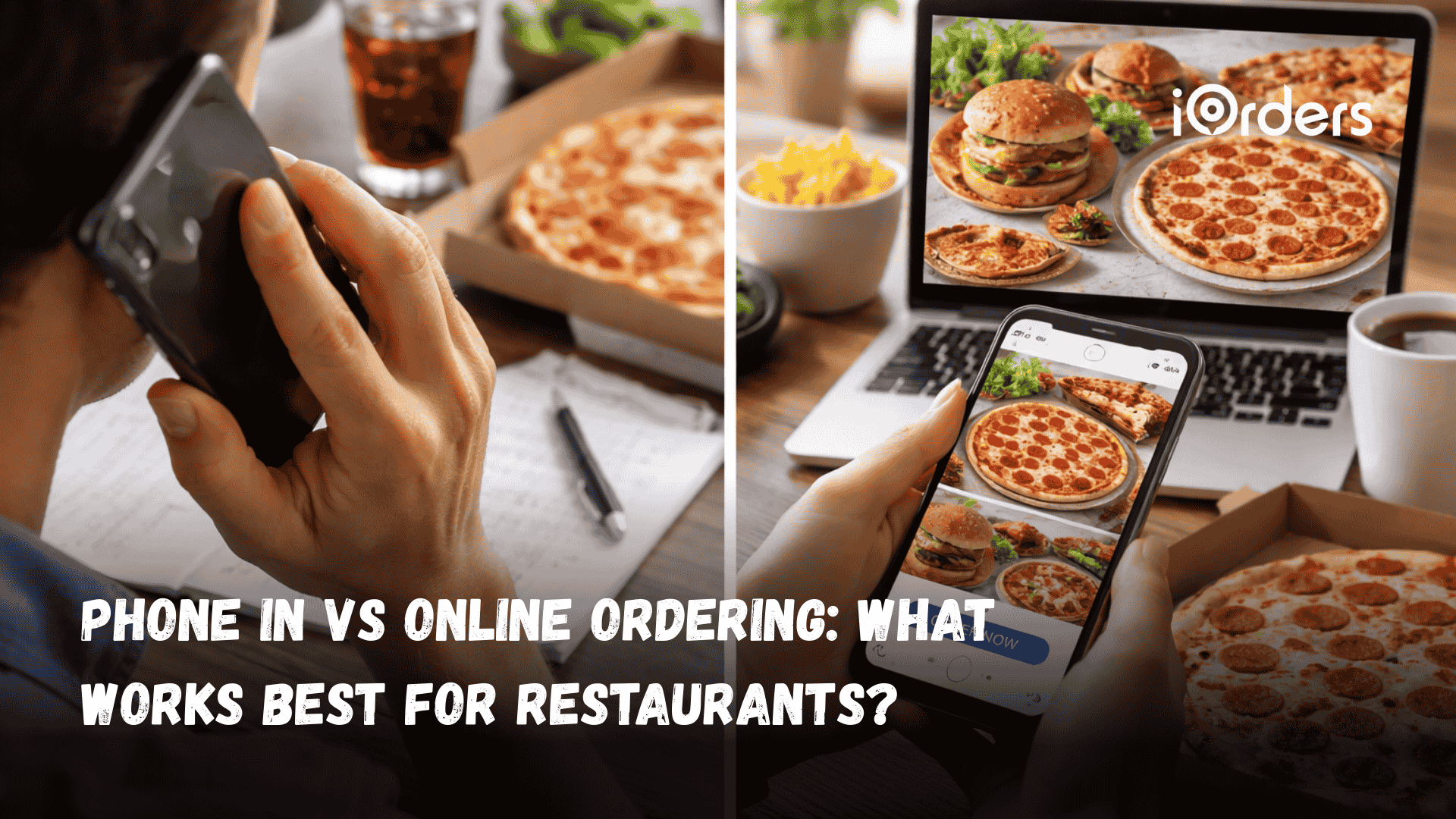
Phone orders feel familiar and personal. Guests call, ask quick questions, and place their usual requests. Many restaurants still value these conversations, especially with loyal customers. Yet phone calls often interrupt staff, lead to rushed notes, and cause missed details during busy hours.
Online ordering is a new method where guests browse the menu at their own pace and send accurate requests directly to the kitchen, reducing errors and keeping staff focused.
Restaurants often use both methods, but each has different strengths. This raises a key question for owners: how do phone-in vs. online orders affect daily service, accuracy, and revenue? This blog answers that question for your restaurant.
Quick Overview
Phone-in orders feel familiar but often slow service, create interruptions, and lead to missed details during rush hours.
Online ordering speeds up ticket flow, improves accuracy, and gives guests full menu visibility with easier customization.
Restaurants using online menus see higher average spend, better upselling, and stronger repeat business through loyalty tools.
Digital ordering eases staff workload and gives owners data to plan smarter, while phone-only workflows limit growth.
iOrders helps restaurants balance both methods with commission-free ordering, POS integration, delivery support, and customer-building features.
What “Phone-In” Orders Look Like for Restaurants Today?
Phone orders remain a staple in many restaurants. Guests often prefer calling to ask questions, confirm ingredients, or place orders. While this method feels personal, it becomes challenging for the staff, as they balance taking calls with managing dine-in guests and kitchen tasks. These factors can affect speed, accuracy, and the overall customer experience.
Key aspects of phone-in ordering include:
Staff-Dependent Process: Someone on your team must answer every call, take notes, and manually enter orders into the system. This adds pressure during peak hours.
Higher Risk of Miscommunication: Details can be missed or misunderstood, from special requests to delivery instructions, leading to errors and dissatisfied customers.
Limited Customer Insights: Phone orders rarely capture customer history or preferences automatically, making it harder to run personalized promotions or track repeat orders.
As order volumes grow and guests expect smoother ways to place requests, relying only on phone conversations can limit how far a restaurant can go.
Why Online Ordering Has Become Essential for Restaurants
Guest habits are changing. More people prefer to order from their phones or computers, often outside traditional mealtimes. Restaurants that rely solely on phone orders can miss opportunities to capture these orders. Digital ordering has become a major driver of revenue, with digital ordering and delivery growing faster than dine-in traffic.
Key advantages of online ordering include:
Convenience Anytime: Guests can place orders 24/7, avoiding hold times or busy phone lines. This opens revenue opportunities beyond traditional hours.
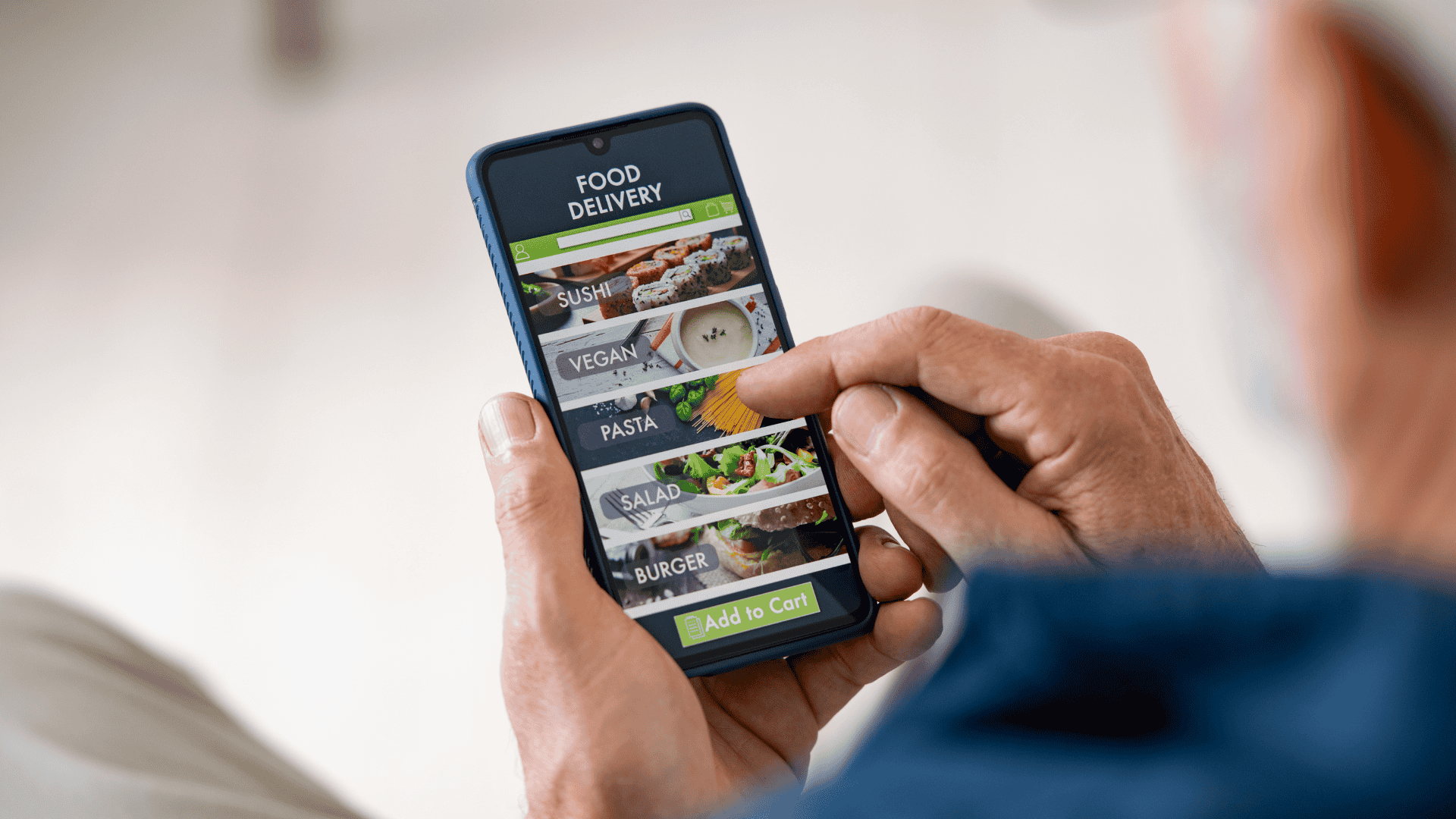
Enhanced Menu Visibility: Visual menus let customers see images, descriptions, and add-ons. This encourages informed choices and increases upselling opportunities.
Customer Preference Alignment: Mobile and online ordering meet the expectations of today’s guests, who value speed, accuracy, and flexibility in how they order.
To make the decision clearer, let’s look at how phone-in orders stack up against digital ordering.
Phone-In vs. Online Ordering: A Practical Breakdown
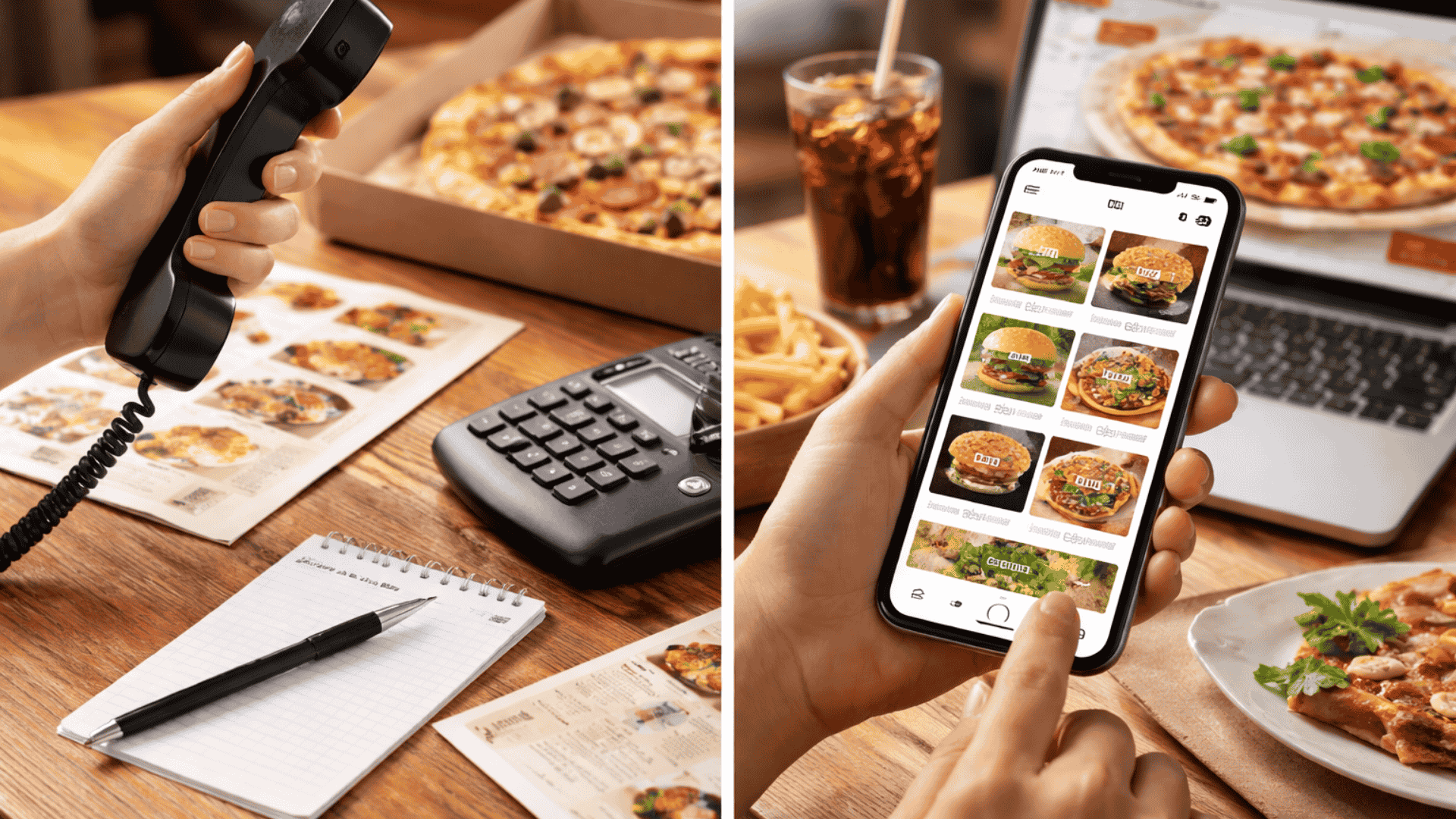
Phone and online orders might serve the same purpose, but they create very different realities inside a restaurant. This breakdown highlights how each method affects speed, accuracy, and overall operations.
1. Menu Visibility and Custom Requests
Guests interact with your menu differently depending on how they place their order. That interaction directly affects how many details your staff must capture and how accurately the kitchen receives instructions.
Phone-In Orders: Staff explain items verbally, often repeating descriptions during rush periods, which increases the chance of missing substitutions or modifiers. A guest asking, “Can you make the pasta without mushrooms and add extra spinach?” requires the employee to listen, repeat, and enter the details manually.
Online Orders: Guests browse a visual menu, tap modifiers, and enter written notes that pass directly to the kitchen in the format they intended. This reduces back-and-forth and helps ensure special requests, such as extra dressing or no onions, are captured precisely.
2. Impact on Restaurant Revenue & Customer Spend
The way guests move through a menu influences how often they add upgrades or explore higher-margin items. Operators see meaningful differences between fast phone orders and visual online browsing.
Phone-In Orders: Guests usually order quickly, sticking to familiar items because they feel rushed or want to end the call. Staff may not have time to suggest add-ons like garlic bread or beverages when the line is ringing.
Online Orders: Visual menus prompt natural upsells by highlighting extras, combos, or seasonal specials. A guest who might have ordered only a sandwich by phone may add fries and a drink when prompted at checkout.
3. Reducing Staff Pressure During Busy Hours
During peak times, how orders arrive can either interrupt your workflow or support it. Restaurants often feel the difference most clearly during lunch rushes and weekend evenings.
Phone-In Orders: Ringing phones pull staff away from in-person guests, prep stations, or expo lines, forcing them to multitask. This interruption can slow down service, especially when employees must confirm items or repeat the order.
Online Orders: Orders flow into the system without requiring a conversation, allowing staff to focus on preparing food rather than fielding calls. During heavy rushes, this can prevent bottlenecks and reduce stress across the line.
4. Customer Experience & Expectations
Different guests have different comfort levels with ordering methods, and both channels fulfill real expectations. The key is understanding what type of experience each group values most.
Phone-In Orders: Regulars often appreciate speaking to someone directly, especially when they have nuanced questions like “Is a certain curry available today?” or want to request something off-menu. This interaction builds familiarity but can lengthen order times.
Online Orders: Guests who prioritize speed prefer browsing and confirming their choices without waiting on hold. They can place an order from work, or while picking up kids, moments where a phone call isn’t ideal.
5. Payment Options & Fee Transparency
The payment process affects accuracy, speed, and the overall guest experience. Clarity in totals and timing is especially important during peak pickup windows.
Phone-In Orders:Payment typically happens at pickup or delivery, which can slow down lines and cause last-minute disputes over totals or adjustments. Staff must manually handle cards or cash, adding extra steps during busy shifts.
Online Orders: Guests pay before the restaurant receives the order, reducing delays and ensuring the total is clear upfront. Automatic receipts and digital wallets streamline pickup, especially for regulars who reorder similar items.
6. Loyalty, Personalization & Re-Ordering
The ability to track preferences and repeat behavior influences long-term customer value. Restaurants benefit when guests can reorder quickly and consistently.
Phone-In Orders: While staff may remember frequent callers, those details rarely make it into a system that supports structured loyalty or marketing. A guest who always orders “the same two pizzas as last time” relies on staff memory rather than stored data.
Online Orders: Customer profiles, saved favorites, and order history make reordering effortless and help restaurants send relevant promotions. This consistent digital trail supports higher repeat rates and more predictable demand.
7. Accessibility & Inclusivity
Offering multiple ordering options ensures more guests feel comfortable interacting with your restaurant. Different age groups, abilities, and preferences influence which method they choose.
Phone-In Orders: Older guests or those who prefer human interaction rely on speaking to someone who can confirm details, answer questions, or reassure them about substitutions. This accessibility helps keep long-time regulars engaged.
Online Orders: Guests who prefer visual navigation, or those who avoid phone calls altogether, benefit from clear menus and the ability to review their choices before submitting. This supports inclusivity for people with speech, hearing, or social communication barriers.
For a clearer view across all factors, take a look at the comparison table below.
Hard to track preferences or repeat orders; limited analytics.
Orders stored digitally; platforms like iOrders track history for loyalty, promotions, and targeted campaigns.
Payment & Fees
Often paid at pickup/delivery; risk of mistakes or delays.
Secure online payment with multiple methods; reduces errors and ensures transparency.
Guest Experience
Personal touch for regulars; slower and less flexible.
Fast, accurate, and convenient; meets the expectations of tech-savvy and busy customers.
Scalability
Difficult to handle high volume without adding staff.
Easily scales for multiple orders, peak times, and multiple channels while maintaining accuracy.
Seeing the differences side by side makes it clear how each method affects daily workflow. But what does this mean for your restaurant’s growth over time?
Which Method is Right For Your Restaurant?
Most restaurants don’t pick one ordering method. Instead, they use a mix that matches their guests, menu, and operations. The right choice depends on your customer base, peak-hour workflow, and long-term growth goals.
Choose Phone-In Ordering If:
Some restaurants rely on phone orders because their guests prefer direct communication or require more hands-on support. This approach works best when staff can easily balance conversations with in-store operations.
You have a strong base of regulars who like speaking with staff and often place similar orders.
Many guests ask detailed questions about ingredients, spice levels, or substitutions before deciding.
Your menu includes complex dishes that benefit from human guidance, such as seafood made to order or custom curries.
Your peak periods are manageable, and staff can comfortably answer the phone without disrupting kitchen flow.
You serve an older demographic or a local neighborhood where personal interaction builds trust and loyalty.
Go For Online Ordering If:
Online ordering is ideal for restaurants aiming to streamline operations, reduce wait times, and reach guests who prioritize speed and convenience. It allows customers to browse the full menu, customize clearly, and check out without delay.
Your guests prefer fast, self-serve ordering, especially younger or on-the-go customers.
You want a consistent flow of accurate tickets without tying up staff on the phone.
Your menu has many customizable items where visual modifiers reduce errors, such as build-your-own bowls or pizza.
You'd benefit from automated upsells, cart suggestions, or featured items that boost average order value.
You want digital records that support loyalty programs, reorder reminders, and data-driven marketing.
When a Hybrid Model Works Best
A blended approach helps restaurants serve every guest while supporting long-term growth. Most operators adopt a hybrid model because it reduces friction during busy hours and broadens the restaurant’s reach without overwhelming staff.
Phone orders support regulars who want personal service, while online orders capture new guests who prefer convenience.
Digital ordering absorbs peak-hour volume so staff can answer occasional calls without slowing down production.
The combination brings a balance of human interaction when needed and automation when it matters most.
Hybrid workflows create reliable data for forecasting and marketing, while still preserving direct guest relationships.
To make this growth easier and less stressful, many restaurants turn to tools like iOrders, which handle both phone and online orders efficiently.
Meet iOrders: Making Online Ordering Simple for Restaurants
Switching from old methods to new online ordering can feel overwhelming. Phone orders feel familiar, but managing multiple channels, special requests, and payments can be stressful during busy hours.
iOrders makes the switch simple, putting your entire workflow at your fingertips. It helps you manage orders accurately, reduce mistakes, and keep customers satisfied, all while easing the pressure on your team.
Key features include:
Commission-Free Online Ordering: Take full control of orders from your website or app, without paying high third-party fees.
Website & QR Code Ordering: Guests can scan a QR code or order online, ensuring accurate requests reach the kitchen every time.
Delivery-as-a-Service: Offer reliable delivery with your brand visible, using third-party logistics without extra commissions.
Managed Marketing Services: Send personalized messages and promotions to increase engagement and repeat business.
Loyalty & Rewards Programs: Build long-term relationships by rewarding repeat customers and encouraging referrals.
Smart Campaigns & Data Insights: Use insights from order patterns to run campaigns that increase revenue and customer retention.
AI-Powered Review System: Automate responses to FAQs, comments, and reviews, keeping customer communication consistent.
White-Label Mobile App: Provide a fully branded app for pickup, delivery, and dine-in orders, making the experience seamless for guests.
Connect with us today and see how you can take control of your restaurant’s online orders!
Final Thoughts
Phone-in orders still matter, especially for regulars who prefer a quick call. But as volumes rise and guests expect smoother experiences, relying only on calls can slow growth. Online ordering brings structure, accurate tickets, better upselling, and clear insights into customer preferences.
However, the real advantage comes from using a system that supports both methods without adding stress to your team. iOrders helps restaurants manage online orders, reduce errors, handle delivery, and build loyalty, all in one place.
If you’re ready to make ordering easier for staff and guests, book a demo with iOrders and see how it fits your restaurant.
FAQs
1. Do customers prefer calling a restaurant, or do most people now choose online ordering?
Many guests still call, especially older customers or locals who know the staff. Younger customers and busy families often prefer online ordering because it’s quicker and allows them to review the menu. Offering both keeps every group comfortable.
2. Is online ordering expensive for small restaurants?
Some platforms charge high commissions, which hurts margins. Systems like iOrders provide commission-free online ordering, so restaurants keep their revenue while still offering a full digital experience.
3. Can online ordering work for restaurants with complex menus?
Yes. Digital menus handle add-ons, spice levels, portion sizes, combos, and allergen notes far better than phone calls. It also reduces repeated questions from guests, since the menu already answers most of them.
4. Will online ordering reduce personal interaction with regular customers?
It changes the format, but it doesn’t remove the connection. Restaurants can still talk to regulars during pickup, dine-in, or loyalty messages. Many owners find that fewer rushed phone calls give them more time to talk to guests in person.
5. How can restaurants handle mistakes if an online order goes wrong?
Good platforms include clear ticket details, timestamps, and customer information, which helps staff review what happened. With iOrders, every order is logged, and you get full visibility, making it easier to fix issues and support the guest quickly.


.png)


