
Book a free demo
Oops! Something went wrong while submitting the form.
February 10, 2026
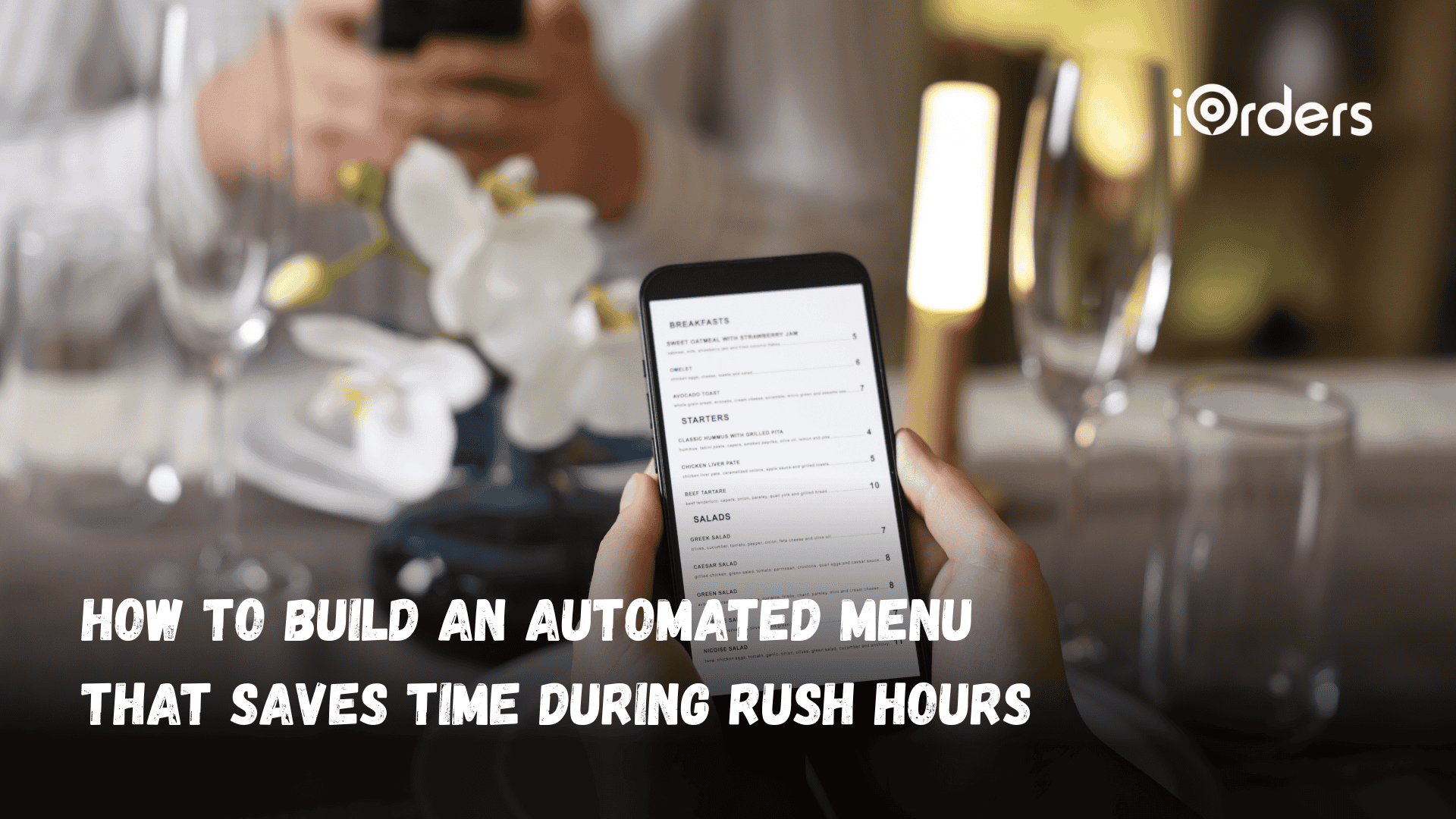
During peak hours, managing guest orders and questions can pull staff away from the floor, whether it’s answering a call, checking a menu, or updating specials. Servers step away from tables to clarify details, while managers repeat the same information multiple times across shifts. These routine interactions don’t grow revenue, yet they disrupt service and slow down the workflow.
Automated menus handle these repeat interactions consistently and without adding pressure on your team. They guide guests through options, provide up-to-date information, and reduce unnecessary handoffs, so staff can stay focused on serving food and managing the floor.
This guide explains how to build an automated menu that fits your restaurant’s rhythm, supports your staff during a rush, and keeps guest interactions efficient across channels.
An automated menu is a system that presents menu options and next steps to guests without requiring real-time staff involvement. It replaces manual explanations and repeated questions with structured prompts that guide guests toward the information or action they need.
In restaurants, automated menus show up across multiple touchpoints, such as phone systems, QR ordering, self-service kiosks, digital boards, and online ordering flows. While the formats differ, the purpose stays the same: reduce repeat interactions, keep information consistent, and prevent staff from answering the same questions every shift.
When menus update automatically, staff stay focused on service and food execution, while guests get faster answers without waiting for a handoff.
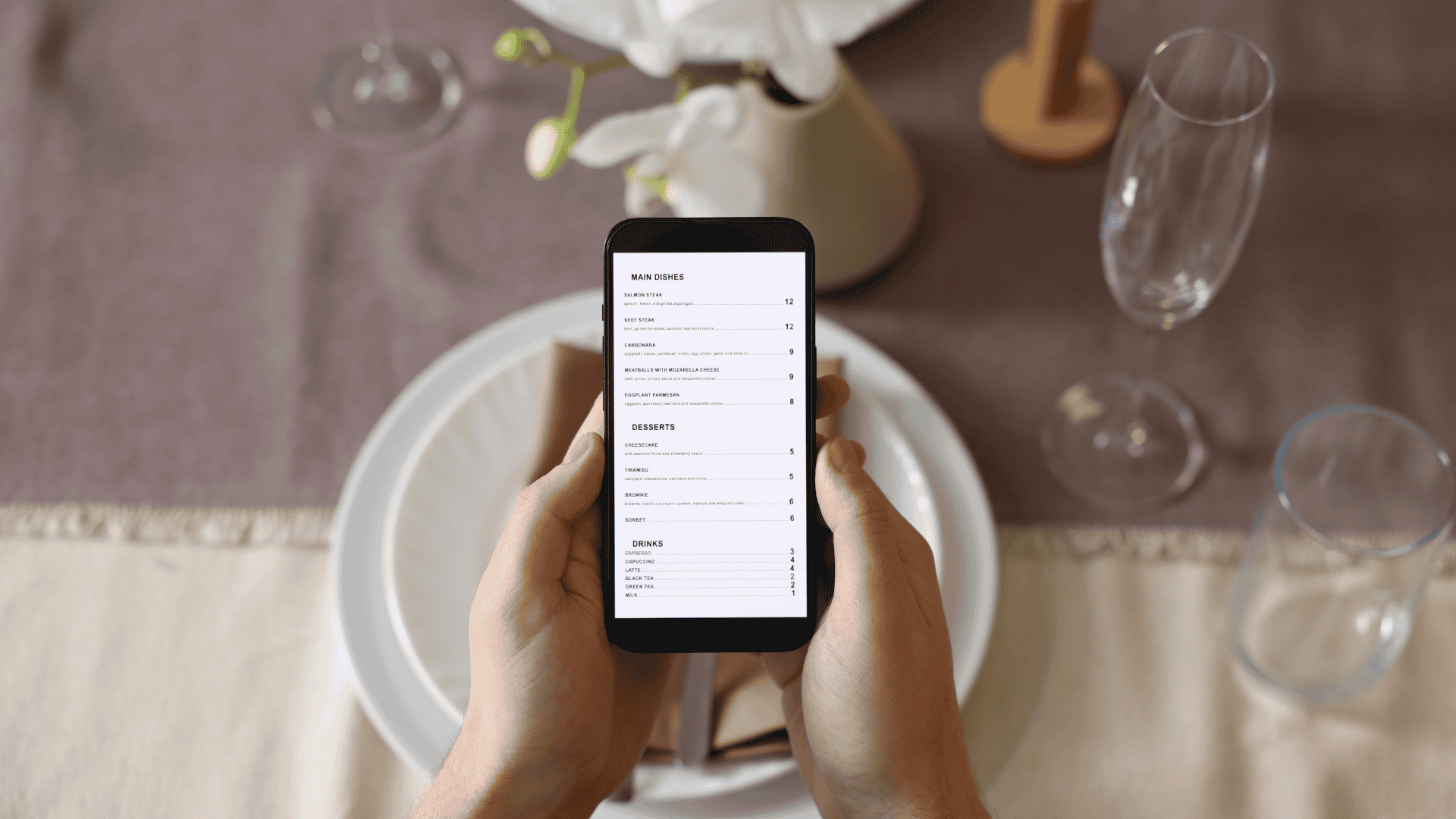
Automation isn't a one-size-fits-all. Depending on whether your bottleneck is at the front door, over the phone, or in the dining room, you'll need a specific tool to bridge the gap.
Here’s a quick overview of the main types of menus restaurants use today:
Once you understand the different automated menu formats, the real question is how they affect service during a busy shift.
Busy shifts rarely break down because of one big issue. They stall due to small, repeated interruptions, guests asking for the same details, staff switching contexts mid-task, and inconsistent information sharing across touchpoints.
Automated menus create a single, reliable source of information across channels, reducing back-and-forth and keeping tasks where they belong. When routine interactions are handled automatically, teams move through service with fewer pauses, clearer handoffs, and better control during peak periods.
Key ways automated menus make a difference:
However, the way automated menus support workflow will look different from one restaurant to another. That’s why the next step is figuring out which type makes sense for your setup, volume, and guest touchpoints.
Recommended: 10 Expert Strategies to Improve Your Restaurant Profit Margin.
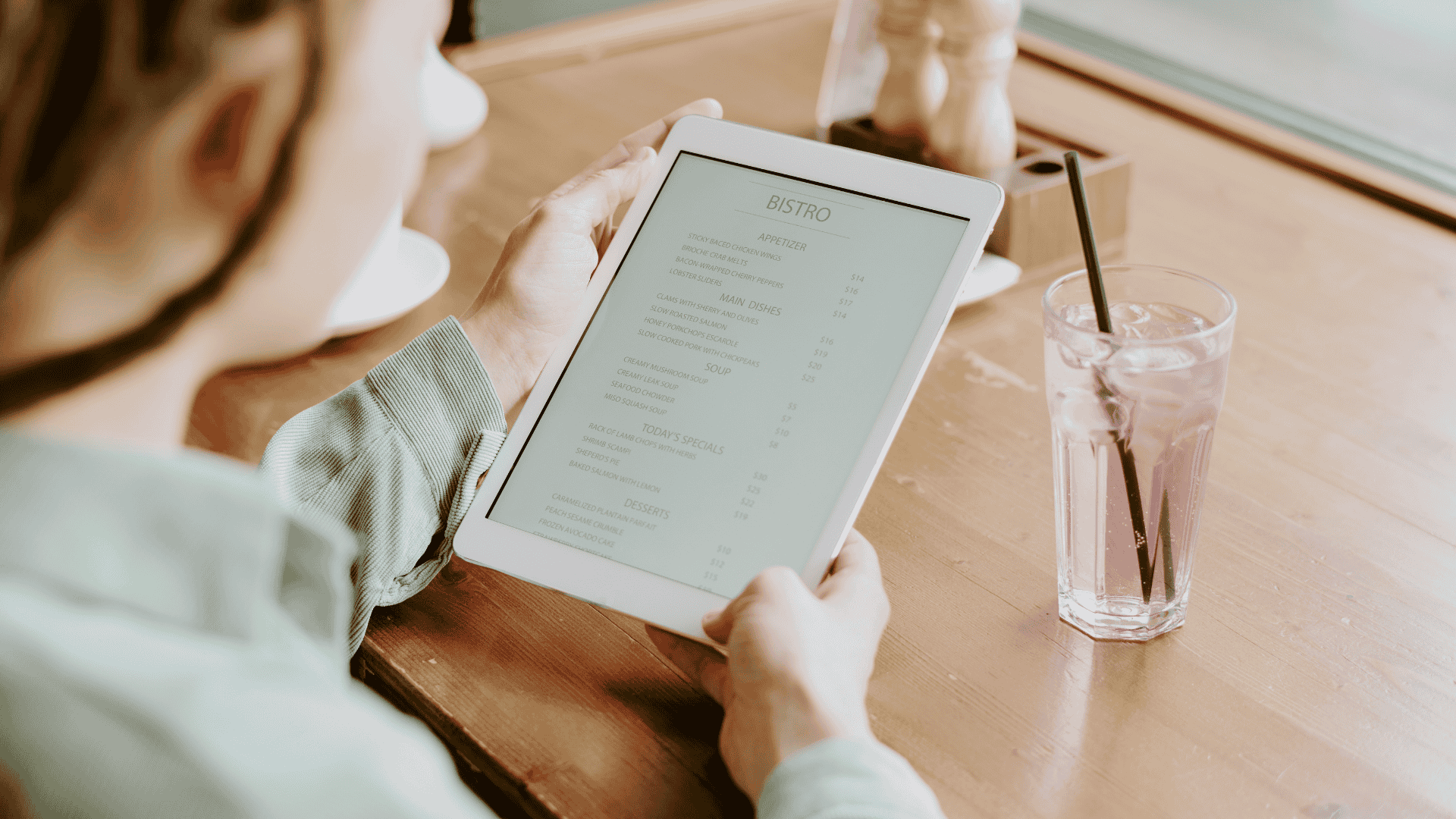
Selecting the right automated menu depends on your restaurant’s setup, peak traffic, and how guests interact with your brand. Start by identifying where staff spend the most time repeating information or handling routine requests, and which channels your guests prefer to use.
Use these points to guide your choice:
The key is to focus on the areas where automation will relieve pressure, reduce errors, and improve the guest experience, without overwhelming your staff or budget.
Also Check: How to Make a Digital Restaurant Menu That Drives More Direct Sales.
Now, let’s take a look at the steps to set up your automated menu so it actually works in real service.
Setting up an automated menu shouldn't feel like a second job. To build a menu that actually relieves pressure during a rush, follow this five-step deployment plan.
1. Mapping Common Guest Interactions Across Channels
Start by listing the routine touchpoints where guests ask for information or take action. This helps you avoid guesswork when building prompts.
Useful ways to map interactions:
When you understand what guests commonly ask, you reduce confusion and unnecessary back‑and‑forth in every menu type.
2. Writing Clear Prompts and Menus
Clear wording lets guests find what they need fast, whether they’re choosing prompts on phone menus or tapping screens on QR menus. Best practices include:
This reduces frustration and helps guests complete tasks, such as checking hours or placing an order, without calling staff over.
3. Keep it Simple with 3–5 Main Options
Whether you’re building phone prompts, a QR ordering flow, or on‑screen menus, fewer choices work better.
Aim for the following:
Too many options can overwhelm guests and defeat the purpose of automation.
4. Include Fallback/Live Support Where Needed
Automation handles most routine interactions, but guests still need a way to reach a human when needed. Even the best menus should include an easy path to live support.
Tips for fallback support:
This avoids frustration when guests feel stuck or need personalized assistance.
5. Time‑Based or Situation‑Based Routing
Guest needs change throughout the day, and your automated menus should reflect that. Time‑based routing helps ensure menus stay useful across shifts.
For example:
Adjusting menus for context keeps them relevant and prevents outdated or irrelevant options from slowing guests down. A working setup is only the starting point. What keeps an automated menu useful during real shifts is how consistently it’s managed, tested, and updated.
The biggest mistake operators make is 'setting and forgetting.' To keep an automated menu from becoming a hurdle for your guests, you need to treat it like a living part of your team that requires regular check-ins:
However, to know what’s working and what needs adjustment, you need a few clear signals to track.
Also Read: Touchless Restaurant Technology for Smarter Ordering and Payments.
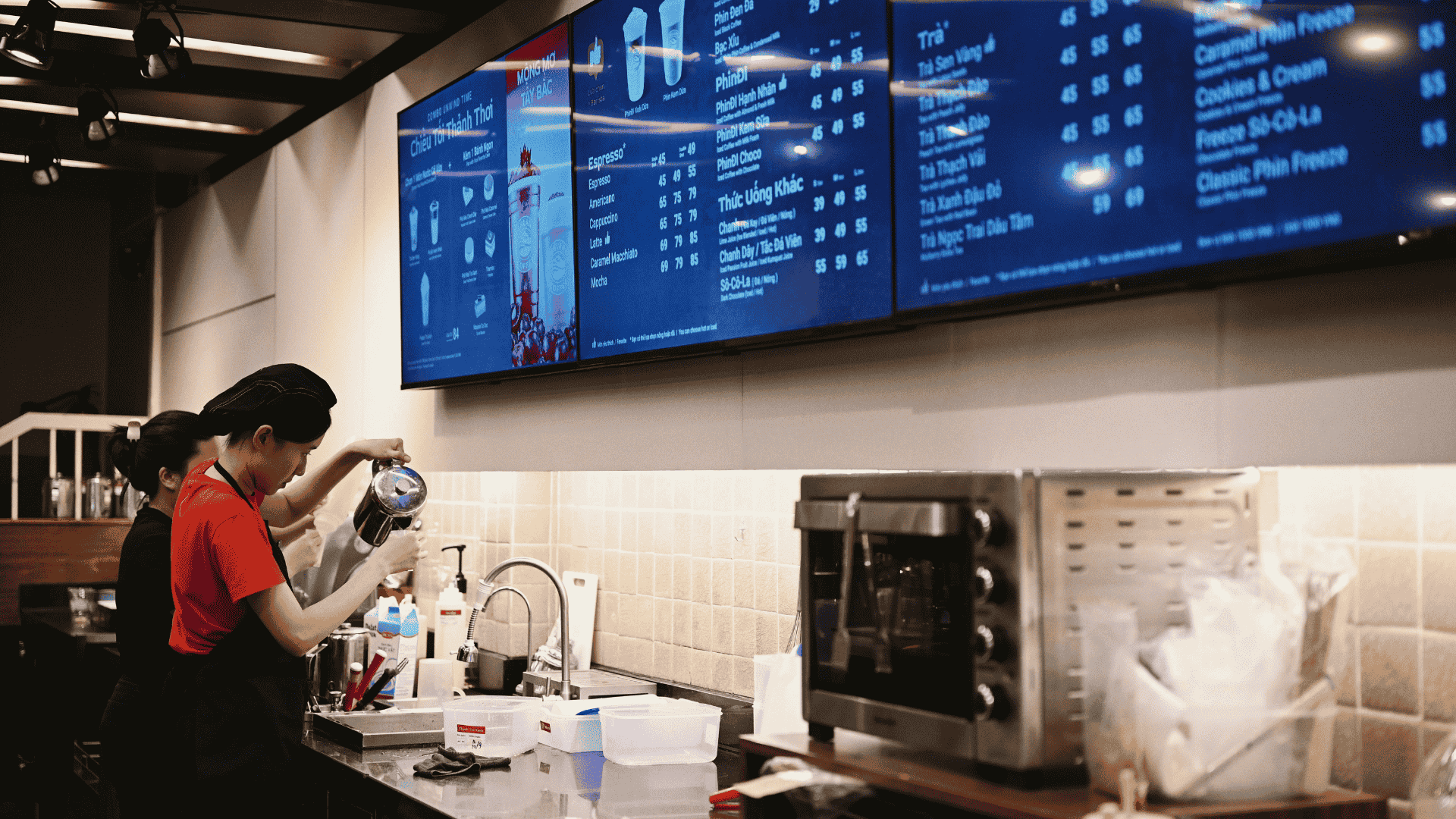
Tracking the right metrics ensures your automated menu is actually helping your restaurant, not just existing as a system. Monitoring these numbers highlights areas for improvement and shows how automation benefits staff and guests alike:
If those metrics point to gaps, such as missed orders, high fallback usage, or manual work creeping back in, the issue is often the system behind the menu, not the menu itself. This is where iOrders can help you out!
iOrders provides a suite of tools that help restaurants implement automated menus across multiple channels while keeping staff focused on service and guests satisfied. Whether you’re managing phone inquiries, QR-based dine-in orders, or delivery requests, iOrders centralizes the process so your team isn’t pulled in multiple directions.
With iOrders, restaurants can offer a seamless, branded experience while retaining control over customer interactions and data. Key features that support automated menus include:
Connect with our team to know how you can take the stress out of managing multiple order channels and keep your guests happy.
When routine guest questions pull staff away from the floor, mistakes happen, orders slow, and guests notice. Automating the menu gives your team a way to handle these interactions consistently, whether through phone prompts, QR codes, kiosks, or in-store screens. Keeping menus clear, updated, and aligned with peak service times makes every shift smoother and more predictable.
Furthermore, iOrders brings these tools together in one platform, so your team can focus on serving guests rather than repeating the same answers. Everything stays connected, updated, and aligned with how your restaurant actually runs.
Make daily service easier. Book a demo with iOrders today.
1. Can automated menus be integrated with existing POS systems?
Yes. Many automated menu solutions, including phone, QR, and digital boards, can sync with your POS to ensure orders, pricing, and menu updates are accurate across channels.
2. How much staff training is required to manage automated menus?
Training is minimal if menus are designed clearly. Staff mainly need to know how to update prompts, monitor fallback requests, and troubleshoot basic issues.
3. Can automated menus handle seasonal or limited-time items?
Absolutely. Menus can be updated in real-time for daily specials, seasonal offerings, or temporary promotions, ensuring guests always see accurate information.
4. Are automated menus suitable for small or independent restaurants?
Yes. Automation scales to any size. Small restaurants can start with phone or QR menus, while larger operations can expand to kiosks and digital boards.
5. How do I know if my automated menu is working effectively?
Track metrics like order accuracy, fallback usage, guest feedback, and staff time saved. Regularly reviewing these metrics helps you fine-tune the menu and improve guest experience.
.png)


