
Book a free demo
Oops! Something went wrong while submitting the form.
December 18, 2025
Restaurants are under pressure to move faster with fewer staff, fewer errors, and higher guest expectations. Long waits, order mistakes, and checkout delays directly affect reviews, repeat visits, and revenue. That pressure explains why touchless dining is scaling rapidly.
The global contactless dining market is projected to reach USD 24.1 billion by 2033, growing at a 17.8% CAGR, as restaurants invest in digital ordering and contactless payments. This growth signals a permanent shift in how guests expect to order and pay.
Ordering and payments now shape the entire dining experience. Touchless technology reduces friction, improves accuracy, and speeds service while easing operational strain. This article examines how touchless restaurant technology supports smarter ordering and payments without sacrificing control or efficiency.
In brief:

Touchless restaurant technology enables guests to view menus, place orders, and complete payments using their own devices, without physical handoffs or shared hardware. Its rapid adoption is driven less by novelty and more by clear shifts in customer expectations and operational needs.
The growing demand for contactless systems is driven by:
As demand continues to rise, restaurants are moving beyond basic contactless features toward purpose-built touchless systems. The next step is understanding how these systems work in practice and where they deliver the most value.
Suggested Read: Top Restaurant Reservation App Choices for 2026
Touchless ordering is not a single tool. It is a sequence of small, deliberate design choices that remove friction from how guests discover menus, place orders, and trigger kitchen workflows.
These are the more popular contactless ways of ordering:
QR menus shift the starting point of the dining experience. Instead of waiting for a menu or staff interaction, guests immediately control when and how they engage. This speeds up table turnover and reduces early-stage hesitation.
These elements define effective QR menu access:
Fast-casual brands focused on throughput have leaned heavily into this model. At Freshii, QR menus help standardize access while supporting quick decisions in high-traffic urban locations.
Mobile web ordering removes the counter from the equation entirely. Guests browse, customize, and submit orders at their own pace, which reduces pressure on staff during peak hours and lowers the chance of miscommunication.
These elements define mobile web ordering:
For brands managing strong lunchtime rushes, this approach is operationally critical. CAVA has emphasized browser-based ordering to keep lines moving without expanding front-of-house staffing.
A touchless experience breaks down quickly if menus are inaccurate. Real-time menu management ensures that what guests see always reflects kitchen reality, even during supply constraints or sudden demand spikes.
These elements define real-time menu control:
Multi-location operators rely on this visibility to maintain consistency. Pizza Pizza uses centralized menu control to balance national standards with location-level availability.
The final step is invisible to the guest but critical to operations. Integrated routing ensures orders move instantly from customer devices to kitchen systems without manual re-entry or delays.
These elements define effective order routing:
High-volume brands depend on this flow to maintain speed. Shake Shack integrates digital orders directly into kitchen workflows to protect throughput even as digital volume increases.
iOrders enables touchless ordering through QR menus and mobile web ordering connected to live menus. Orders flow directly into POS and kitchen systems, reducing manual entry and errors. Centralized menu control keeps pricing and availability consistent. Schedule a demo to see it in action.
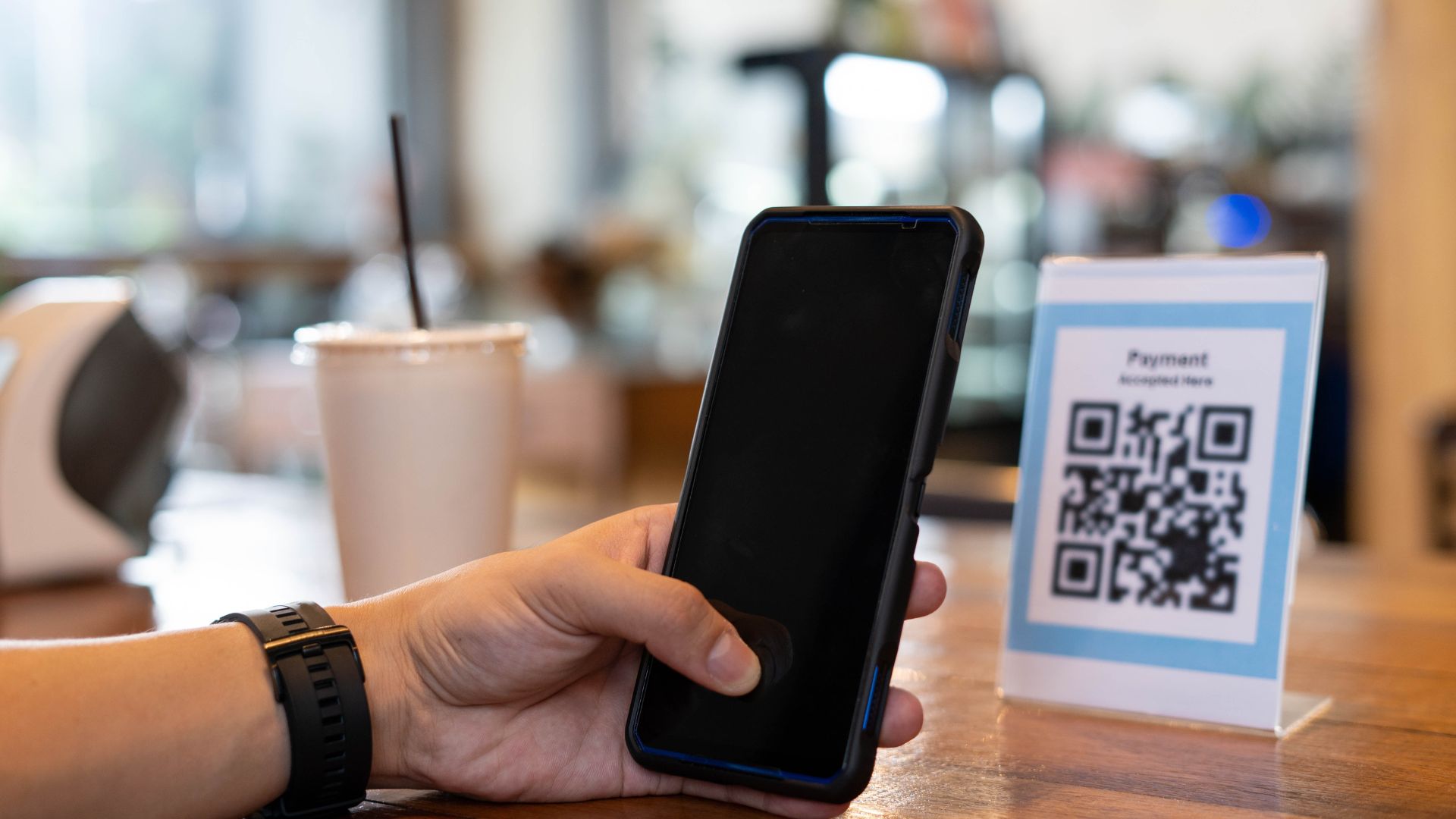
Checkout is often the slowest and most disruptive part of the dining experience. Touchless payment removes waiting, handoffs, and manual processing at the final moment of service.
These are the most commonly used contactless payment methods in restaurants:
Pay-at-table shifts payment control to the guest, eliminating the need to flag staff or wait for terminals. It is especially effective in full-service and fast-casual environments where checkout delays affect table turnover.
These capabilities focus on closing the visit efficiently:
Many mid-sized restaurants use this approach to reduce end-of-meal friction. Joey Restaurants has incorporated mobile pay-at-table options in several locations to improve table turnover and guest convenience.
Contactless payments speed up checkout by removing cash handling and card insertion. Taps and mobile wallets complete transactions in seconds and reduce lines at counters.
These capabilities focus on speed and throughput:
Fast-casual brands with high order volume rely on this model. Sweetgreen supports contactless payments across locations to keep lines moving during lunch rushes.
Digital receipts close the loop after payment, reducing confusion and follow-up questions. They also support cleaner exits without interrupting staff.
These capabilities focus on clarity and completion:
This approach is increasingly common in digitally mature brands. Fresh Kitchen uses digital receipts and confirmation screens to streamline checkout while maintaining accuracy.
iOrders supports touchless checkout through integrated online payments connected directly to digital ordering flows. Guests pay quickly without staff involvement, reducing delays and errors. Restaurants retain control of payment data and customer relationships.
These examples show how restaurants apply touchless ordering and payments to solve specific operational challenges. They highlight how the right implementation improves speed, accuracy, and service flow without disrupting day-to-day operations.
BOX’d is Canada’s first fully automated restaurant, designed around online ordering and touchless payments. Customers place orders digitally, complete payment without cash or cards, and collect meals from automated lockers, removing traditional front-of-house steps.
This model eliminates checkout delays, reduces order errors, and ensures consistent service during peak hours. By integrating ordering and payment into a single digital flow, BOX’d minimizes labor dependency while maintaining speed and accuracy.
The concept shows how touchless systems can support operational efficiency and predictable output when ordering and payments are fully digitized from start to finish.
St-Hubert, a Canadian casual dining restaurant chain, has introduced touchless ordering kiosks at select locations in Montreal and Laval, Quebec. Using AIR TOUCH® technology, customers can browse menus and place orders without physically touching the screen, reducing shared contact points in high-traffic areas.
Orders are placed digitally and routed directly into restaurant systems, improving accuracy and reducing front-of-house congestion. Touchless kiosks also support faster decision-making and smoother payment flows, helping locations manage peak periods more efficiently.
St-Hubert’s rollout demonstrates how touchless ordering and payment technology can modernize in-restaurant experiences while supporting operational consistency.
Burger King introduced touchless restaurant designs that prioritize digital ordering and contactless payments across the customer journey. These locations encourage guests to order ahead through mobile apps, kiosks, or digital pickup systems, reducing in-store interaction.
Payments are completed digitally, and orders are collected from designated shelves, lockers, or drive-thru lanes. This design reduces wait times, limits congestion, and improves order accuracy while supporting higher output.
Burger King’s approach shows how touchless ordering and payment systems can be embedded into restaurant layouts to support efficiency, safety, and modern customer expectations at scale.
These examples show that touchless ordering and payments can deliver real operational benefits when aligned with service style and volume. However, success is not guaranteed.
Many restaurants struggle because of how these systems are implemented, not because the technology itself falls short. That makes it essential to understand what restaurants often get wrong with touchless systems.
Suggested Read: Mobile Ordering Adoption in Restaurants: Key Benefits and Trends
Touchless technology often fails because of how it is implemented. Many restaurants adopt touchless solutions quickly, without aligning them to real workflows, customer behavior, or operational readiness.
Table showing common mistakes:
Even well-intentioned touchless rollouts can fall short if they prioritize technology over usability. Successful implementations focus on simplicity, reliability, and flexibility across guest types and service models.
To avoid these pitfalls:
Avoiding these mistakes makes adoption smoother and outcomes more predictable. The next step is understanding what restaurants should evaluate before committing to touchless solutions.
Suggested Read: How to Manage Controllable and Non-Controllable Costs in a Restaurant?

Adopting touchless technology is not just a technology decision. It affects service flow, staff roles, customer expectations, and long-term control.
When assessing touchless solutions, restaurants should consider:
Choosing the right touchless platform comes down to control and simplicity. Solutions that combine ordering, payments, and data ownership help restaurants scale without adding complexity.
Suggested Read: Native vs Cross-Platform Apps: Which One Should You Choose?
iOrders is a direct ordering and customer engagement platform built to support touchless restaurant experiences across ordering, payment, and post-purchase interactions. It helps restaurants replace fragmented tools with a single system that keeps menus, payments, and customer data under their control.
These are the top features:
iOrders enables restaurants to manage the entire ordering journey without third-party marketplace dependency. Touchless ordering flows reduce counter congestion while preserving full control over menus, pricing, and the guest experience.
Restaurants can accept touchless orders directly from their website or table-side QR codes. This supports faster ordering, fewer staff interruptions, and consistent menus across dine-in, pickup, and takeout.
iOrders supports delivery without locking restaurants into percentage-based fees. Restaurants can use their own drivers or integrate with external delivery partners, while iOrders charges a flat fee for the ordering infrastructure and management layer. Driver services are not provided.
Ordering data is used to inform targeted outreach and performance insights. These services help restaurants promote relevant items, support repeat visits, and align marketing with real ordering behavior.
iOrders enables loyalty programs tied directly to touchless ordering activity. Rewards and referrals are based on actual customer behavior, supporting retention without manual tracking.
Smart Campaigns use ordering patterns to proactively engage customers. Campaigns are designed to increase visit frequency and lifetime value without disrupting the ordering experience.
The AI-powered review system helps restaurants respond to customer reviews and FAQs with consistent, brand-aligned messaging. This reduces manual effort while maintaining a professional digital presence.
The white-label mobile app allows guests to place dine-in, pickup, or delivery orders and pay seamlessly. Restaurants maintain brand ownership while offering a fully touchless, app-based experience.
These tools support end-to-end touchless ordering and payments without adding operational complexity. To date, iOrders has supported 1M+ orders fulfilled and maintains a 99% customer satisfaction rate. We have helped restaurants deliver faster, more controlled digital experiences at scale.
Restaurants that delay adopting touchless ordering and payments risk slower service, longer wait times, and growing friction at key moments of the dining experience. As customer expectations shift toward speed and self-service, manual processes increasingly limit efficiency, accuracy, and scalability.
iOrders helps restaurants transition to touchless ordering and payments with a unified platform that keeps menus, payments, and customer data under restaurant control. By replacing fragmented tools with integrated digital flows, iOrders supports faster service and more reliable operations.
See how touchless ordering and payments can work in your restaurant. Schedule a demo to get started.
It is a cost guideline allocating 30% to food, 30% to labor, 30% to overhead, leaving 10% profit for reinvestment and stability across most restaurant operating models today worldwide.
It enables guests to order and pay digitally using personal devices, reducing physical interaction while routing orders directly to the kitchen and payment systems for faster, more accurate service experiences overall.
Contactless technology allows services like ordering, payment, check-in, and feedback without physical touch, improving speed, hygiene, and convenience across restaurants, hotels, and foodservice environments globally today at scale, increasingly adopted.
Restaurants use POS systems, online ordering, QR menus, contactless payments, kitchen displays, inventory software, and analytics tools to manage operations, service flow, and customer experience efficiently across modern dining formats.
Costs vary by setup, but many touchless solutions reduce labor pressure, errors, and wait times, helping restaurants recover investment through efficiency gains and improved customer throughput over time, sustainably long-term.
.png)


