
October 29, 2025
You have likely heard the term “POS system” in vendor demos, tech updates, or staff training. But what does it actually mean? For restaurants, it’s not just a payment terminal. It’s the system that connects your front-of-house, back-of-house, and digital channels into one operational flow.
And yet, only 38% of restaurants use integrated POS systems that support both in-store and online orders equally. That gap matters—especially as off-premise dining continues to grow.
This guide breaks down what a restaurant POS system is, how it works, and what to look for if you are planning to upgrade.
At a glance:
A restaurant POS system is the central platform that connects your front-of-house, back-of-house, and digital operations. It handles the flow of orders, payments, and data, ensuring that service runs smoothly and transactions are accurately recorded.
Whether you operate a quick-service counter or a full-service dining room, these systems are designed to streamline your day-to-day. Here are the core functions most restaurant POS systems support:
These functions form the foundation of most modern restaurant operations. To get the most value, it’s important to choose a POS system that aligns with your service model and operational needs. Let’s look at the most common types of POS systems used in restaurants today.
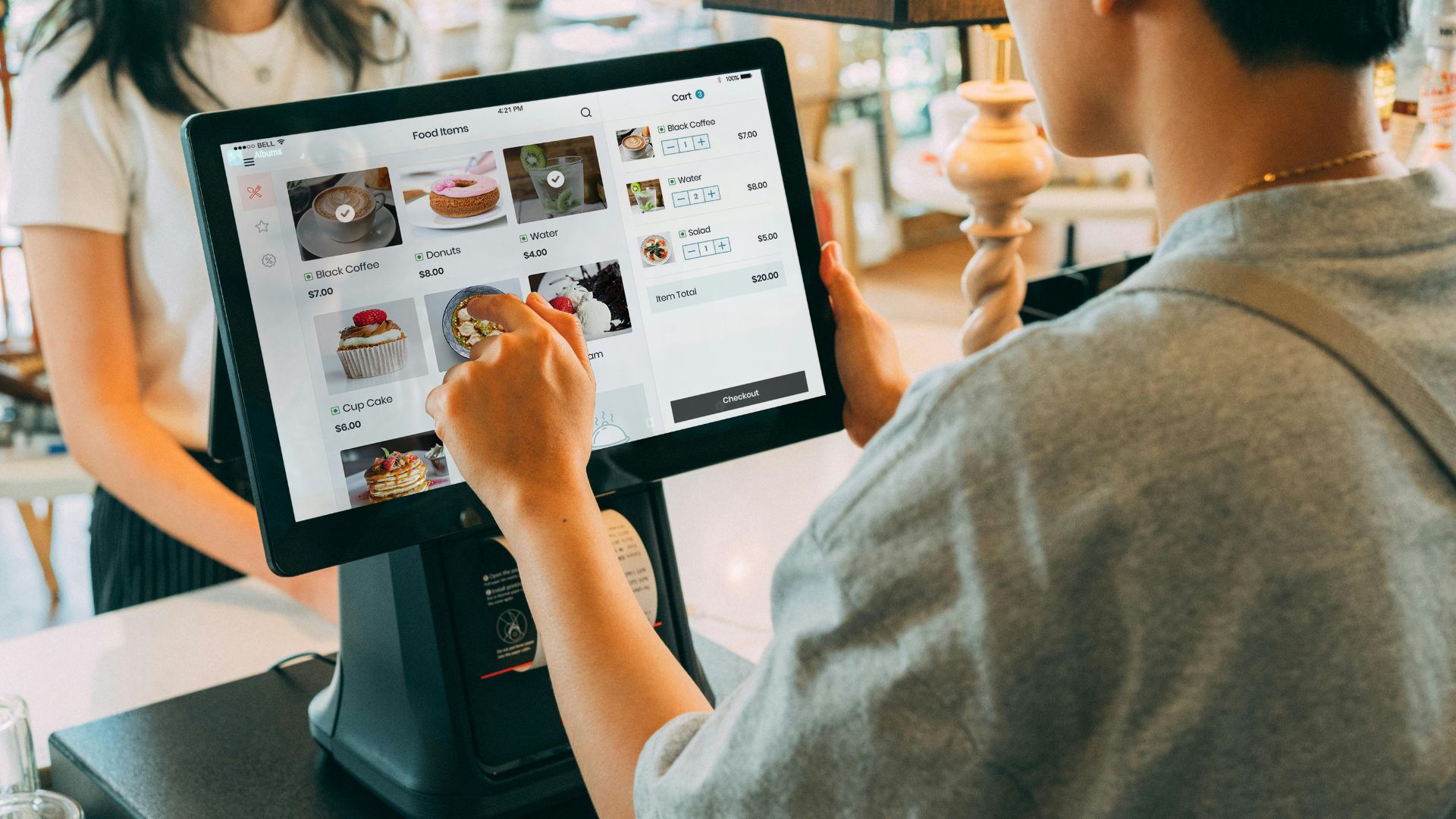
The right POS setup depends on your service model, order volume, and how you manage front- and back-of-house operations. From food trucks to fine dining, there’s a POS configuration built for your workflow.
Here are the most common types of restaurant POS systems and what they’re designed to handle:
iOrders, a commission-fee-free online ordering platform, integrates easily with major POS systems. You can synchronize your inventory, menus, and payment systems to ensure consistent operations across all channels. This integration ensures that online and in-house orders flow smoothly through the same system, reducing errors and improving efficiency. Schedule a free demo today to learn more.
Now that you know the main types, let’s look at how a restaurant POS system actually works behind the scenes.
Suggested Read: Mastering Cloud Kitchen: A Complete Guide for Owners in 2025
A restaurant POS system connects your entire operation into one optimized workflow. It’s not just a payment terminal. It’s the system that helps you manage service, track performance, and make faster decisions across every shift.
Here’s how it works, step by step:
When all these functions work together, your team spends less time troubleshooting and more time delivering great service.
iOrders can simplify every step of your restaurant’s workflow without adding complexity or clunky hardware. Our platform routes orders instantly, syncs inventory in real time, and gives you clear, actionable data without the guesswork. Whether you are managing dine-in, takeout, or online orders, iOrders keeps your team aligned and your service running smoothly.
Suggested Read: How Much Does a POS System Cost? Complete Breakdown
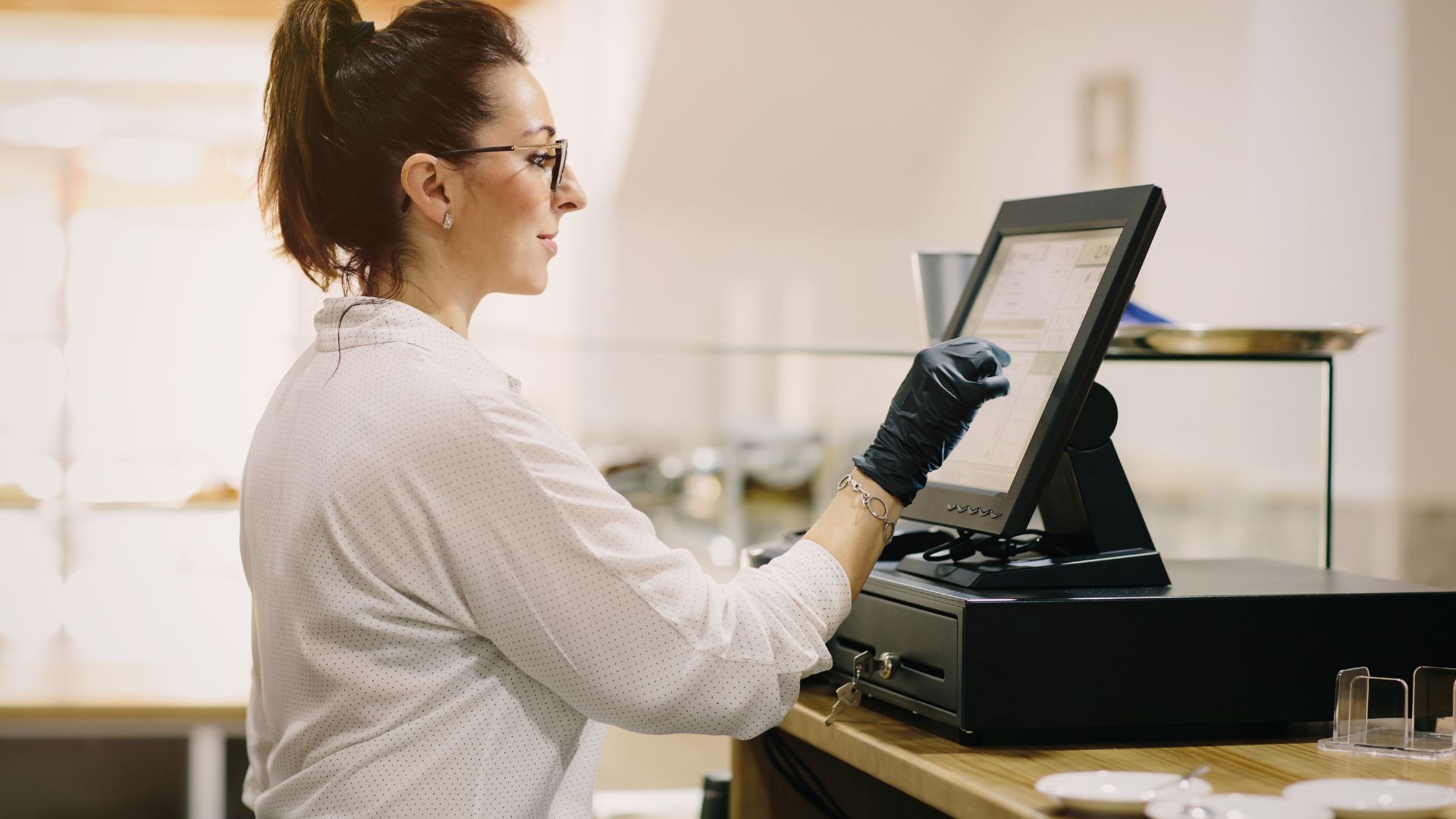
You don’t need to be a tech-first operator to know when your current setup is holding you back. If orders are getting lost, payments are slow, or reporting feels like guesswork, it’s probably time to upgrade. A POS system can help your restaurant run leaner, faster, and smarter.
Here are five signs your restaurant is ready for a POS system:
Recognizing these signs is the first step. The next step is understanding how a POS system fits into your broader tech stack. Let’s look at how POS systems integrate with other restaurant tools and why that matters for your bottom line.
Suggested Read: What is Contactless Delivery, and How to Implement It?
Whether you are managing online orders, tracking inventory, or running payroll, integrations help you reduce manual work, avoid data silos, and keep your operation running smoothly. Here’s how POS systems typically connect with other restaurant tools:
With iOrders, you can take this a step further. Its DAAS (Delivery as a Service) feature lets you align with third-party delivery partners while keeping the customer experience fully on-brand and in-house. You pay a flat fee per delivery—no commissions, no platform detours, and no loss of customer data.
Next, let’s look at the top features every restaurant should expect from a POS system, especially if you are planning to upgrade or expand.
Suggested Read: Top Restaurant Newsletter Ideas to Boost Customer Retention
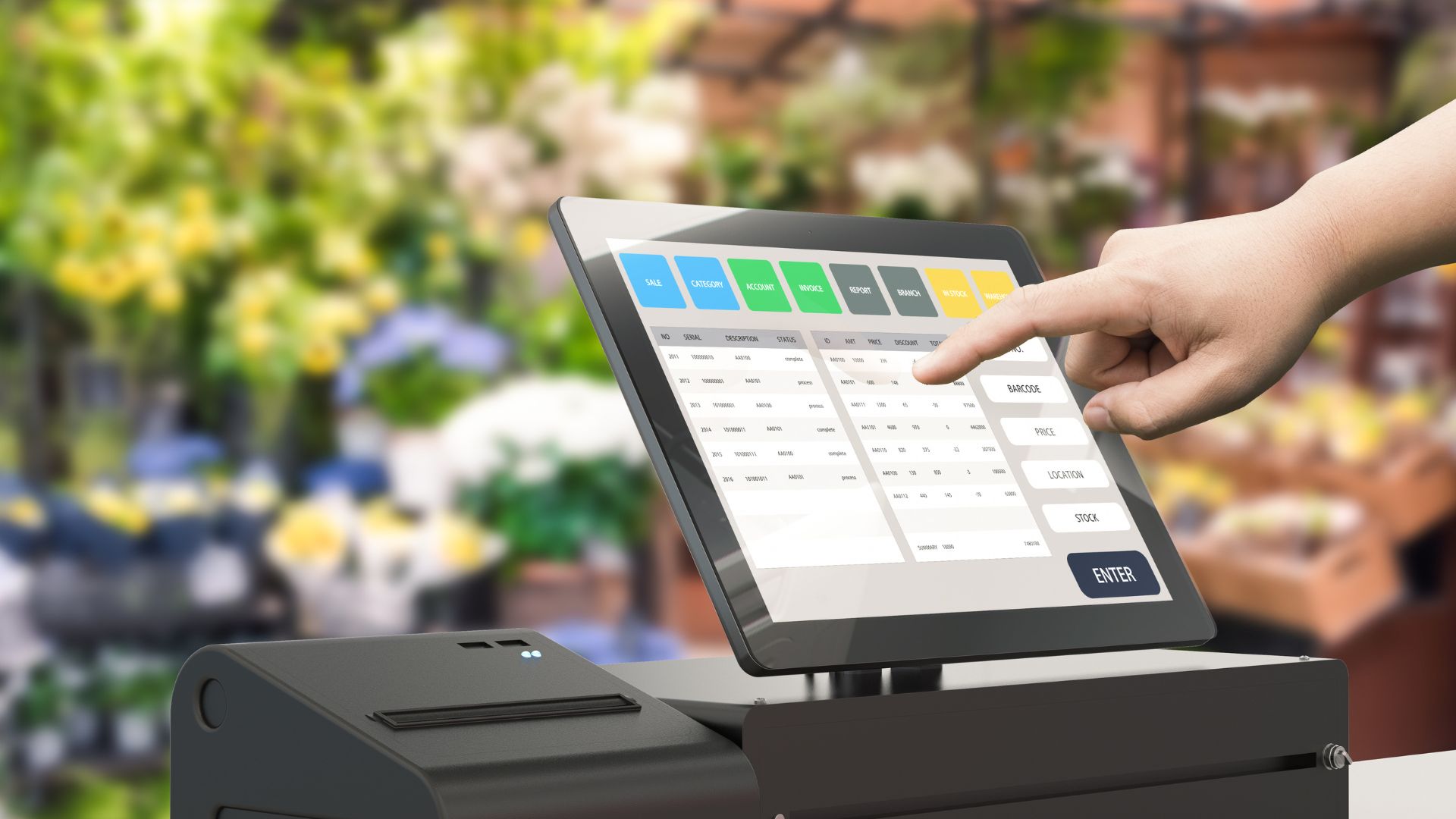
Basic functionality is not enough when you are managing multiple service channels, working with tight margins, and navigating shifting customer expectations. The right POS features should help you optimize labor, reduce waste, and grow revenue. These are the features that separate a transactional system from a strategic one.
Here's how each one delivers real value:
This feature ensures that all orders—whether placed in-house, online, or via mobile—flow into a single system. It eliminates the need to juggle tablets or manually re-enter tickets.
This is how it helps:
You can update pricing, item availability, and modifiers instantly across all platforms. No need to call support or wait for batch updates.
Real-time menu management allows:
This feature connects your POS to delivery tools, allowing you to manage handoffs, driver status, and timing without third-party dashboards.
This is a necessary feature since it:
Beyond basic sales reports, this feature gives you predictive insights into labor, inventory, and peak hours. It helps you plan instead of react.
You can easily:
You can control who sees what—whether it’s financial data, menu settings, or shift reports. This keeps sensitive info secure and operations clean.
It is useful because it:
Even if your internet drops, the POS keeps running. Once reconnected, it syncs all data automatically without losing orders or payments.
Offline mode with auto-sync:
These features are essential for restaurants that want to scale, stay lean, and deliver consistently. Now let’s talk about profitability. iOrders is one of the few platforms that helps restaurants keep more of their revenue with its commission-free model.
Suggested Read: How Much Does It Cost to Open a Coffee Shop in 2025?
iOrders is a restaurant-first ordering and engagement platform built to protect your margins and strengthen customer relationships. Unlike third-party marketplaces, the platform gives you full control over branding, data, and delivery. Restaurants using iOrders have seen a 244% increase in average monthly orders and twice the purchase frequency across more than 300 locations.
These are a few features that position us as industry leaders:
iOrders eliminates third-party commissions, allowing you to keep more revenue from every online order. You maintain complete control over pricing, promotions, and customer data. This helps you protect margins while building direct relationships with your guests.
iOrders provides a branded website and custom QR codes for tables, takeout menus, and marketing materials. Customers can order directly without downloading an app or waiting for staff. This simplifies the ordering experience and reduces friction during peak hours.
With DAAS, you can offer delivery using third-party drivers while keeping the experience fully on-brand and commission-free. You pay a flat fee per delivery and retain customer data. This model reduces costs and improves service consistency.
iOrders helps you create targeted campaigns using real customer data. You can send personalized messages based on order history and preferences. This improves engagement and drives repeat visits without relying on generic promotions.
iOrders lets you build custom loyalty tiers and referral incentives that reflect your brand. Customers earn points and redeem offers within your ecosystem. This strengthens retention and encourages repeat business.
iOrders uses built-in analytics to help you launch campaigns based on customer behavior and real-time trends. You can promote slow-moving items or re-engage lapsed customers. This drives incremental revenue and keeps your messaging relevant.
iOrders uses AI to manage reviews and FAQs with consistent, brand-aligned responses. You respond faster and turn feedback into insights. This improves customer satisfaction and protects your reputation.
iOrders offers a fully branded mobile app that supports dine-in, pickup, and delivery. Customers get a seamless experience under your name. This strengthens brand loyalty and reduces reliance on aggregator apps.
With over 1 million successful orders and a 99% customer satisfaction rate, iOrders is built for restaurants that want control and clarity.
As Elena Garcia, owner of a restaurant, says, “Working with this firm has been a fantastic experience. They handled everything from website development to managing delivery drivers, allowing us to focus on what we do best—cooking great food!”
That’s the power of a platform designed to serve restaurants and not compete with them.
This guide explored the essential role of POS systems in modern restaurant operations, from basic functions to advanced features that drive profitability. For operators looking to simplify service, reduce costs, and own their customer experience, iOrders offers a purpose-built platform that delivers measurable results.
We have helped restaurants grow without giving away their margins. As per data, an average brand integrated with iOrders experienced a 288% increase in active customers over 12 months. The platform is built for operators who want control, clarity, and consistency across every service channel.
Take control of your restaurant’s digital operations. Keep more of your revenue. Schedule your free demo today.
Yes. Many POS systems generate detailed sales reports, track taxable items, and integrate with accounting software to simplify tax filing.
Modern POS platforms use encryption and tokenization to protect payment data. Look for systems that are PCI-compliant and regularly updated.
Some do. Advanced systems let you manage menus, staff, and reporting across multiple locations from a single dashboard.
It depends on the provider. Some systems run on tablets or smartphones, while others require dedicated terminals and printers.
Yes. Many POS systems offer role-based views, customizable layouts, and shortcut settings to match your team’s service style.


