
February 25, 2026
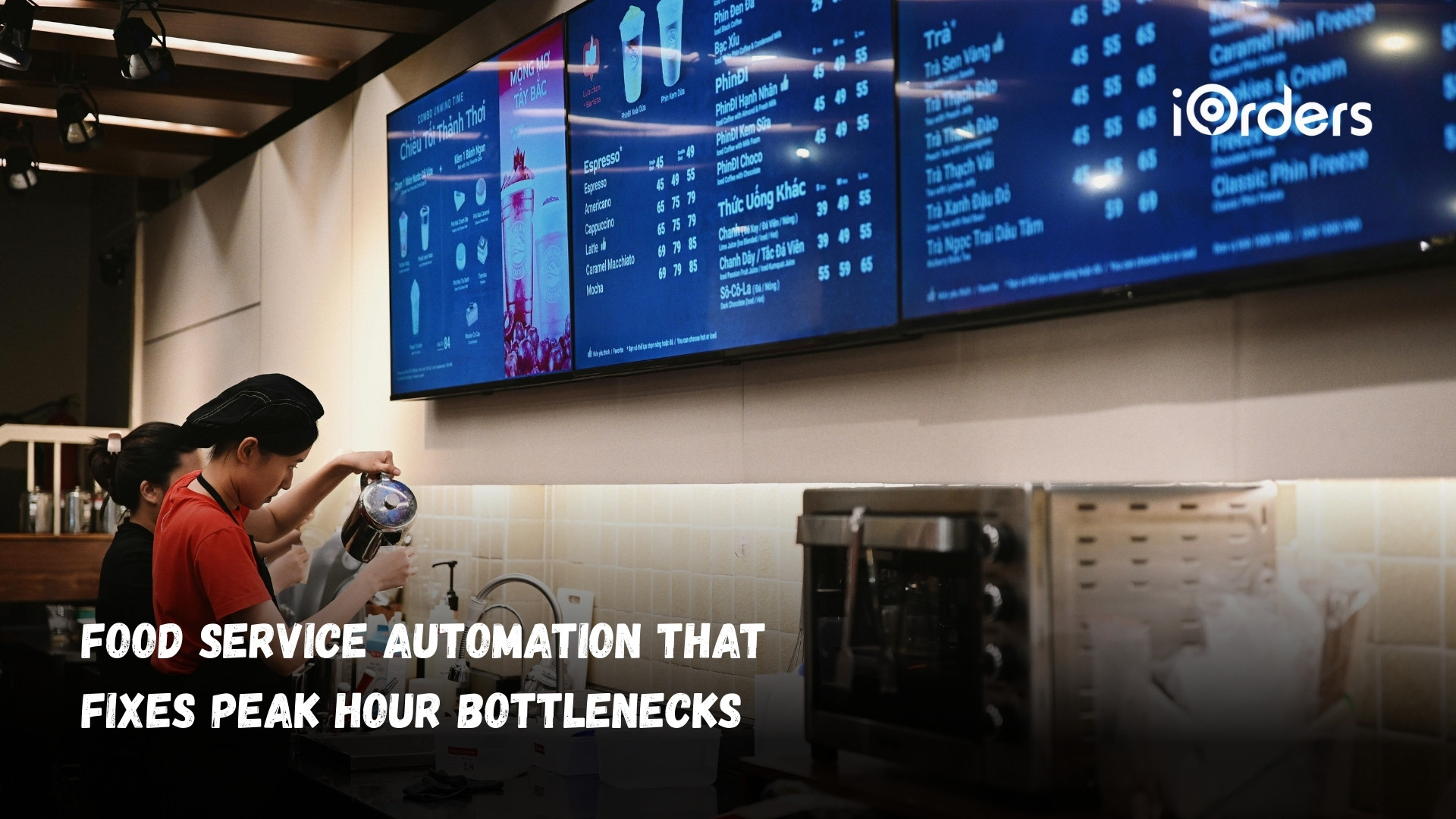
It’s Friday night, your dining room is full, and delivery orders keep stacking up. One staff member monitors two tablets while another repeats modifiers from the POS to the line cook to avoid mistakes. A pickup guest waits at the counter while your shift lead checks which order belongs to which driver.
Everyone is working hard. Still, too much of that effort goes into managing systems instead of serving guests. Re-entered orders, manual updates, and constant clarifications slow service and tighten margins.
Food service automation addresses these pressure points inside the restaurant. In this guide, you’ll learn which automation solutions matter most for independent restaurants and QSRs, how they improve daily workflow, and how to implement them without disrupting your team.
If you’ve ever walked the floor during dinner rush and felt like everyone is busy but orders are still backing up, the issue usually isn’t effort. It’s repetition. The same order gets written down, confirmed, re-entered, clarified, and checked again before it ever reaches the guest. Each step feels necessary in the moment. During peak hours, those extra touches add up and slow the entire shift.
Here’s where it typically shows up:
Each of these steps consumes time during peak hours. Together, they create bottlenecks that limit how many orders your team can process accurately and profitably.
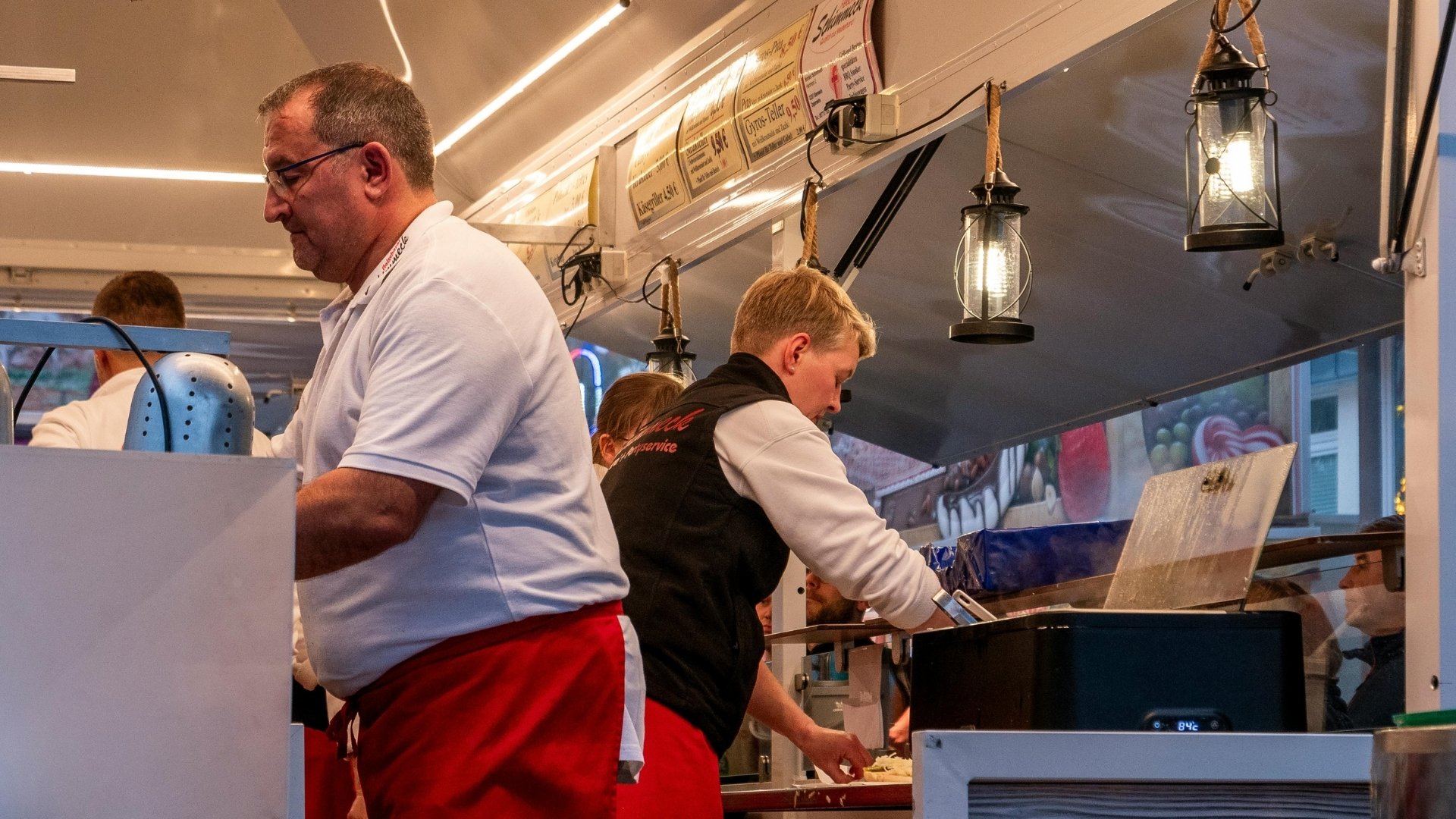
When many owners hear “food service automation,” they think of robotic arms or conveyor belts. For most independent restaurants and QSRs, automation looks different. It focuses on removing repeat tasks, tightening accuracy, and improving speed inside the systems you already use.
Here’s what practical automation actually delivers in your restaurant:
Food service automation supports your existing team. It reduces duplicate work, improves accuracy, and protects revenue without adding complexity to your floor.
Also Check: Guide to Creating a Restaurant Table Ordering System.
Efficiency improves when orders move from guest to kitchen without being rewritten, re-entered, or rechecked. Most peak-hour delays come from duplicate handling, disconnected systems, and manual follow-ups that slow production.
Food ordering automation solutions help to fix those exact gaps. Each one targets a specific friction point inside a restaurant’s daily workflow, from order intake to delivery dispatch to end-of-day reconciliation.
When orders come from multiple channels, staff waste time switching between devices and re-entering tickets. That duplication slows the line and increases mistakes. With centralized order management, you can get the following:
Instead of juggling three tablets and one wall phone, your team works from one reliable system. That clarity improves speed and reduces errors during busy service.
Menu updates often happen mid-shift, and when changes are handled manually, inconsistencies appear across platforms. Digital menu automation allows you to:
If a dish runs out at lunch, it disappears everywhere immediately. Guests see accurate options, and your staff avoids uncomfortable substitutions.
Manual stock counts at closing drain time and rarely match actual sales data. Inventory automation connects sales activity to ingredient usage, so you can:
Instead of counting basil and mozzarella at 11 p.m., you receive advance notice before Friday demand creates shortages.
Busy shifts leave little time for tracking guest behavior or planning targeted promotions. With marketing and loyalty automation, you can:
If a guest places their third delivery order in a week, a reward can trigger automatically. Your system recognizes loyalty even when your team is focused on service.
Coordinating drivers manually adds pressure during peak periods. Delivery coordination automation helps you:
Dispatch no longer requires manual follow-ups mid-rush, and drivers receive clear instructions, and guests receive timely updates. Once these systems are in place, the impact is not limited to faster ticket times or cleaner reporting. The shift itself begins to feel different for your team.
Recommended: Delivery Route Optimization Strategies Restaurants Need in 2026.
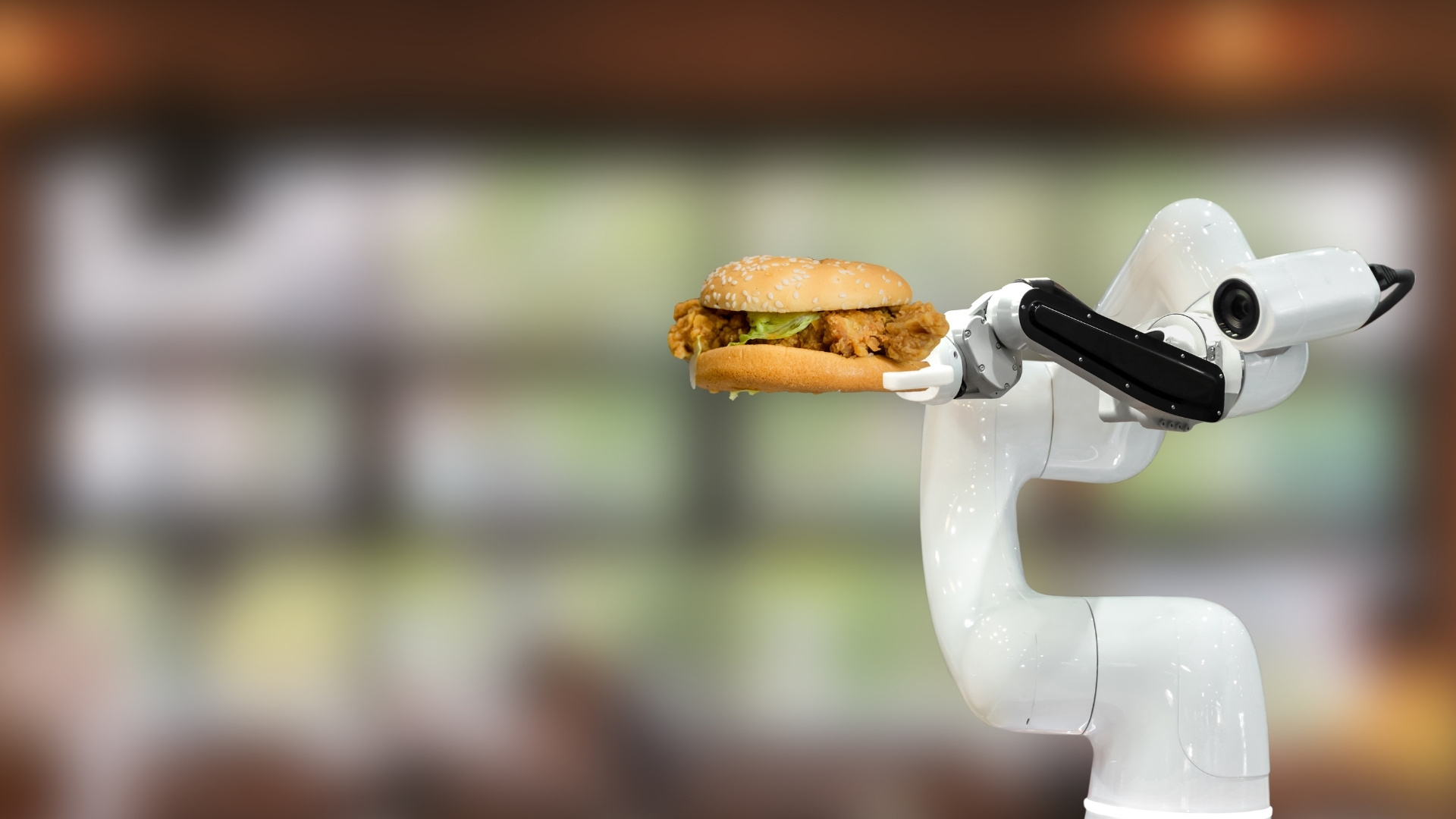
Your team feels the gaps in manual systems before you see them in reports. Repeated clarifications, disconnected tablets, and last-minute changes create unnecessary stress during busy shifts.
Automation brings structure to the flow of work. Orders enter once, updates sync across systems, and responsibilities stay clear, which makes peak hours easier to manage for everyone on the floor.
When automation supports both service speed and staff workload, the next step is choosing the right system to bring it together.
Also Read: 10 Expert Strategies to Improve Your Restaurant Profit Margin.
You don’t need another dashboard. You need fewer moving parts during a busy shift. When delivery orders, QR orders, loyalty points, and review responses all live in different systems, your staff becomes the connector between tools. That usually means duplicate entries, misentries, and constant switching between screens.
That’s where iOrders supports your restaurant. Instead of stacking new software on top of old processes, iOrders brings ordering, delivery coordination, marketing, and guest engagement into one connected system. Orders flow into your POS. Guest data stays with you. Delivery runs under your brand without sacrificing a percentage of every sale.
Here’s how iOrders helps you apply food service automation in practical ways:
If you’re ready to reduce duplicate work and protect your margins, book a demo now and see how connected automation supports your daily workflow.
When implementing automation for your restaurant, start where the pressure is highest. Identify the tasks your team repeats every shift: re-entering orders, confirming modifiers, reconciling delivery apps. Those small delays cost more than they appear.
Then centralize your ordering channels. Connect delivery, loyalty, and guest communication into one system so each connection removes a manual step and protects revenue.
This is where a unified platform like iOrders makes a difference. Instead of adding another tool, it brings ordering, delivery, loyalty, and guest data into one connected system. You maintain control of your orders, data, and margins while your team works from a single, structured workflow.
Ready to reduce frustration and run a tighter service? Book a demo with iOrders today to get started!
1. How much does food service automation typically cost for an independent restaurant?
Costs vary depending on the tools you choose. Software-based automation is far more affordable than hardware-heavy systems. Many restaurants begin with ordering and delivery automation, then expand gradually. The key is selecting solutions that increase revenue or reduce manual labor quickly enough to offset the investment.
2. How long does it take to implement food service automation?
Implementation timelines depend on system complexity. Cloud-based platforms with POS integration can often be deployed in weeks, not months. Proper staff training and phased rollouts help minimize disruption during the transition.
3. Will automation disrupt my current POS setup?
Most modern automation platforms integrate directly with existing POS systems. Instead of replacing your setup, they connect ordering channels, delivery coordination, and guest data to your current infrastructure.
4. Can food service automation help reduce food waste?
Yes. Systems that connect sales data to inventory tracking provide clearer usage patterns. This helps managers forecast demand more accurately and adjust purchasing before overstocking or shortages occur.
5. How does automation impact customer data ownership?
Direct ordering systems allow restaurants to collect and retain guest data instead of relying on third-party marketplaces. This enables targeted marketing, loyalty programs, and repeat engagement strategies built on first-party data.


