You have thousands of orders in your system, yet you still feel like you’re marketing to strangers. When guest data is trapped in separate silos, like POS reports, delivery tablets, and messy spreadsheets, you lose the ability to see who your customers actually are.
This data blindness has a real cost. You end up sending generic discount codes to your highest-spending regulars who would have visited anyway, while completely missing the "at-risk" customers who haven't ordered in a month. Customer segmentation software fixes this by automatically grouping guests based on how they actually spend.
In this guide, we’ll show you how to turn scattered order history into a clear roadmap for increasing repeat visits, recovering lost diners, and building more predictable revenue.
Key Takeaways
Customer segmentation software groups diners by visit frequency, order history, and spending patterns so restaurants can respond to real guest behavior instead of guesswork.
Segmented promotions such as loyalty perks, win-back messages, and menu recommendations reach the right guests at the right time.
Segmentation reveals which dishes, ordering channels, and time slots perform best, helping restaurants adjust pricing, menus, and staffing more confidently.
Effective customer segmentation software must connect POS systems, online ordering, loyalty programs, and guest data into one reliable view.
Tools like iOrders combine ordering, marketing, and guest data in one system, helping restaurants run more coordinated campaigns and predictable revenue growth.
What Is Customer Segmentation Software?
Customer segmentation software groups your guests based on how they actually order. It looks at visit frequency, order value, menu choices, and timing to organize customers into clear groups.
For example, one group may include regular lunch pickup customers who order twice a week. Another might include weekend dine-in families who spend more per visit. With segmentation software, those patterns appear automatically because the system pulls data from POS, online ordering, and loyalty activity.
Once those patterns are visible, you can respond to real behavior instead of sending broad promotions that reach the wrong diners.
Clear guest segments help restaurants make practical decisions during daily operations:
Spot High-Value Regulars: A guest ordering the same bowl every Tuesday shows up as a top spender, making it easier to reward loyalty instead of randomly discounting.
Bring Back Quiet Customers: If a pickup regular stops ordering for 45 days, the system flags the gap and triggers a simple win-back message.
Separate Dine-In and Delivery Guests: A Friday night delivery customer behaves differently from a weekday dine-in regular, so offers can match each ordering style.
Track Menu Preferences: Guests who repeatedly order veggie bowls or gluten-free dishes can receive relevant menu updates rather than generic promotions.
Automate Timing-Based Engagement: Birthday offers, loyalty milestones, or “thanks for your first order” messages are sent automatically without staff reviewing guest lists.
When guest data is organized this way, promotions become intentional, marketing costs stay controlled, and service decisions rely on real customer behavior.
Best Customer Segmentation Software for Restaurants
Customer segmentation software helps restaurants group diners based on visits, orders, and spending patterns. This allows operators to run targeted promotions, recover inactive customers, and improve repeat revenue using guest behavior data.
Restaurants commonly use tools such as iOrders, UEAT, Owner, Olo, Oracle GloriaFood, Shipday, Salesforce, and HubSpot to organize guest data and automate engagement.
Best Customer Segmentation Software at a Glance:
Software Table
Software
Core Capability
Pricing Model
iOrders
Commission-free online ordering, loyalty, marketing, and guest data
Fixed monthly subscription (no per-order commissions)
UEAT
Online ordering, kiosks, table ordering with POS connectivity
SaaS subscription (vendor-quoted pricing)
Owner
Branded restaurant websites, ordering, and mobile app
Website ordering widgets, QR menu ordering, and reservations
Freemium model with paid add-ons
Shipday
Dispatch automation, driver tracking, and delivery analytics
Tiered SaaS pricing
Salesforce
Unified customer database, campaign management
Enterprise SaaS licensing (per-user tiers)
HubSpot
Campaign automation, centralized CRM data
Freemium + tiered SaaS plans
Pricing Note: Most customer segmentation tools use SaaS subscriptions. iOrders offers a fixed monthly plan with no per-order commissions, while others use tiered, enterprise, or freemium pricing.
1. iOrders
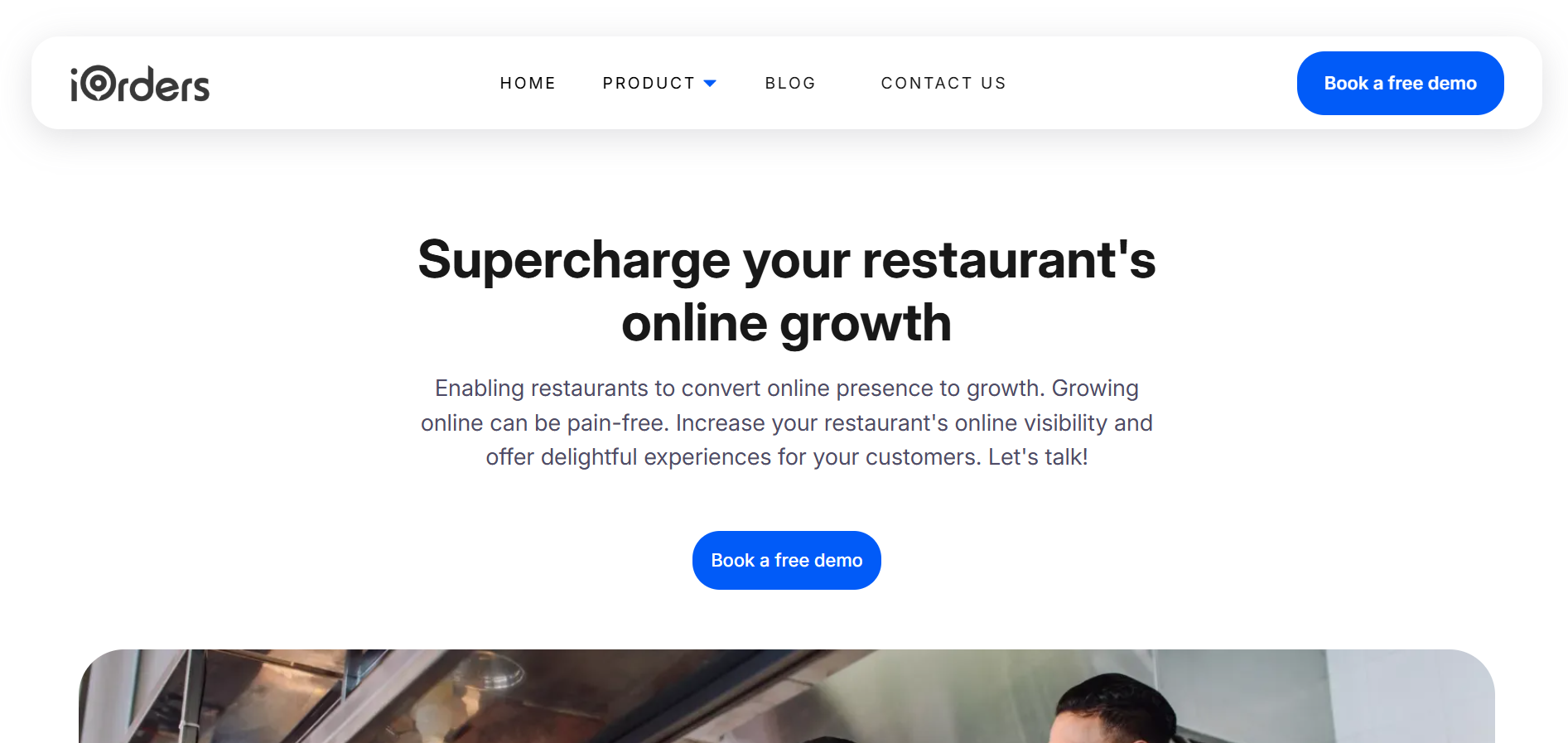
iOrders helps restaurants run ordering, marketing, and guest engagement from one centralized system. Instead of juggling multiple tools for online orders, delivery coordination, and guest communication, you manage everything through your own branded platforms.
The platform focuses on commission-free ordering, direct guest relationships, and operational visibility across dine-in, pickup, and delivery. Orders flow directly into your systems while you maintain control over menus, pricing updates, and customer data.
Operational features that help restaurants maintain control during daily service include:
Commission-Free Online Ordering: Guests order through your branded system instead of marketplaces, protecting margins while keeping payments and customer relationships directly with your restaurant.
Website and QR Ordering: Guests scan a table QR code or visit your website to order dine-in or pickup, reducing front-of-house congestion during busy service periods.
Delivery-As-A-Service: Offer delivery directly through your platform without maintaining your own fleet, while avoiding the heavy commissions typical of third-party marketplaces.
Managed Marketing Services: Send targeted messages across digital channels using your own guest data, helping you maintain steady traffic during slower midweek service windows.
Loyalty and Rewards Programs: Reward repeat customers based on their past orders and visits, encouraging consistent return visits rather than relying on constant discount promotions.
White-Label Mobile App: Guests order, pay, and receive offers directly from your branded app, giving you direct visibility into ordering patterns and customer engagement.
Take control of your orders, guest data, and marketing from one platform with iOrders. Book a demo to see how commission-free ordering and loyalty tools can grow repeat revenue.
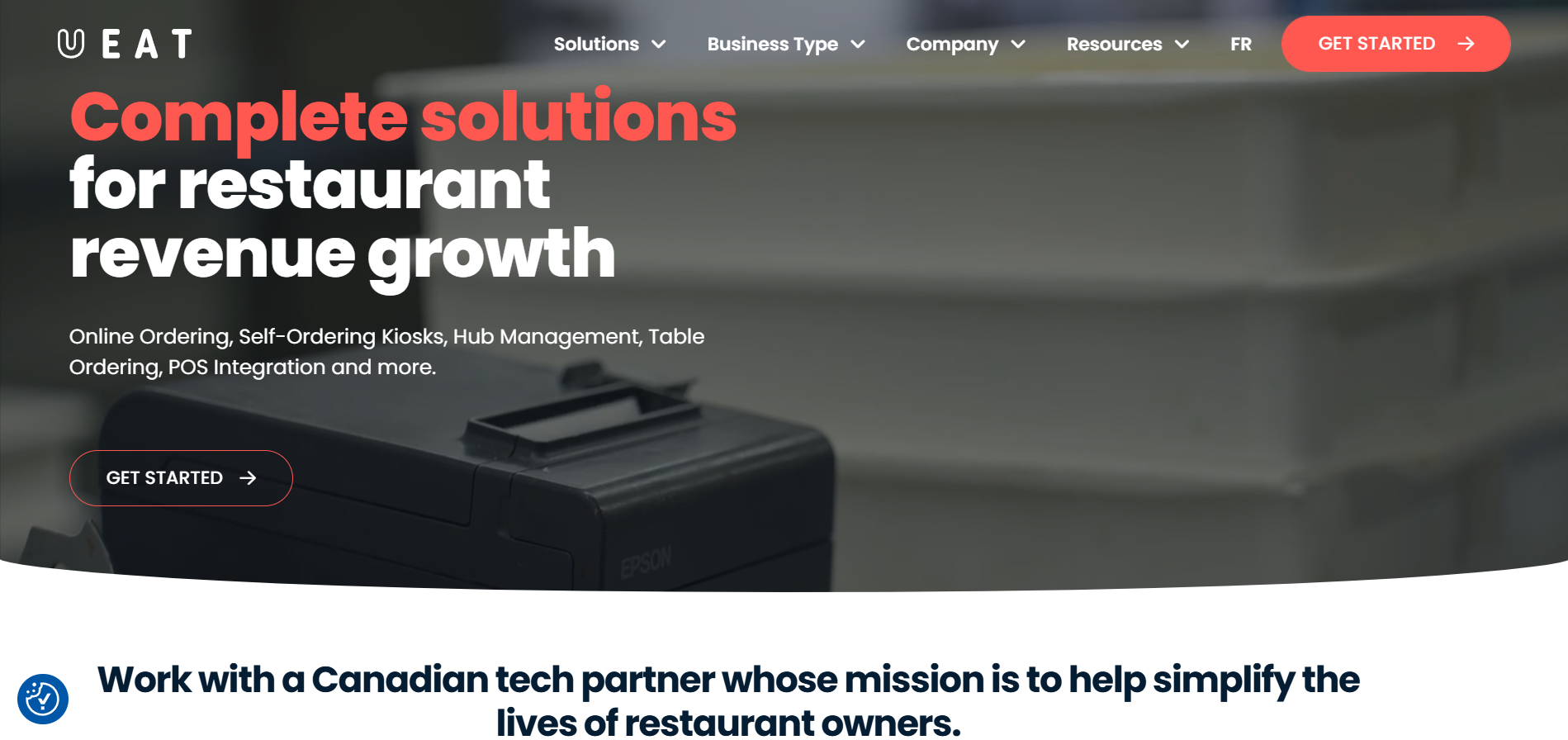
UEAT provides ordering and operational tools that help restaurants manage digital sales channels such as online ordering, kiosks, and table ordering while maintaining POS connectivity.
Operational capabilities that support order flow and revenue channels include:
Online Ordering Platform: Guests place takeout or delivery orders through your digital ordering system, helping you manage curbside pickup and delivery demand during busy service hours.
Self-Ordering Kiosks: In-store kiosks allow guests to place orders directly, reducing counter queues during lunch rush and freeing staff for food preparation and service.
Table Ordering System: Diners can place orders from their table, reducing server back-and-forth during peak dine-in periods and speeding up order entry.
Cons
Multiple Systems To Manage: Kiosks, ordering tools, and integrations may require coordination across several systems during busy service periods.
Operational Setup Required: Implementing kiosks, ordering flows, and integrations may require additional configuration before daily operations run smoothly.
Feature Scope Varies By Restaurant: Some tools may be more useful for larger operations or chains managing multiple ordering channels.
Owner helps restaurants grow direct online sales by combining branded websites, online ordering, and automated marketing tools that encourage repeat customer engagement.
Operational capabilities designed to support direct digital sales include:
Branded Restaurant Website: Your restaurant receives a dedicated website optimized for search traffic, helping guests discover your restaurant directly instead of relying on marketplace listings.
Online Ordering System: Guests place orders through your restaurant’s own digital ordering flow, helping capture direct orders instead of redirecting customers to external platforms.
Branded Mobile App: Customers download your restaurant’s mobile app to order and collect loyalty points, increasing repeat visits from regular guests who order frequently.
Cons
Marketing Focused Platform: Core functionality centers on online marketing and ordering growth rather than deeper operational tools for dine-in service management.
Operational Workflow Limited: Restaurants may still rely on separate systems for reservations, table operations, or kitchen coordination.
Digital Growth Dependency: Benefits depend heavily on consistent online traffic and customer adoption of direct ordering channels.
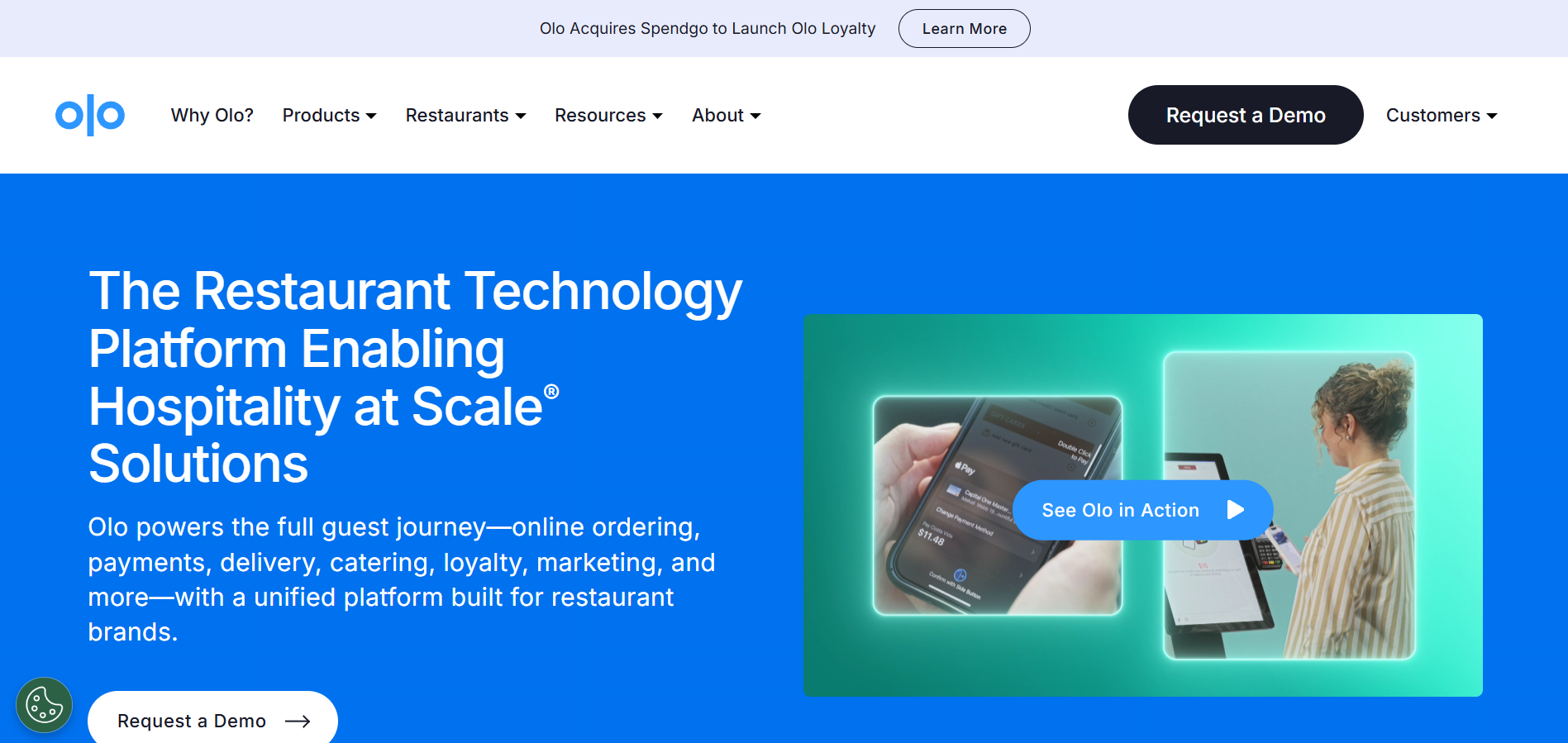
Olo provides a unified platform that manages digital ordering, delivery workflows, payments, loyalty, and guest data across multiple locations for large restaurant brands.
Operational capabilities that support digital ordering and guest engagement include:
Digital Ordering Infrastructure: Guests place orders through your website, mobile app, or kiosks, helping capture direct orders while reducing manual phone order entry.
Integrated Delivery Management: Direct and marketplace delivery orders flow through one system, helping staff manage delivery demand without juggling multiple tablets during rush hours.
Catering Order Workflows: Built-in catering controls help manage large pre-orders, menus, and scheduling without interrupting regular kitchen operations.
Cons
Enterprise-Focused Platform: The system is primarily designed for large restaurant brands and chains operating multiple locations.
Complex Implementation: Integrating ordering, delivery, payments, and marketing tools may require significant setup and technical coordination.
Higher Operational Scope: Smaller independent restaurants may not require the full platform capabilities offered.
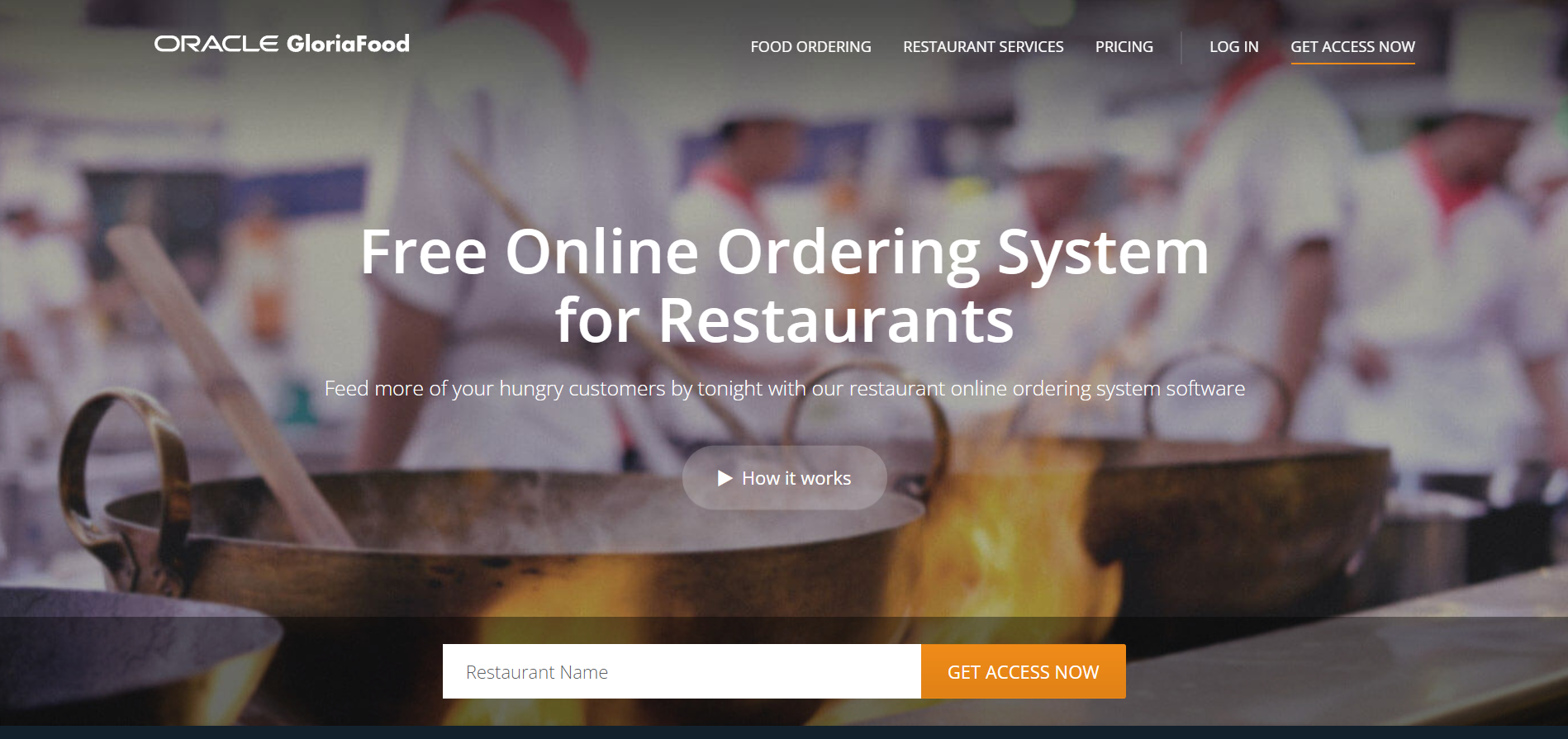
Oracle GloriaFood provides a free online ordering platform that allows restaurants to accept website, social media, and table orders while managing reservations and basic marketing.
Operational capabilities that support digital ordering and reservation management include:
Website Ordering Widgets: Add “See Menu & Order” buttons to your website so guests can place orders directly instead of calling during busy service periods.
QR Code Menu Ordering: Guests scan QR codes to view menus and place orders from their phones, reducing wait times when servers handle multiple tables.
Table Reservation Deposits: Require reservation deposits to reduce no-shows and protect revenue during high-demand dining periods.
Cons
Limited Operational Depth: The platform focuses mainly on online ordering and reservations rather than full restaurant operations or workflow management.
Basic Marketing Capabilities: Advanced guest segmentation and campaign control may require additional marketing tools.
Manual Order Oversight: Staff often confirm incoming orders through the app, which may require attention during peak service periods.
Shipday helps restaurants manage delivery operations using driver tracking, route automation, and delivery analytics while coordinating both in-house and third-party drivers from one system.
Operational capabilities that support delivery coordination include:
Delivery Dispatch Automation: Assign delivery orders automatically to available drivers, helping reduce manual dispatch decisions during peak delivery windows.
Real-Time Driver Tracking: Track driver locations live so staff can answer guest delivery questions quickly instead of calling drivers during busy service periods.
Multi-Driver Management: Coordinate both in-house drivers and external delivery partners through one dashboard without juggling separate delivery platforms.
Cons
Delivery-Focused Platform: Core functionality centers on delivery logistics rather than full restaurant ordering, marketing, or guest engagement systems.
Operational Integration Required: Restaurants may still rely on separate tools for ordering, POS, and guest marketing.
Driver Coordination Needed: Delivery efficiency depends on maintaining driver availability and dispatch management during busy periods.
Salesforce provides a cloud-based CRM platform that centralizes customer data, marketing activity, service interactions, and sales pipelines into one unified system.
Operational capabilities relevant to customer segmentation and marketing management include:
Unified Customer Database: Guest interactions, marketing campaigns, and service records live in one system, helping teams track engagement instead of juggling spreadsheets and disconnected tools.
Campaign and Marketing Management: Marketing teams can run targeted campaigns based on customer activity, helping businesses respond to customer behavior rather than sending generic promotions.
Cross-Department Visibility: Sales, service, and marketing teams access the same customer data, reducing information gaps when responding to inquiries or follow-ups.
Cons
Complex Implementation: Setup and customization often require technical configuration and training before teams can use the system effectively.
Enterprise-Level Scope: Many features are designed for larger organizations managing complex customer pipelines.
Operational Overhead: Restaurants may still require separate systems for ordering, POS management, and delivery coordination.
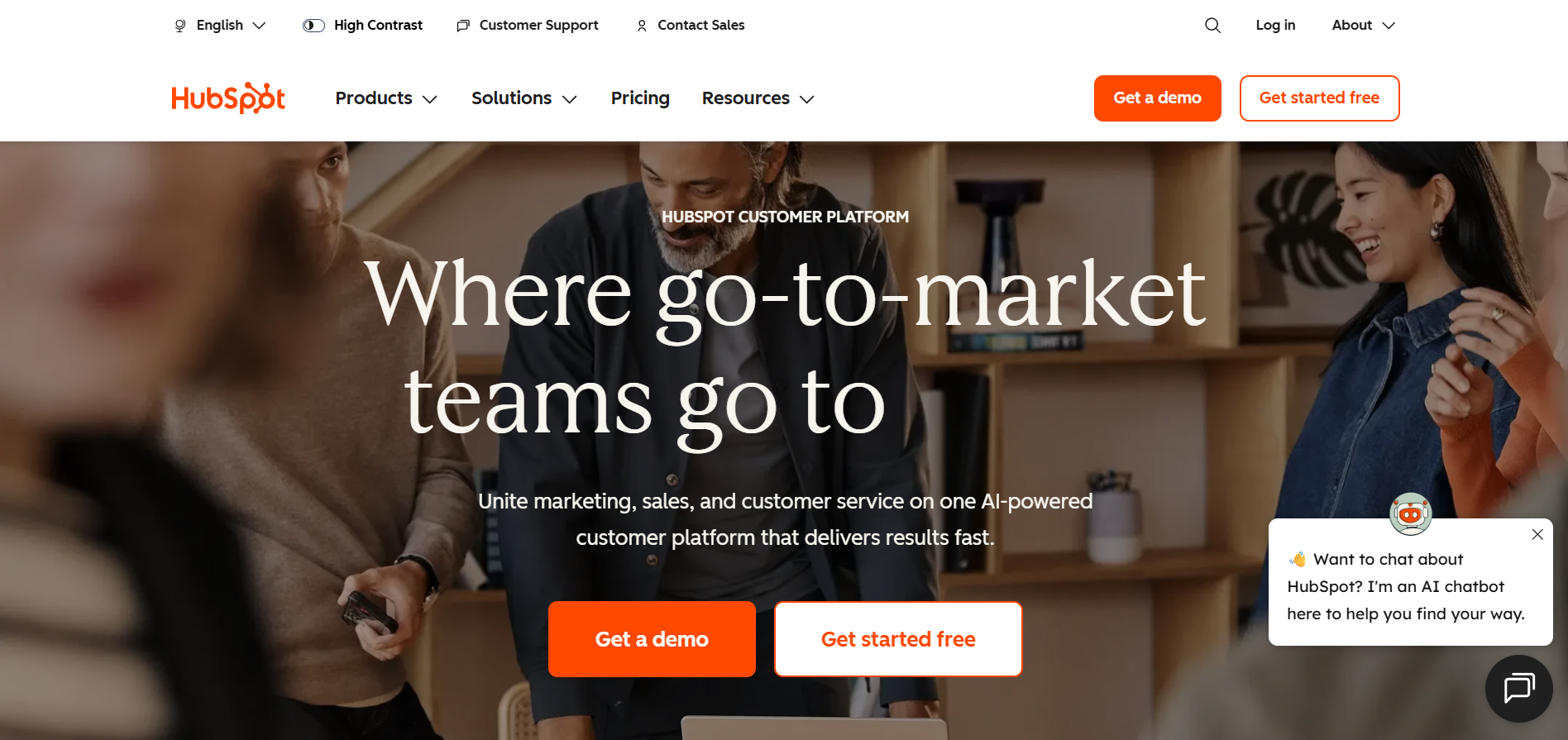
HubSpot provides a customer platform that connects marketing, sales, and customer service tools with a centralized CRM to manage customer relationships and engagement.
Operational capabilities that support customer data management and marketing include:
Centralized Smart CRM: Customer activity, contact data, and marketing interactions live in one database, reducing scattered spreadsheets and disconnected campaign tools.
Marketing Campaign Management: Teams run targeted campaigns, track engagement, and monitor campaign performance from one system instead of separate marketing platforms.
Customer Service Tracking:Service teams manage inquiries and support requests while maintaining full visibility into previous interactions and customer history.
Integrated Data Platform: Data from different tools connects into a unified system, helping teams analyze customer behavior and engagement patterns.
Cons
General Business Platform: Built for broad industries rather than restaurant-specific operations such as ordering or delivery management.
Complex Setup For Restaurants: Restaurants may need integrations to connect ordering, POS, or reservation systems.
Operational Tools Missing: Day-to-day restaurant workflows like kitchen coordination or order routing require additional systems.
When segmentation tools align with your ordering systems and guest data, you gain clearer customer insights, better campaign timing, and more predictable repeat revenue.
How Restaurants Use Segmentation to Increase Revenue
Customer segmentation turns raw guest data into practical actions that increase visit frequency, spending, and retention. When you organize guests by real ordering behavior, you stop running blanket promotions and start responding to patterns that already exist in your restaurant.
For example, a diner who orders takeout every Friday behaves differently from a weekday lunch regular. Segmentation helps you recognize those differences and act at the right time.
Revenue growth usually comes from a few operational segmentation practices.
Protect High-Value Guests: RFM analysis identifies guests who visit often and spend more. You can offer loyalty perks to protect repeat revenue rather than discounting to everyone.
Upsell Based On Order History: A guest who regularly orders veggie burgers can receive a targeted offer for a new plant-based appetizer instead of unrelated promotions.
Trigger Lifecycle Campaigns: Automated flows send birthday offers, anniversary rewards, or “we miss you” emails to guests who have not visited recently.
Convert Channel Behavior: Guests who order online regularly can receive dine-in incentives, encouraging them to visit during slower service windows.
Optimize Menu And Operations: Purchase patterns show which items different segments prefer, helping you adjust menu placement, pricing windows, and inventory planning.
When segmentation reflects real guest behavior, promotions become controlled, retention improves, and revenue grows without relying on constant discounting.
How to Choose the Right Customer Segmentation Software
Choosing segmentation software should make your daily operations clearer, not more complicated. The right system helps you see how guests order across dine-in, pickup, and delivery without jumping between reports.
Focus on tools that help your team recognize patterns quickly and turn them into practical actions:
1. Define Clear Revenue Goals: If repeat visits matter most, choose software that tracks visit frequency and alerts you when a regular guest stops ordering.
2. Verify POS and Ordering Integrations: Segments only work when orders flow automatically from POS and online ordering. Manual exports break visibility and slow down marketing decisions.
3. Evaluate Customer Profile Depth: Strong profiles show order history, preferences, and visit timing so staff can recognize returning guests even during rush hours.
4. Prioritize Automation Workflows: Automated birthday rewards, loyalty milestones, or win-back messages keep guest engagement active without adding extra work for your team
5. Measure Analytics And Visibility: Clear dashboards reveal top-spending guests, slow segments, and location trends so you can adjust promotions, staffing, or menu pricing confidently.
When segmentation software fits naturally into your ordering systems, it becomes a daily operational tool instead of another report your team rarely opens.
Final Thoughts
Customer segmentation software helps restaurants move from scattered guest data to clearer operational signals. Instead of guessing which promotions might work, you start seeing patterns in visits, spending behavior, and ordering habits that guide smarter decisions.
Customer segmentation software also supports steadier revenue planning. When you recognize shifts in guest behavior early, you can adjust campaigns, menu visibility, and engagement timing before traffic slows. Platforms like iOrders centralize ordering, marketing, and guest data into one system. This visibility helps your team act on real insights rather than disconnected reports.
Get in touch with us to bring structure to guest data and run more controlled restaurant growth.
FAQs
1. Can customer segmentation software work with restaurant POS data?
Yes. Customer segmentation software can pull order history, visit frequency, and spending data directly from POS systems to build accurate guest segments automatically.
2. Does customer segmentation software help identify slow periods in restaurants?
Yes. By analyzing visit frequency and ordering patterns, customer segmentation software can highlight time slots where guest traffic drops, helping you run targeted promotions.
3. Can customer segmentation software track menu preferences?
Most customer segmentation software analyzes purchase history, allowing restaurants to group guests based on favorite menu items, dietary preferences, or ordering habits.
4. How often should restaurants update segments in customer segmentation software?
Segments should update continuously as new orders and visits occur. Good customer segmentation software refreshes segments automatically based on real-time guest behavior.
5. Can customer segmentation software support multi-location restaurants?
Yes. Customer segmentation software can compare guest behavior across different locations, helping operators identify patterns and replicate successful campaigns system-wide.






.png)


