
January 6, 2026
Running a restaurant in Canada means handling payments across dine-in, pickup, and delivery without slowing service or frustrating guests. Many restaurants turn to Square to accept cards, debit, and contactless payments at the counter or online. Its growing adoption reflects how often owners need a payment system that is easy to set up and simple for staff to use.
Still, payments are only one part of how orders move through your restaurant. The tools you choose must support how guests order, how staff process tickets, and how revenue flows across channels.
This guide breaks down how Square works in Canada and what restaurants should consider when evaluating it as part of their payment setup.
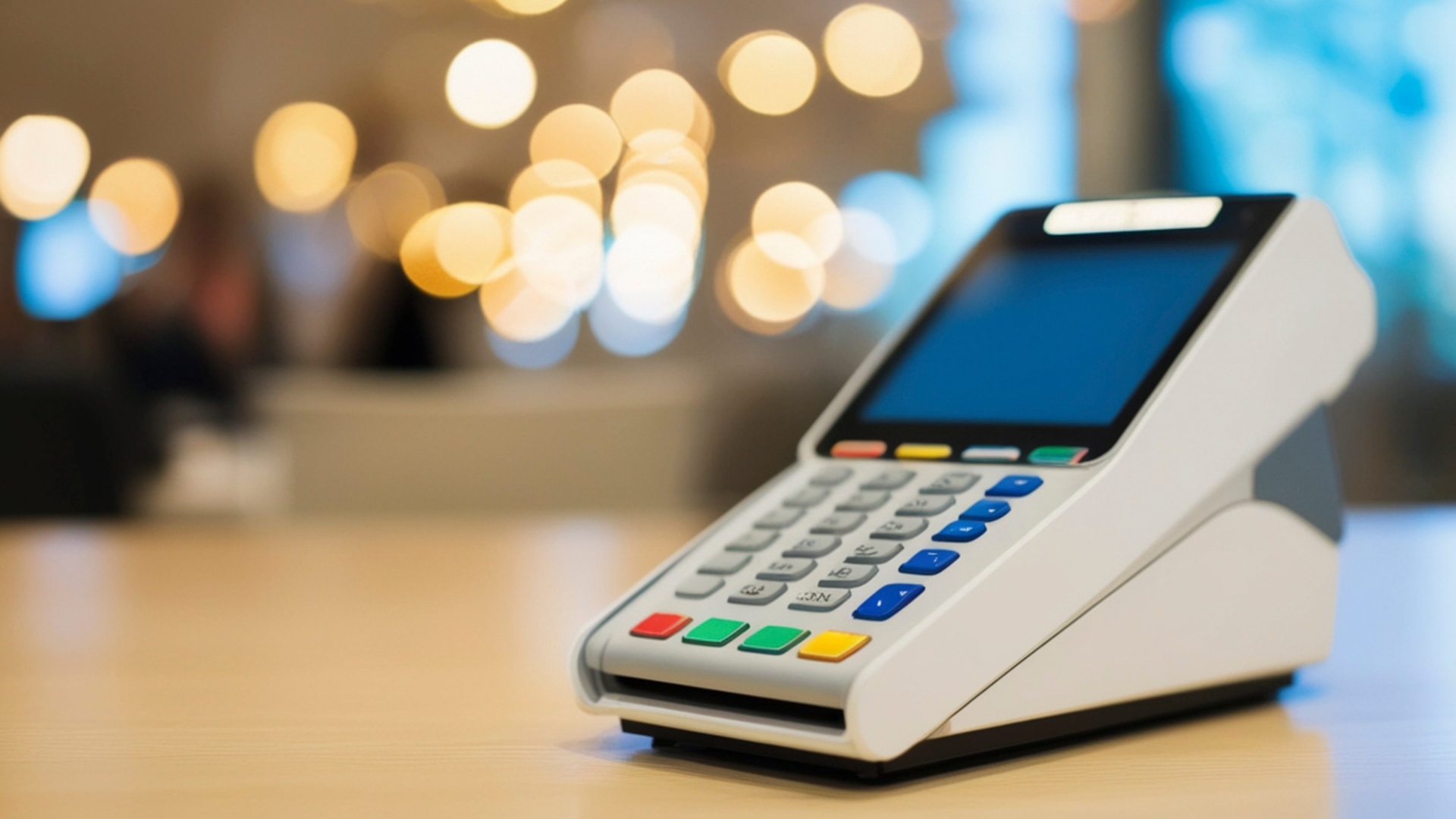
Square is available across Canada and is commonly used by restaurants that need a simple way to accept in-person and online payments. After setup, you can process transactions at the counter, at the table, or online using Square-supported devices and hardware.
Square in Canada supports multiple payment methods that guests expect during everyday service, including:
Restaurants typically use Square in a few common scenarios:
Square’s primary role is payment processing and sales tracking. It helps you collect payments and review transaction data. Now, the next step is looking at the specific features that support day-to-day service across different order types.
Also, check: Square POS Pricing Guide and Hidden Costs.
Restaurants accept payments at multiple points during service. Guests may pay at the counter, at the table, or online before pickup. Square in Canada supports these scenarios by keeping payment handling consistent across channels.
Square offers several payment features that restaurants use during daily service:
Beyond everyday card and online transactions, some restaurant payments follow a different flow, especially when orders are planned in advance or tied to larger bookings.
Recommended: 7 Proven Ways to Improve Guest Experience and Loyalty.
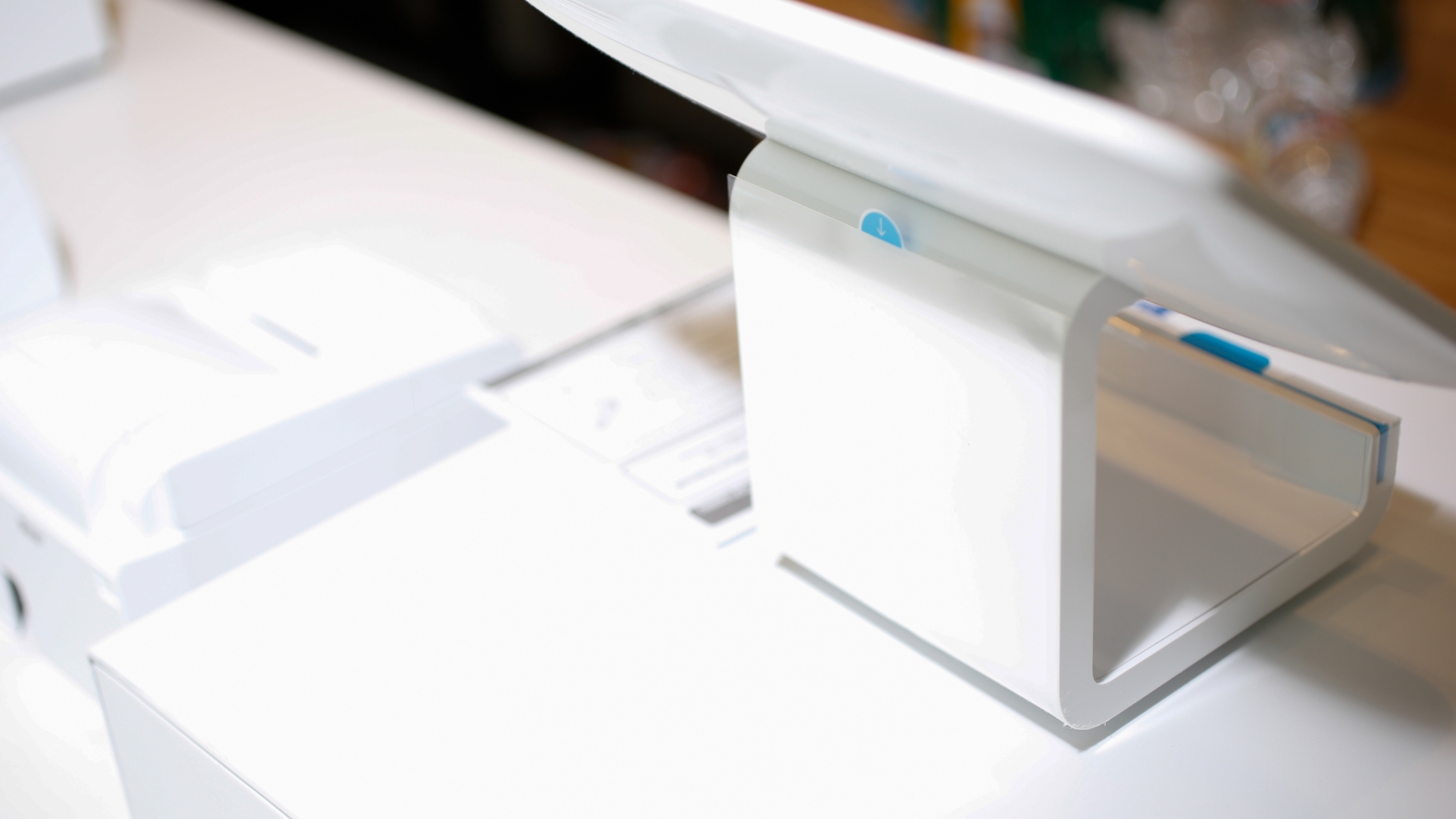
Invoicing serves a focused purpose in restaurant payments and is typically used for planned or larger orders. Restaurants often rely on invoices in situations such as:
Square invoices let you create and send a digital invoice to your customer. The guest can review the charges and pay online using supported payment methods. Once the invoice is paid, the transaction is recorded in your Square sales reports.
Invoicing works well when order details are finalized, and payment timing is flexible. For everyday dine-in, pickup, or delivery orders, real-time ordering systems are more practical.
As payment methods expand beyond simple transactions, restaurants also need visibility into how staff access the system and process payments during daily service.
Also, check our blog for the Top 7 Commission-Free Restaurant Online Ordering Software.
Staff oversight plays a direct role in how smoothly payments are handled during service. Square offers team management tools that help you control access and review transaction activity across shifts.
Key team-related features restaurants commonly use include:
These tools help you monitor front-of-house transactions without constant manual checks. You can review cashier activity, confirm end-of-shift totals, and identify gaps early.
Also Read: 35 Best Restaurant Marketing Ideas for Success.
After setting clear controls for staff and shift activity, the next consideration is how payments are collected when orders are placed outside the dining room.
Many restaurants accept payments before guests arrive. Online payments support takeout, pickup, catering requests, and advance orders placed outside service hours.
Square offers a few online payment options that restaurants commonly use:
These tools focus on payment completion rather than full restaurant ordering. Square processes payments, but restaurants still need a system to take direct online orders without third-party commissions. iOrders provides commission-free online ordering, delivery routing, and customer data control under your brand.
Payment costs affect your margins on every order, especially when volume increases. Square in Canada applies fees based on how payments are accepted, along with optional hardware costs.
Common cost areas restaurants should account for include:
For restaurants with steady traffic, payment fees add up quickly across dine-in, pickup, and delivery orders. Reviewing payment reports regularly can help you spot trends and plan pricing or promotions with clearer visibility into transaction costs.
Square works well as a payment solution; however, it cannot replace ordering platforms. To implement this, you can use Square for payments and pair it with iOrders for commission-free online ordering, delivery management, and loyalty programs.
Accepting payments is only one step in the ordering process. Restaurants also need tools that control how orders are placed, delivered, and connected to repeat visits. This is where iOrders fits into a restaurant’s setup.
iOrders helps restaurants manage direct online orders under their own brand, without relying on third-party marketplaces. Orders placed through a restaurant’s website, QR codes, or mobile app flow directly to the kitchen and POS.
Key areas where iOrders supports restaurants include:
Connect with us for a demo to see how it supports your restaurant’s ordering flow
Square in Canada works well for restaurants that need a reliable way to accept in-person and online payments. It supports everyday service needs at the counter, table, and checkout. Still, payments are only one part of how orders move through your restaurant. Owners need to think about how guests place orders, how delivery is handled, and how customer information is retained after the sale.
Restaurants that rely only on payment tools often add extra systems as online orders grow. Pairing a payment solution with a dedicated ordering platform creates a clearer workflow and stronger control over revenue. iOrders helps restaurants take direct online orders, manage delivery, and build repeat business without third-party commissions.
Get a demo and see how iOrders fits alongside your payment setup.
1. Does Square in Canada support multi-location restaurants?
Yes. Square allows you to manage multiple locations under one account, with separate sales reports and staff access for each location.
2. Can Square be used without an internet connection during service hours?
Square offers offline payment modes for limited periods, but transactions process once connectivity is restored. Offline use has restrictions.
3. Is Square suitable for high-volume restaurants during peak hours?
Square can handle high transaction volume, but performance depends on hardware choice, network stability, and how payments fit into your order flow.
4. Can Square store customer payment details for repeat orders?
Square supports saved payment methods in certain use cases, though customer data access varies by plan and payment type.
5. Can Square replace a restaurant’s online ordering system?
No. Square focuses on payment processing. Restaurants usually need a separate system for direct online ordering, delivery management, and loyalty programs.


