
Book a free demo
Oops! Something went wrong while submitting the form.
May 12, 2026

Did you know that a growing share of fast food customers now prefer placing orders through kiosks, mobile apps, or QR codes instead of waiting at the counter?
This shift goes beyond convenience. It reflects changing expectations around speed, accuracy, and control. For fast food restaurants, it helps manage peak-hour demand, reduce queues, and ease pressure on staff while maintaining consistent service without adding operational complexity.
Self-ordering systems also reduce order errors, improve menu visibility, and create opportunities to increase order value through guided upselling, all while generating useful customer data for smarter decisions.
In this guide, you will understand how a customer self-ordering system in fast food restaurants works, where it creates the most impact, and how it helps you scale operations with greater efficiency and control.
A customer self-ordering system allows customers to place orders independently through digital interfaces instead of relying on staff.
This includes kiosks, mobile ordering, and QR-based systems that connect directly to your kitchen and POS.
The purpose is not just automation. It is to create a structured ordering flow where every order is captured accurately and processed without delay.
In high-volume fast food environments, even small inefficiencies at the counter can create bottlenecks. Self-ordering removes that bottleneck by distributing ordering across multiple touchpoints.
Once the structure of a self-ordering system is clear, the next step is to understand why fast food restaurants are actively shifting toward it.

The shift toward self-ordering in fast food is not just about following trends. It is a direct response to how customer expectations and operational pressures have changed.
Today, customers expect faster service, minimal waiting, and more control over how they order. At the same time, restaurants need to handle higher volumes without increasing costs or complicating operations. Traditional counter-based ordering struggles to meet both needs at scale. This is where self-ordering systems create a clear advantage.
They help restructure how orders are captured and processed, making operations more flexible and less dependent on a single touchpoint like the front counter.
This shift is happening because it solves key operational gaps:
Instead of adding more staff to manage growth, self-ordering systems help you handle demand more efficiently with the resources you already have.
Also Read: How to Make a Digital Restaurant Menu That Drives More Direct Sales.
Now that the reasons behind this shift are clear, let’s take a look at the different types of self-ordering systems available and where each one fits best.
The Restaurant Margin Playbook shows you how to build a direct ordering channel, own your customer relationships, and reclaim the margins delivery platforms are quietly taking.
Download the eBook →.png)
Not every fast food restaurant needs the same setup. The right self-ordering system depends on your order volume, space, and how customers interact with your store. Choosing the right mix helps you improve speed without adding complexity.
To get the most value, you need to understand how each type works and where it fits best within your fast food operations.
Self-order kiosks are touchscreen machines placed inside the restaurant. They are ideal for high-footfall locations where long queues are common.
They allow multiple customers to place orders at the same time, reducing pressure on the counter. Orders go directly to the kitchen, which improves speed and accuracy during peak hours.
Mobile ordering allows customers to place orders through your app or website before they arrive. This reduces waiting time and helps you manage pickup orders more efficiently.
It is especially useful for repeat customers and busy locations where pre-orders can reduce in-store congestion.
QR code ordering lets customers scan a code to access the menu and place orders directly from their phone. This works well for dine-in setups or smaller outlets with limited space for kiosks.
It reduces the need for physical menus or staff assistance while still keeping the ordering process simple.
Hybrid systems combine kiosks, mobile ordering, and counter service. This gives flexibility to handle different customer preferences and varying demand levels.
For example, walk-in customers can use kiosks, while regular customers use mobile ordering. This balance helps maintain speed even during peak hours.
For restaurants with multiple locations, using a consistent system across all outlets ensures smoother operations, easier staff training, and a uniform customer experience.
After understanding the different system types, it becomes easier to see how they directly impact daily operations and overall efficiency.
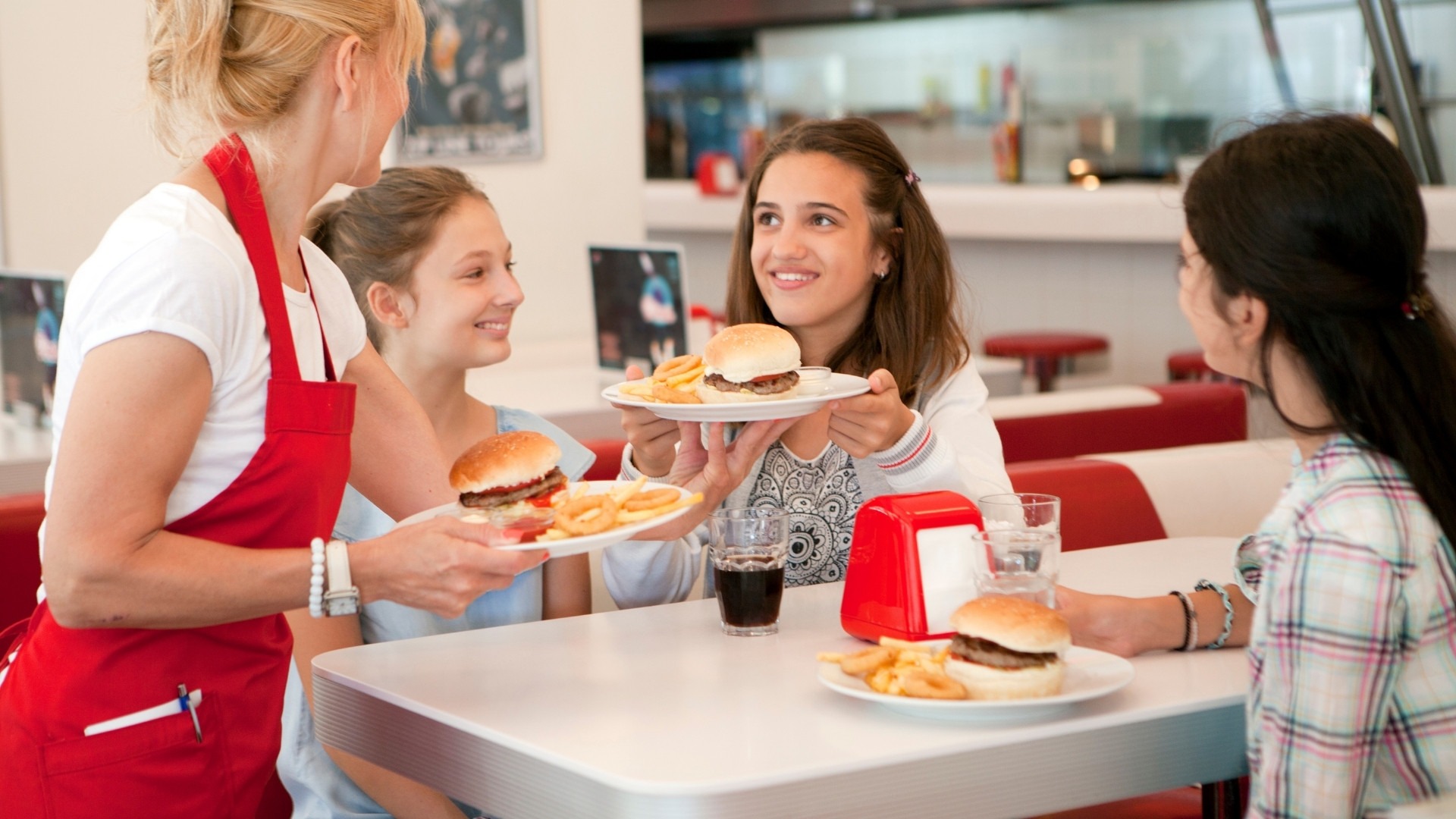
As fast food operations become more demanding, the real challenge is not just handling more orders, but doing it without slowing down service or increasing costs. This is where customer self-ordering systems create a measurable impact.
Instead of improving just one part of the process, they strengthen multiple areas of your operations at the same time. From speed and accuracy to customer experience and labor efficiency, the benefits are interconnected.
To understand this clearly, here are the key ways a customer self-ordering system improves fast food restaurant operations:
One of the biggest operational constraints in fast food is queue buildup during peak hours. With traditional ordering, capacity is limited by how many staff members are available at the counter.
Self-ordering systems remove this limitation by creating multiple parallel ordering channels instead of relying on one or two counters. This increases order intake without adding staff.
The result is:
This directly improves customer experience while increasing revenue potential during high-demand periods.
Order errors often come from miscommunication, especially in fast-paced environments. Self-ordering systems solve this by letting customers select exactly what they want.
Digital menus provide clear options, modifiers, and pricing, while orders go directly to the kitchen without manual re-entry.
This leads to:
Over time, this improves both efficiency and customer trust.
Self-ordering systems are designed to guide customer decisions, not just capture them. Customers are more likely to explore options when ordering digitally compared to quick counter interactions.
This creates opportunities to increase order value through:
These prompts feel natural within the ordering flow, helping increase average order value without relying on staff upselling.
Customer experience in fast food depends on clarity, control, and consistency, not just speed. Self-ordering systems give customers full control over their orders.
They can review options, customize meals, and order at their own pace without pressure. Features like multilingual interfaces and contactless payments make the process more accessible.
This results in:
Importantly, this improved experience works alongside speed, not against it.
Labor is one of the largest cost areas in fast food operations. Self-ordering systems help control this without affecting service quality.
Instead of increasing staff during peak hours, you can manage higher demand with the same team.
This works because:
This is not about reducing staff. It is about using your team more efficiently, leading to better cost control and smoother operations over time.
Once the benefits are clear, the next step is to understand how to implement these systems without disrupting your existing operations.
Introducing a customer self-ordering system is not just a technical upgrade. It is an operational shift that needs to align with how your restaurant functions every day.
If the system does not fit your workflow, it can create delays instead of solving them. That is why the focus should be on integration, simplicity, and adoption, not just installation.
To make the rollout effective, you need to get a few key areas right:
When these elements are aligned, the transition becomes smoother, adoption improves faster, and operations remain stable even during high demand.
Even with the right setup, there are certain operational challenges you need to be aware of before scaling further.
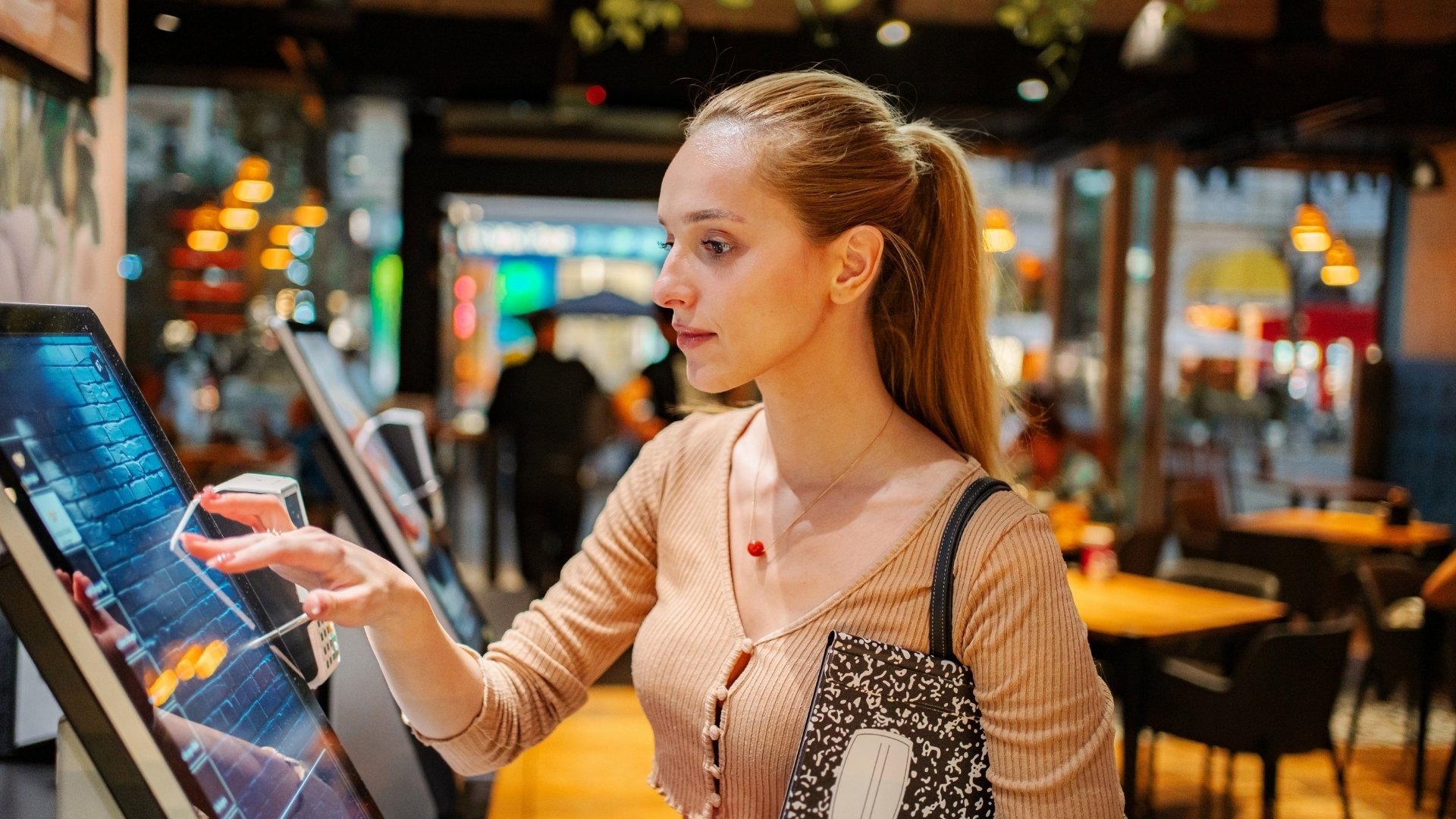
While customer self-ordering systems improve efficiency, they also introduce new operational considerations that many restaurants overlook during implementation.
Understanding these early helps you avoid disruptions and ensures the system delivers long-term value.
Here are key challenges to plan for:
Addressing these challenges early ensures your system supports operations instead of creating new inefficiencies.
After addressing these challenges, it becomes easier to look ahead at how self-ordering systems are evolving and what to expect next.
One major shift is toward AI-driven personalization. Systems can now analyze past orders and suggest relevant items, making the ordering process quicker while increasing the likelihood of higher-value purchases.
Another key trend is dynamic demand-based optimization. Restaurants can adjust offers, combos, or pricing based on real-time demand patterns, helping balance peak loads and improve sales during slower periods.
From a business standpoint, the return on investment comes from consistent, measurable improvements across operations:
Interfaces are also changing. Voice-assisted ordering and simplified mobile experiences are reducing friction, especially in high-speed environments where every second matters. At the same time, tighter integration with kitchen systems is improving preparation flow, reducing delays between order placement and fulfillment.
Over time, these gains compound. What starts as a speed improvement becomes a structured system that supports predictable operations, better cost control, and scalable growth.
Managing self-ordering across multiple channels can quickly become complex without a centralized system. This is where platforms like iOrders play a critical role.
iOrders helps as a restaurant-specific direct ordering platform that helps restaurants accept commission-free orders through owned digital channels.
With iOrders, you can:
Restaurants handle preparation and fulfillment, while iOrders manages order flow, routing, and system integration in the background. This allows you to scale your self-ordering setup while keeping full control over operations, margins, and customer data.
Book a demo with iOrders to see how you can simplify operations and serve more customers.
.webp)
1. How does a customer self-ordering system work in a fast food restaurant?
Customers browse a digital menu, customize items, and place orders through kiosks, mobile apps, or QR codes, which are sent directly to the kitchen or POS.
2. Why are fast food restaurants shifting to self-ordering systems?
They help handle high demand, reduce queues, improve order accuracy, and lower reliance on front counter staff.
3. Can a customer self-ordering system reduce labor costs in fast food restaurants?
Yes, it reduces the need for order-taking roles and allows staff to focus on preparation and service, improving efficiency.
5. How do self-ordering systems improve order accuracy in fast food restaurants?
Customers input their own orders, which removes miscommunication and ensures correct customization and item selection.
6. Do customer self-ordering systems help increase sales in fast food restaurants?
Yes, they encourage upsells through add-ons and combo suggestions, which increases average order value.
7. Are customer self-ordering systems suitable for small fast food restaurants?
Yes, they help smaller restaurants manage peak demand, reduce manual work, and maintain consistent service with limited staff.


