
March 5, 2026
Dinner rush hits, and your team starts switching between tablets, POS screens, and ringing phones. Tickets stack up. Modifiers get missed. A delivery driver waits while staff rechecks an order.
The issue is not demand. The issue is fragmentation. Your ordering, payments, and customer data live in separate systems that do not communicate. That disconnect costs time, accuracy, and margin every single shift.
When restaurants decide to automate food ordering, they are not chasing technology trends. They are fixing service gaps, removing staff re-entries, and centralizing control across dine-in, pickup, and delivery.
If you are trying to automate food ordering without increasing payroll or adding complexity, you need a structured approach.
In this guide, you will learn where automation protects profit, what it actually costs, and how to implement it without disrupting service.
Restaurant ordering automation uses connected software to capture, route, and process orders without manual entry. Orders move directly from the customer to the POS, kitchen, and payment system through one coordinated workflow.
For example, a guest scans a QR code, places an order from a digital menu, and the system instantly sends the ticket to the kitchen while processing payment and logging the order in the POS. Staff do not need to retype orders or switch between devices.
Operational pressure shows up in predictable areas that affect profitability:
When systems operate in silos, you lose control during peak periods. Automation tightens processes and protects margin without adding operational complexity.
Take control of your orders, centralize your data, and protect your margins with the Best Food Ordering App for Restaurants in 2025.
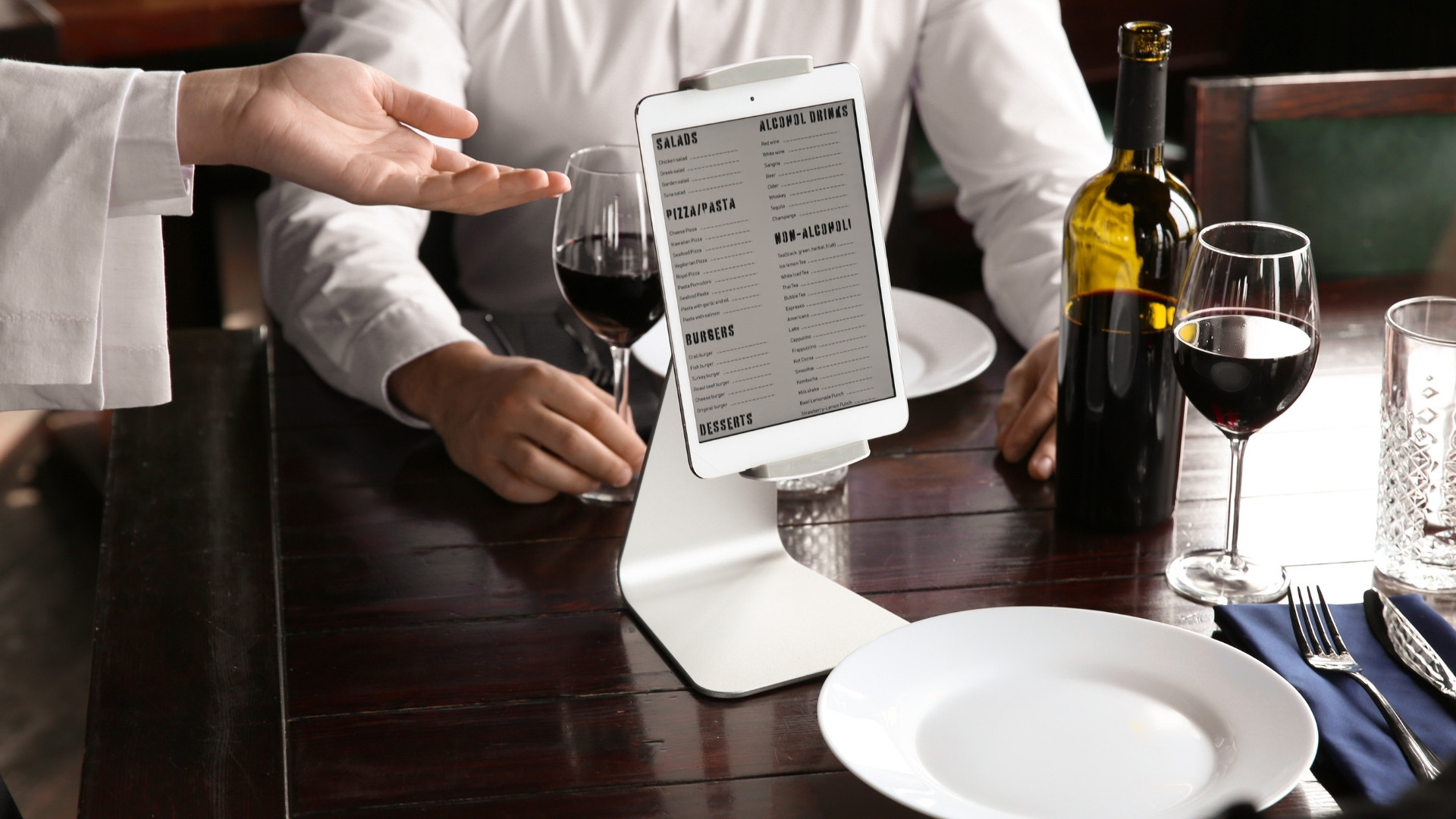
Profitable ordering automation removes duplicate order entry, reduces commission leakage, and centralizes control across dine-in, pickup, and delivery from one system.
Direct ordering shifts revenue from third-party marketplaces to your own branded digital channels.
Operational strength improves when order capture remains under your control:
What changes in your operation: Orders move from fragmented marketplace tablets to your controlled platform, reducing confusion during peak service windows.
Where you gain margin or control: You retain full order value, eliminate commission cuts, and build long-term customer relationships instead of renting them.
Automation becomes profitable when orders flow directly into your POS without re-entry.
Operational consistency depends on removing manual duplication:
What changes in your operation: Staff stops switching between tablets and POS screens, reducing order-entry delays and kitchen confusion.
Where you gain margin or control: You cut voids, remakes, and missed modifiers that quietly erode profit during high-volume periods.
Guest-driven ordering reduces front-of-house strain and improves service speed without adding labor.
Throughput improves when guests control order entry:
What changes in your operation: Order capture shifts closer to the guest, removing bottlenecks at registers and reducing repeated clarifications.
Where you gain margin or control: You increase covers per hour and reduce labor strain without expanding payroll.
Delivery becomes profitable when dispatch operates under your brand without commission exposure.
Control improves when logistics are integrated into one system:
What changes in your operation: Delivery shifts from third-party dependency to controlled dispatch under one dashboard.
Where you gain margin or control: You avoid commission erosion while maintaining service reliability and full customer ownership.
Ordering data becomes profitable when it triggers structured retention and reputation control.
Revenue stability depends on automated follow-through:
What changes in your operation: Marketing moves from reactive promotion to structured automation tied directly to ordering activity.
Where you gain margin or control: You increase repeat frequency and protect reputation without expanding marketing workload.
When ordering flows through one controlled system, service gaps shrink, and margins stabilize. Automation becomes a profit safeguard, not an added layer of complexity.
Learn how an Online Pre-Ordering System for Restaurant Food Delivery can stabilize kitchen flow and protect margins during busy service windows.
Automation works when you implement it in structured steps that protect service flow. A phased rollout prevents POS conflicts, order delays, and staff confusion during high-volume shifts.
Successful automation typically follows 5 controlled steps:
Automation succeeds when each step stabilizes operations before scaling. Structured rollout protects service speed while strengthening long-term margin control.
Turn more website visitors into paying customers by applying these 10 Best Online Ordering Conversion Strategies for Restaurants today.
Profit improvement depends on whether you control digital order flow or invest in physical production hardware. Software automation protects revenue capture and process stability, while robotics focuses on mechanical throughput at higher capital exposure.
Operational differences between digital automation and robotics affect margin, risk, and scalability:
Digital automation strengthens revenue capture and process control across every service channel. Robotics improves throughput, but profitability depends on volume scale and capital capacity.
Long-term stability depends on owning your ordering channels, payment flow, and customer data. With iOrders, you operate through infrastructure designed for restaurant control, not marketplace dependency.
Future-ready infrastructure strengthens control across core operational pillars:
Owned digital infrastructure protects margin and strengthens operational control. When you control ordering, payments, and data, growth becomes predictable instead of commission-dependent.
Choosing to automate food ordering gives you control over how orders are captured, routed, and monetized. It turns fragmented tickets, missed calls, and scattered customer data into one coordinated system that protects margin during every shift.
To automate food ordering effectively, you need infrastructure that connects POS, delivery, loyalty, and payments in one place. iOrders centralizes your order flow, keeps transactions commission-free, and retains full ownership of your guest data. Orders move directly into your POS. Payments settle to your account. Customer insights trigger repeat visits automatically.
Your team focuses on service. The system handles routing, tracking, and retention behind the scenes.
If you are ready to automate food ordering without sacrificing control, book a demo and see how a centralized platform strengthens your margins.
1. Does automating food ordering reduce control over my menu pricing?
No. When you automate food ordering through your own system, you control pricing, modifiers, discounts, and availability across dine-in, pickup, and delivery.
2. Can I automate food ordering without replacing my existing POS?
Yes. Most modern systems integrate directly with your POS, allowing you to automate food ordering while keeping your current hardware and workflows intact.
3. Will automating food ordering disrupt service during busy hours?
Not if implemented correctly. A phased rollout allows you to automate food ordering in controlled shifts before scaling to full service.
4. How does automating food ordering impact customer data ownership?
When you automate food ordering through first-party channels, you retain guest emails, phone numbers, and order history instead of losing them to marketplaces.
5. Is automating food ordering only useful for high-volume restaurants?
No. Independent restaurants benefit by reducing manual entry, missed calls, and commission exposure, even at moderate daily order volume.


