
Book a free demo
Oops! Something went wrong while submitting the form.
March 25, 2026

The dinner rush exposes every weak link in your system. A server hands the kitchen a rushed handwritten ticket while a delivery order arrives on a separate tablet. Someone checks the inventory manually while guests wait for updates. Small delays like these stack up, and mistakes start cutting into your margins.
Restaurant automation software brings these moving parts into one place. Orders, menu updates, customer data, and delivery requests move through a single system your team can rely on. Staff spend less time fixing errors and more time serving guests.
This guide explains how restaurant automation software works, where restaurants use it most, and how it helps protect your margins each day.
Restaurant automation software connects the digital tools your restaurant uses to manage orders, kitchen tickets, delivery, and customer communication. Instead of relying on manual entry, the system links ordering channels, POS systems, and customer data into one connected workflow.
When these systems work together, orders move automatically from placement to preparation and delivery. This reduces manual tasks, improves order accuracy, and helps the kitchen and front-of-house teams work from the same information.
A typical automated order flow looks like this:
Guest places an order online → the POS creates a ticket → the kitchen prepares the order → delivery is dispatched → the customer receives updates.
Restaurant automation software comes in many forms. Some platforms focus on POS systems, while others specialize in online ordering, delivery coordination, or guest management.
Choosing the right tool depends on how your restaurant runs its service. The platforms below help restaurants automate orders, manage guest interactions, and handle daily tasks more efficiently.
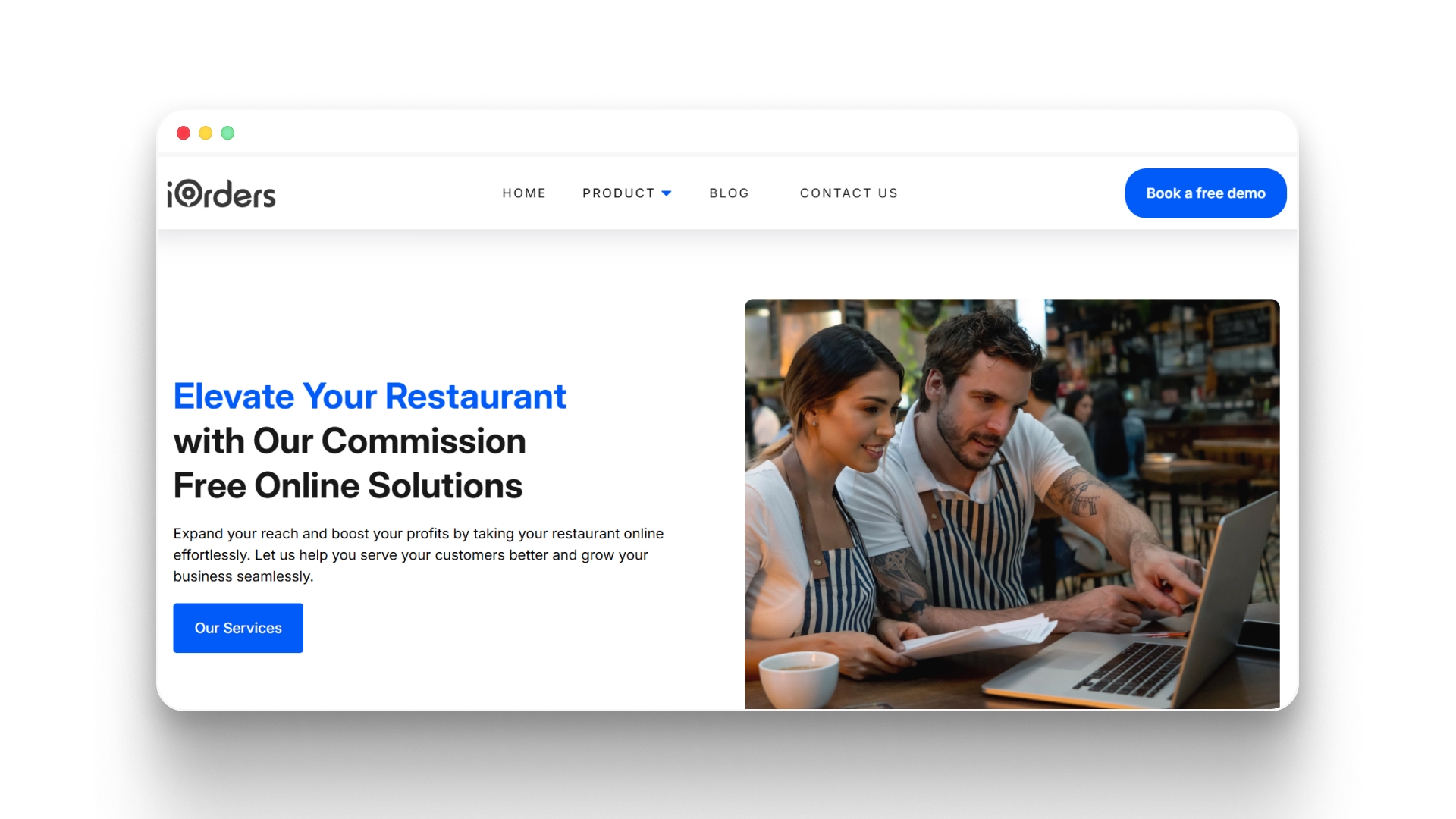
iOrders provides a digital ordering platform designed for restaurants that want to move away from high-commission marketplaces. The system connects ordering, delivery coordination, and customer engagement tools into one platform, allowing restaurants to manage orders and guest communication from a single dashboard.
Key Features:
Best for: Restaurants that want commission-free online ordering and direct control over delivery, customer data, and marketing.

Toast offers a cloud-based point-of-sale system designed specifically for restaurant environments. Many restaurants use it to automate payment processing, kitchen communication, and reporting through one integrated POS platform.
Key Features:
Best for: Restaurants that want POS-centered automation.

Olo focuses on digital ordering infrastructure for large restaurant chains. The platform connects restaurant websites and mobile apps to ordering and delivery systems used by national brands.
Key Features:
Best for: Enterprise restaurant brands managing high volumes of digital orders.
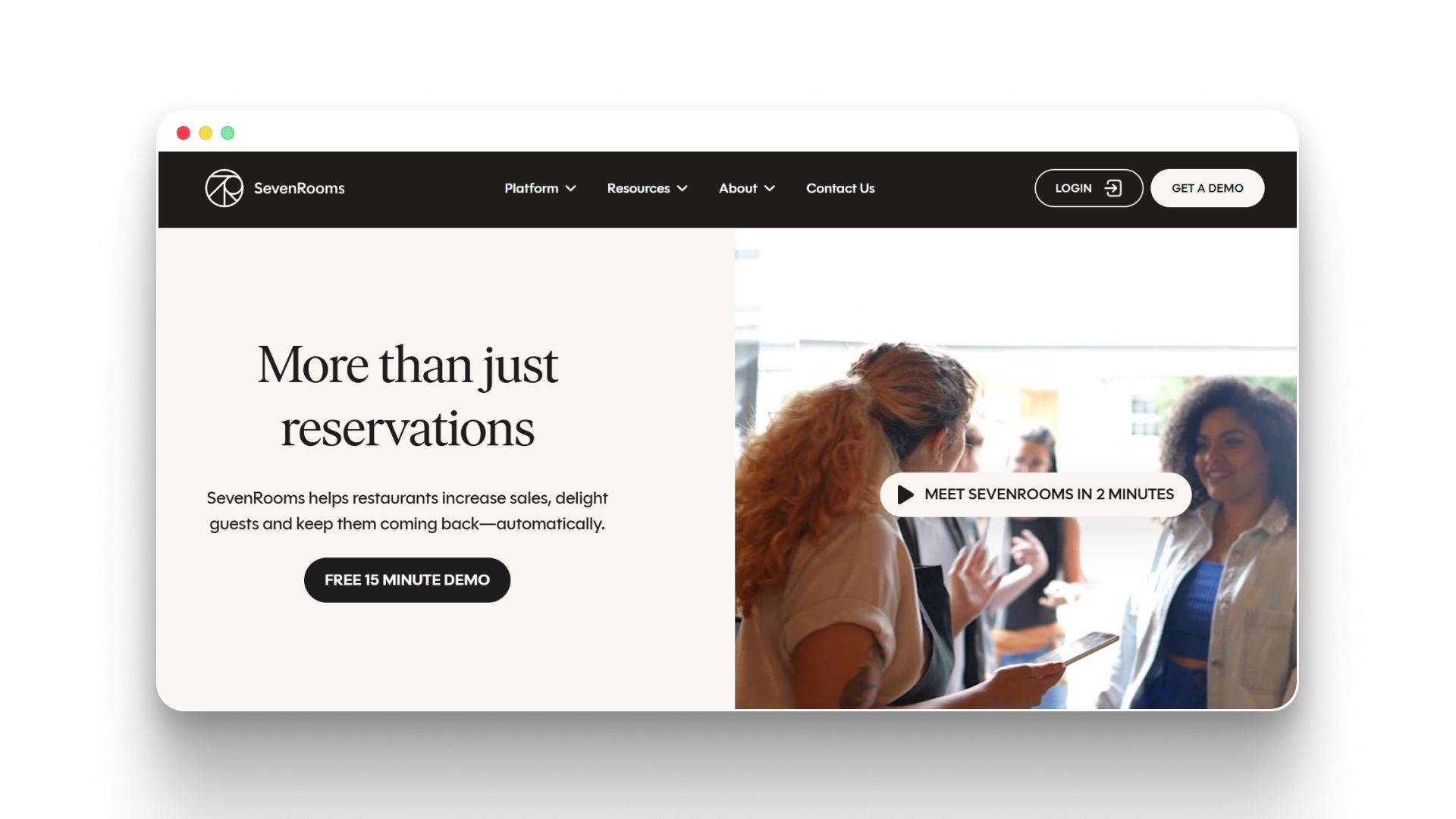
SevenRooms is a guest experience and reservation management platform used by restaurants and hospitality groups. It helps restaurants organize reservation data while tracking guest preferences and visit history.
Key Features:
Best for: Restaurants that want to manage reservations and guest relationships.

GloriaFood provides online ordering systems that restaurants can add to their websites. The platform focuses on helping restaurants accept pickup and delivery orders without requiring a complex setup.
Key Features:
Best for: Smaller restaurants looking for simple online ordering tools.

Chowly focuses on connecting third-party delivery platforms with restaurant POS systems. Instead of entering marketplace orders manually, restaurants can route them directly into their POS.
Key Features:
Best for: Restaurants that manage orders from multiple delivery marketplaces.
Each platform offers different strengths depending on how your restaurant manages orders, delivery, and guest communication. Before choosing, it helps to understand what changes once automation is in place and where it impacts your margins the most.

Margins in a restaurant are affected by what happens during service. A missed modifier, a delayed order, or a forgotten follow-up all add up over a shift. Restaurant automation software reduces these gaps by keeping orders, customer data, and communication consistent.
Key benefits include:
To understand where these benefits come from, it helps to look at the tasks restaurants commonly automate.
During a shift, orders don’t come from one place. A QR order comes in from a table, a delivery request appears on another screen, and a pickup order is placed online. Without a connected system, staff have to pull these together manually.
Restaurant automation software handles this flow in the background, so every step stays aligned. Here’s how that typically works:
Many software platforms help restaurants automate these tasks. The right choice depends on how your restaurant handles orders, delivery, and customer communication.
Not every automation platform fits every restaurant. A quick-service shop with heavy takeout will need different tools than a full-service restaurant managing reservations and delivery. Before selecting a system, it helps to look closely at how orders move through your restaurant each day.
Here are a few practical factors to evaluate:
Choosing software that fits your daily workflow helps ensure automation actually reduces staff workload rather than adding another system to manage.
Restaurant automation works best when it supports the way your team already runs service. Instead of managing separate systems for ordering, delivery, and customer communication, the right platform connects these tasks into one workflow your staff can rely on.
When orders move smoothly from placement to preparation and delivery, teams spend less time fixing errors and more time serving guests.
Platforms like iOrders bring online ordering, delivery coordination, loyalty programs, and marketing tools into one system designed for restaurant operations.
Book a demo today to see how restaurant automation software can simplify your workflow and protect your margins.
1. What types of restaurants benefit most from restaurant automation software?
Restaurant automation software can help many types of operations, including quick-service restaurants, cafes, ghost kitchens, and full-service restaurants. Businesses that handle high volumes of online orders, delivery requests, or repeat customers often benefit the most because automation reduces manual order entry and helps teams manage busy service periods more efficiently.
2. Does restaurant automation software replace restaurant staff?
No. Automation software is designed to handle repetitive administrative tasks such as order entry, delivery coordination, and customer messaging. This allows staff to focus more on food preparation, service, and guest experience rather than switching between multiple systems during busy shifts.
3. How long does it take to implement restaurant automation software?
Implementation time depends on the platform and the number of systems being connected. Some solutions can be set up in a few days, especially if they focus on online ordering or delivery coordination. Larger platforms that integrate POS systems, marketing tools, and loyalty programs may take longer to configure.
4. Can restaurant automation software integrate with existing POS systems?
Many automation platforms are designed to connect with popular POS systems used in restaurants. These integrations allow orders from websites, mobile apps, or delivery platforms to enter the POS automatically, which helps reduce manual entry and keeps kitchen tickets accurate.
5. Is restaurant automation software suitable for small restaurants?
Yes. Many automation platforms offer tools that work well for small restaurants, including online ordering systems, menu management, and customer marketing features. These tools help smaller teams handle orders efficiently without needing additional staff or complex systems.
.png)


